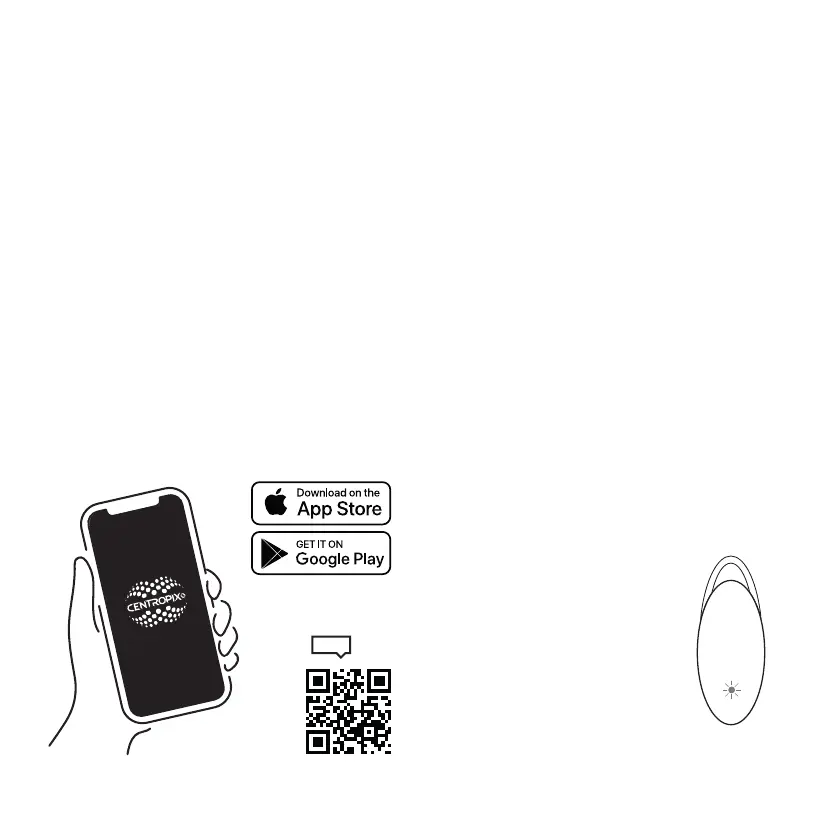
This app gives you full control over your
BUBBLE
2
and allows you to customize it optimally to your
needs. Please follow the further instructions to get
the most out of your
BUBBLE
2
.
Downloading the App:
The CENTROPIX app is available in both the App
Store for iOS devices and the Google Play Store for
Android devices. Simply search for „CENTROPIX“
and download and install the app on your smart-
phone or tablet.
App functions:
You can see how the app works in detail in the
tutorial. Scan the QR code below to do this.
Standard frequencies (Schumann)
The
BUBBLE
2
oers four adjustable standard
frequencies, the so-called Schumann frequencies,
which are included in the purchase price:
7.83 Hz (White LED ashes)
14.10 Hz (Yellow LED ashes)
20.30 Hz (Red LED ashes)
26.40 Hz (Green LED ashes)
To set the Schumann frequencies and their intensity on
your
B
2
, follow these steps:
1. Place the
B
2
on the charging station.
2. Open the CENTROPIX app.
3. Navigate to „Frequency packages“ >
„Schumann frequencies“.
4. Click on the green „Select another frequency“
button at the bottom
5. Select the desired Schumann
frequency and the desired intensity
6. The LED on the back of the
B
2
ashes
once as soon as the new data has
been accepted.
Alternatively, you can also set the
frequency directly in the frequency list.
Now remove the
B
2
from the charging
station. The LED on the back of the
B
2
now ashes in the corresponding „frequency color“.
CENTROPIX APP
CENTROPIX APP
11


 To Next Page