3333
HOW
TO
CHANGE
THE
CONSIGNMENT
TEMPERATU-
RE
UNTIL
THE
NEXT
SLOT
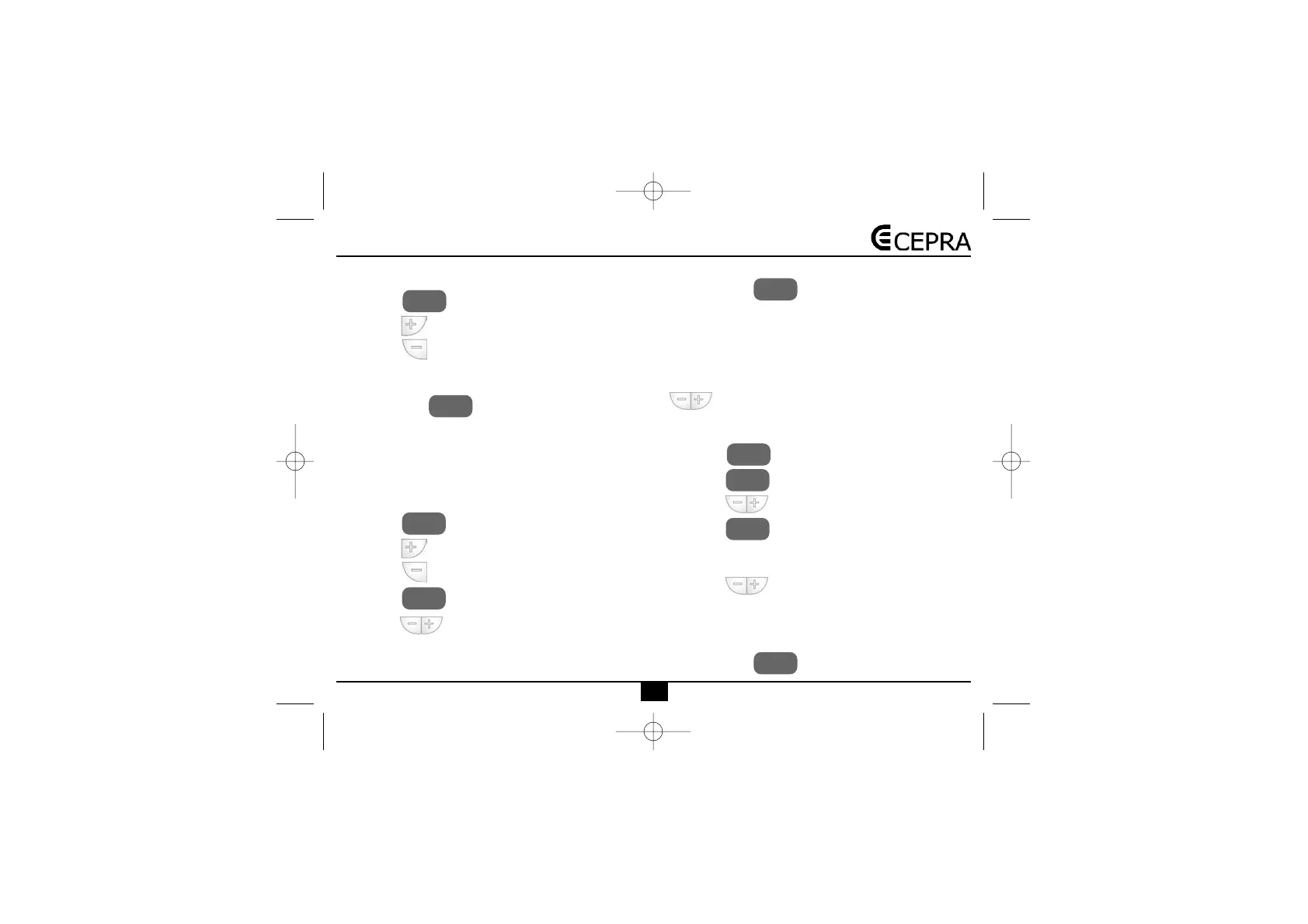
• Press the key to go to the main screen.
• Press the key to increase the consignment value.
• Press the key to decrease the consignment
value.
NOTE: To cancel the temperature manual variation and
then go back to the temperature adjusted by the pro-
gram, press the key.
When a manual variation is done in the consignment
temperature until the next slot, in the screen, alternati-
vely, the time remaining until the next slot is displayed,
and together with the consignment temperature indica-
tion, it displays the word MANUAL.
HOW
TO
CHANGE
THE
CONSIGNMENT
TEMPERATU-
RE DURING A CERTAIN NUMBER OF HOURS
• Press the key to go to the main screen.
• Press the key to increase the consignment value.
• Press the key to decrease the consignment
value.
• Press the key to enter the number of hours.
• With the keys select the number of hours
(from 1 to 9 hours) during which you want
to modify the programming.
NOTE: To cancel the temperature manual variation and
then go back to the temperature adjusted by the pro-
gram, press the key.
When you make a manual variation of the consignment
temperature during a certain number of hours, the scre-
en alternatively displays the time remaining until the next
slot together with a consignment temperature indicator,
and the word COMFORT.
Once in the slot you want to modify, by pressing the
keys you can modify the temperature again as
you want.
HOW
TO
CHANGE
THE
CONSIGNMENT
TEMPERATU-
RE
DURING
A
CERTAIN
NUMBER
OF
DAYS.
• Press the key to go to the main screen.
• Press the key.
• With the keys adjust the desired temperature.
• Press the key during and keep pressing it
during 3 seconds to enter the number of
days in the programming.. The screen displays the
letter "d" and the number of days is flashing.
• With the keys select the number of days
(from 1 to 99 days) during which you want
to modify the programming.
NOTE: To cancel the temperature manual variation and
then go back to the temperature adjusted by the pro-
gram, press the key.
DIA Y
HORA
SET
SET
SET
SET
SET
SET
FIJAR
FIJAR


 To Next Page