3355
• When the key is pressed for the fifth time, the
operating hours of the previous week plus the current
week are displayed on the screen. All of the days of
week will be blinking.
IMPORTANT:
If you keep pressing the key during more than
three seconds, the counters reset to zero.
HOW
TO
DELETE
THE
PROGRAMMING
By pressing the key you will delete all the adjus-
tments entered in the crono-thermostat. When
this happens, the crono-thermostat makes a check-up of
all the segments of the screen, it recovers the default
standard program and the clock displays the 00:00
hours of the Sunday. The screen remains flashing until
you press any key.
HOW
TO
ADJUST
THE
COMMUTATION
DIFFERENTIAL
• Press the key to go to the main screen.
• Pres the key to display the upper limit of the
commutation HI.
• Press the key again to display the lower limit
of the commutation LO.
To modify the adjusted value:
• Press the key. Keep pressing it and press the
key. The screen displays HI and its current
value is flashing.
• With the keys select the new value for the
upper limit HI. (See the equivalency table).
• Press the key again. En la pantalla aparece
LO y su valor actual parpadeando.
• By using the keys select the new value for the
lower limit LO. (See the equivalency table).
• To finish with the adjustment, press the key.
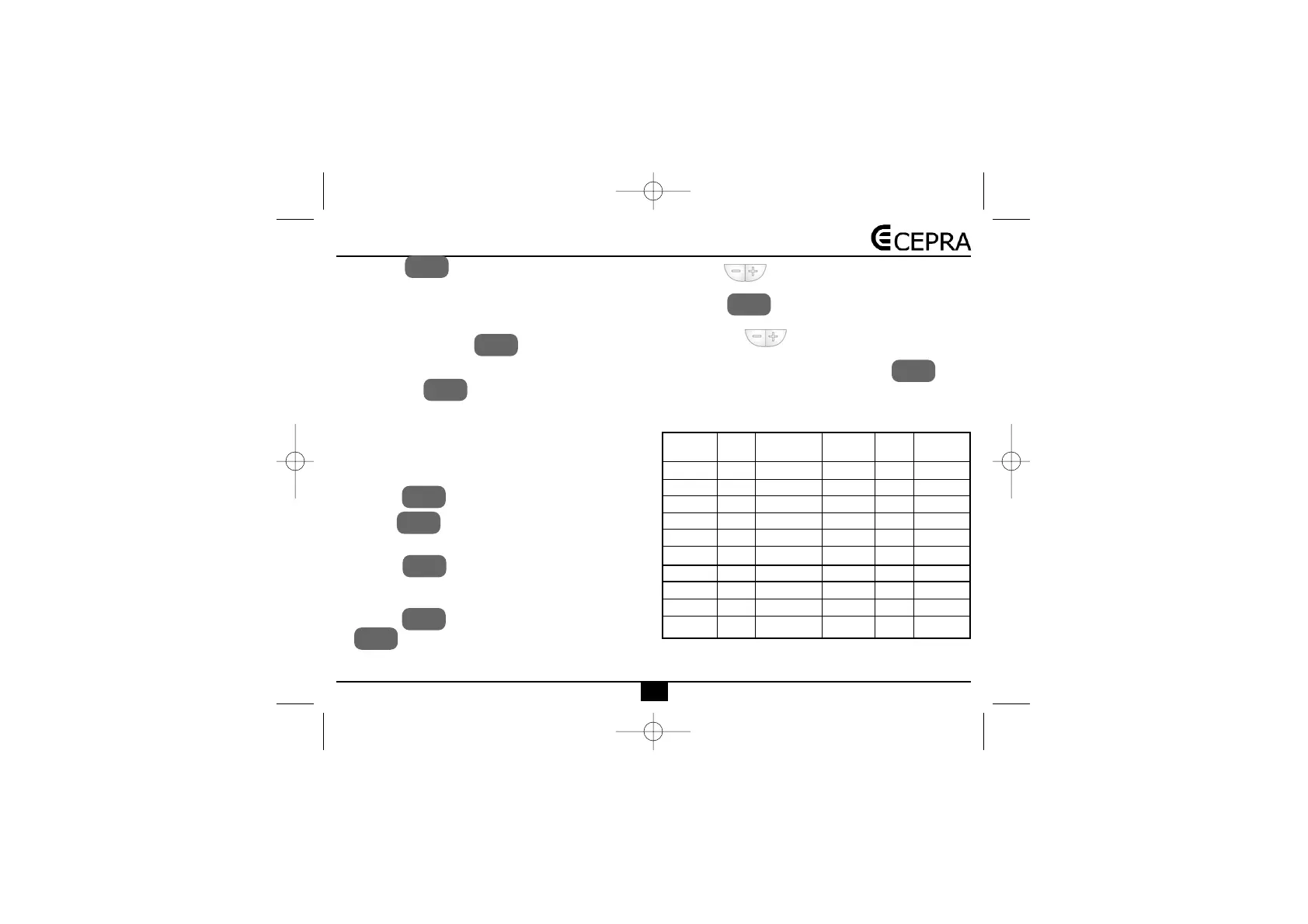
In the following table you will find the equivalency bet-
ween the adjusted values HI and LO and the correspon-
ding temperatures.
SET
SET
SET
TIEMPO
FUNC.
TIEMPO
FUNC.
TEMP
INTERV
TEMP
INTERV
TEMP
INTERV
TEMP
INTERV
BORRAR
NOTE: The minimum commutation differential is 0,5K.
0
-0,5
-1,0
-1,5
-2,0
-2,5
-3,0
-3,5
-4,0
-4,5
0
+0,5
+1,0
+1,5
+2,0
+2,5
+3,0
+3,5
+4,0
+4,5
0
-1
-2
-3
-4
-5
-6
-7
-8
-9
Lo 0
Lo 1
Lo 2
Lo 3
Lo 4
Lo 5
Lo 6
Lo 7
Lo 8
Lo 9
Hi 0
Hi 1
Hi 2
Hi 3
Hi 4
Hi 5
Hi 6
Hi 7
Hi 8
Hi 9
Equiva-
lence
Lower
limit
Upper
limit
Value
0
+1
+2
+3
+4
+5
+6
+7
+8
+9
Value
Equiva-
lence


 To Next Page