Chronothermostat 5300
3300
INSTRUCTIONS
IMPORTANT
Congratulations. You have chosen a crono-thermostat
that thanks to its simplicity, will allow you, by properly
adjusting its functions, to make the most of its installation
possibilities.
ADJUSTING
THE
CURRENT
DAY
AND
HOUR
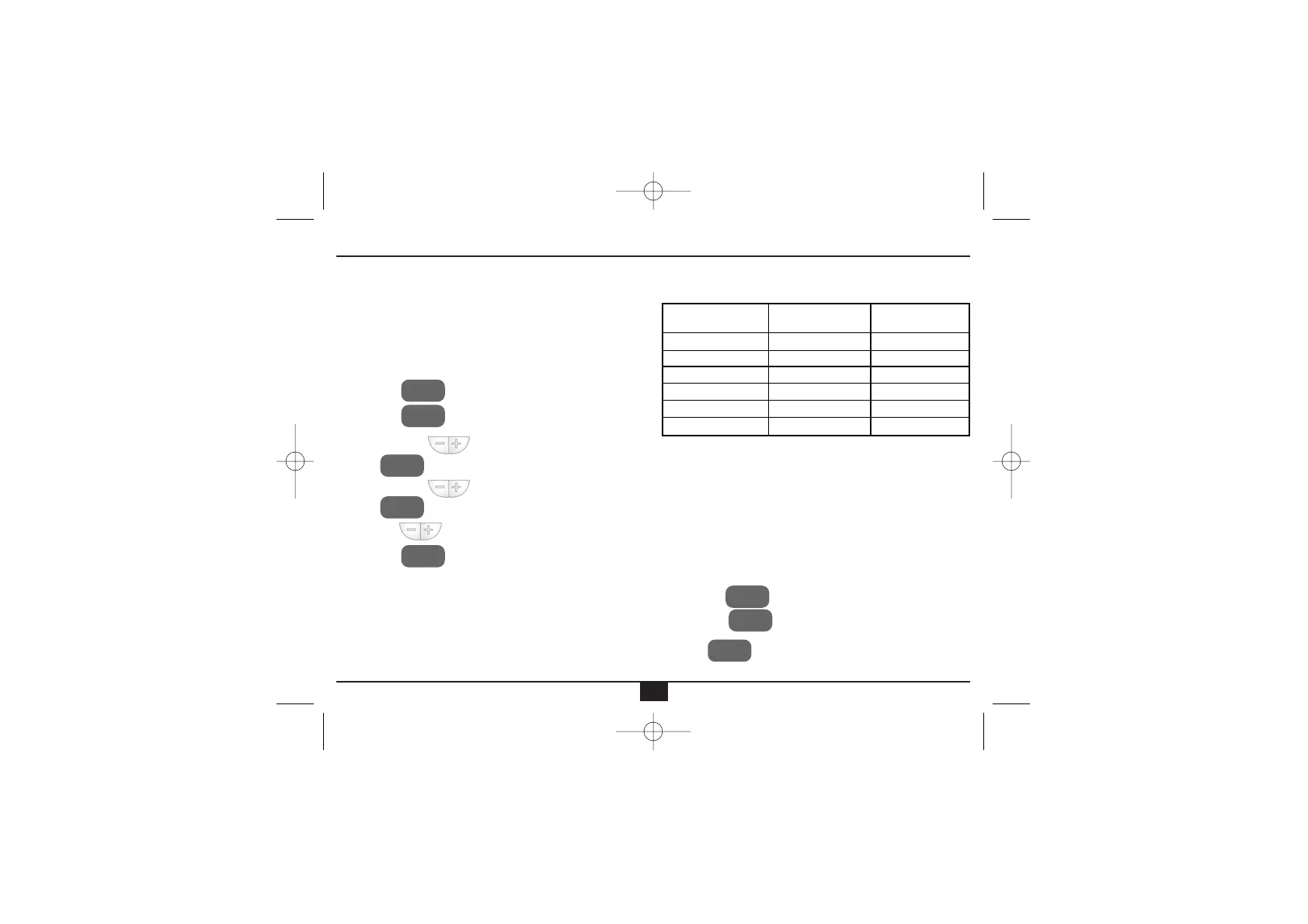
• Press the key to go to the main screen.
• Press the key. The day of the week starts
flashing.
• With the keys adjust the day.
• Press . The hour starts flashing.
• With the keys adjust the hour.
• Press . The minutes start flashing.
• With the keys adjust the minutes.
• Press the key to finish the programming and
go back to the main screen.
PROGRAMMING
In the crono-thermostat CEPRA 5300 you can establish a
daily programming (every day of the week have the
same daily program) or a weekly program (different pro-
grams for each day of the week).
By default, the crono-thermostat has the following daily
programming:
For the CEPRA 5300 to adopt the established program,
it is necessary that the time program is increasingly orde-
red, being the minimum time for the first period P1,
00:00 and the maximum time for the last period P6,
23:50.
The start time of each slot and the consignment tempe-
rature can be modified in the following way.
Daily
programming
(The same programming from Monday to Sunday)
• Press the key to go to the main screen.
• Press the key and keep pressing it, then
press to go to the programming.
DIA Y
HORA
DIA Y
HORA
DIA Y
HORA
SET
SET
SET
SET
PROG
LU-DOM
20ºC
17ºC
20ºC
19ºC
22ºC
17ºC
7:00
9:00
12:30
15:00
17:30
23:00
P1
P2
P3
P4
P5
P6
Slot
Start
time
Consignment
temperature


 To Next Page