40
3. Check before A/S request
41
4. Diagnosis code message
Does the remote control turn on?
Q: Is the power switch (located at the side of the product) turned on?
A: Turn on the power switch.
Q: Is the power cord connected properly?
A: Connect the power cord again.
Q: Is the remote control connected properly?
A: Connect the remote control again.
The 3-sphere projector and the abdominal vibration
projector do not operate.
Q: Are the 3-sphere projector and the abdominal vibration projector connected properly?
A: Connect the 3-sphere projector and the abdominal vibration projector properly.
Is the product malfunctioning?
Q: Can you move the internal projectors using the Up/Down key?
A: Internal projectors can be moved using the Up/Down key only in semi-automatic
mode and manual mode.
Q: Can some of the remote control keys be operated?
A: Check the condition of the supporting mat.
Some of the remote control keys cannot be operated if the supporting mat is not
completely opened.
Are error messages displayed on the remote control?
Q: Are the diagnosis code messages displayed on the remote control?
A: After checking the error messages, contact the Customer Support Center.
Never dismantle the product arbitrarily.
Why is the USB not recognized?
Q : Is a sound source in a USB device not playing back?
A : It takes time for the product to recognize a USB device. Check if it is connected correctly,
wait, and try again.
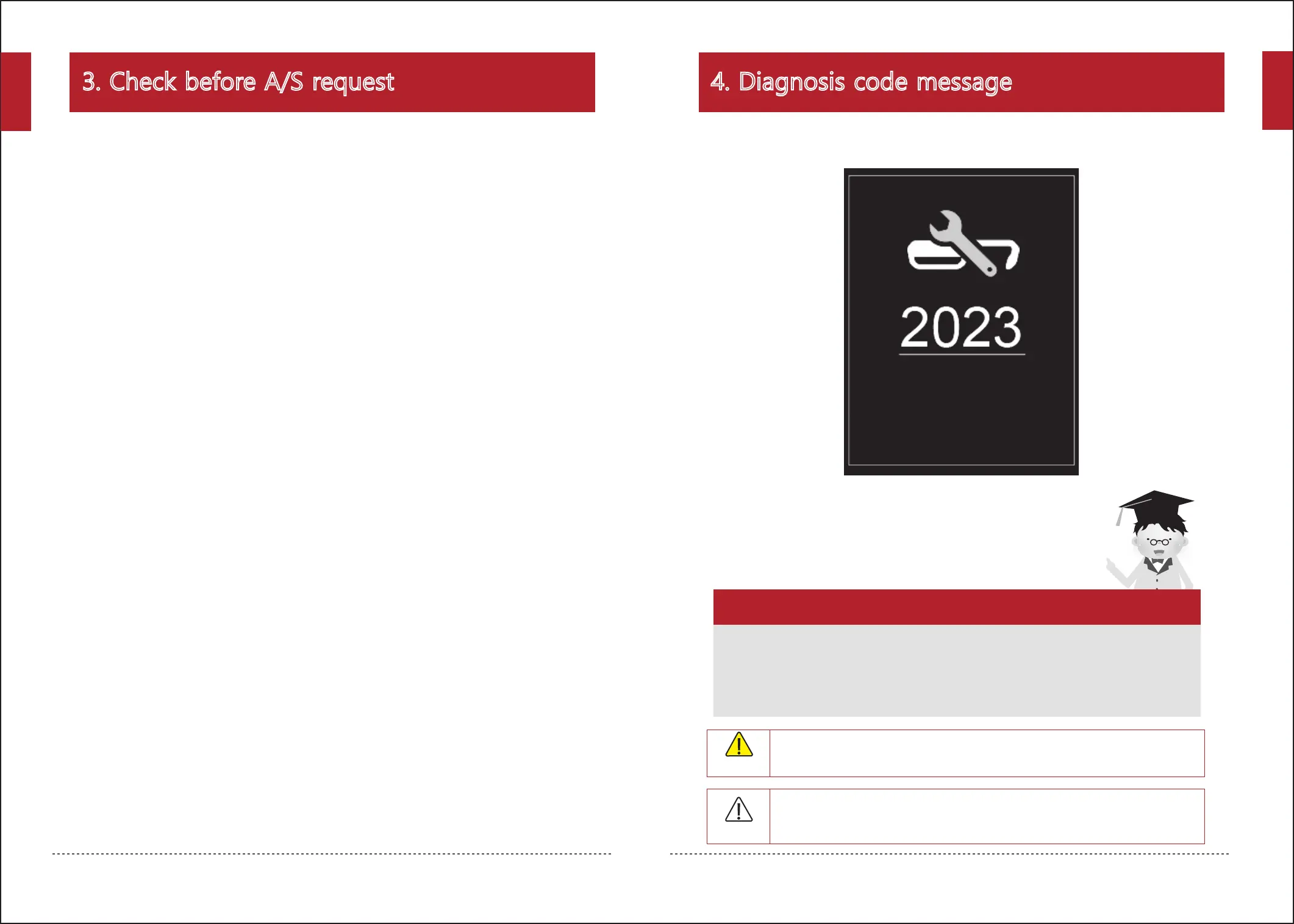
Make sure to note down the 4-digit code and to contact the customer center
in case the following message appears on the remote control
while using the product.
Wait!
Caution
When a diagnosis code message is displayed, check the message and contact the
Customer Service Center.
Notify Ceragem and the competent organization (agency) in case of injury,
accident(re, personal injury, etc.) while using the product.
Danger
English
English


 To Next Page