2.1.1 Store numbers:
Press “STORE” key (submerged under faceplate) to
enter into the setting state of storing keys, and input the
number to store, then press the corresponding speed
dial key to store the numbers.
2.1.2 Call volume control
Press “Volume +” to increase the volume, and “Volume
-“ to decrease the volume.
2.1.3 Hold Function
Hold the current call line.
2.1.4 Redial Function
Redial the number dialed last time.
2.1.5 MWI – Message Waiting Indication
The Red TouchLite key serves as an indicator that
messages are present as well as a speed dial key to
dial in and retrieve those messages. If messages are
present, press the flashing red MWI key to go off-hook
and dial the programmed voicemail number. First,
program the key in the web UI.
2.1.6 Speed Dial Keys
The 3300IP is configured with either 5 (MWD5) or 10
(MWD) speed dial keys, programmable through the
web UI under Advanced -> Memory Key.
.
3. Web browser User Interface to
Configure Phone
Insert one end of net wire to interface of network card of
computer, then insert the other end to LAN interface of
the phone, and set the computer IP on the same net
with the phone IP or make it gets IP automatically. Then
open the IE, input the phone IP address in the address
field, you will enter web setting page of phone 3300IP.
3.1 Login:
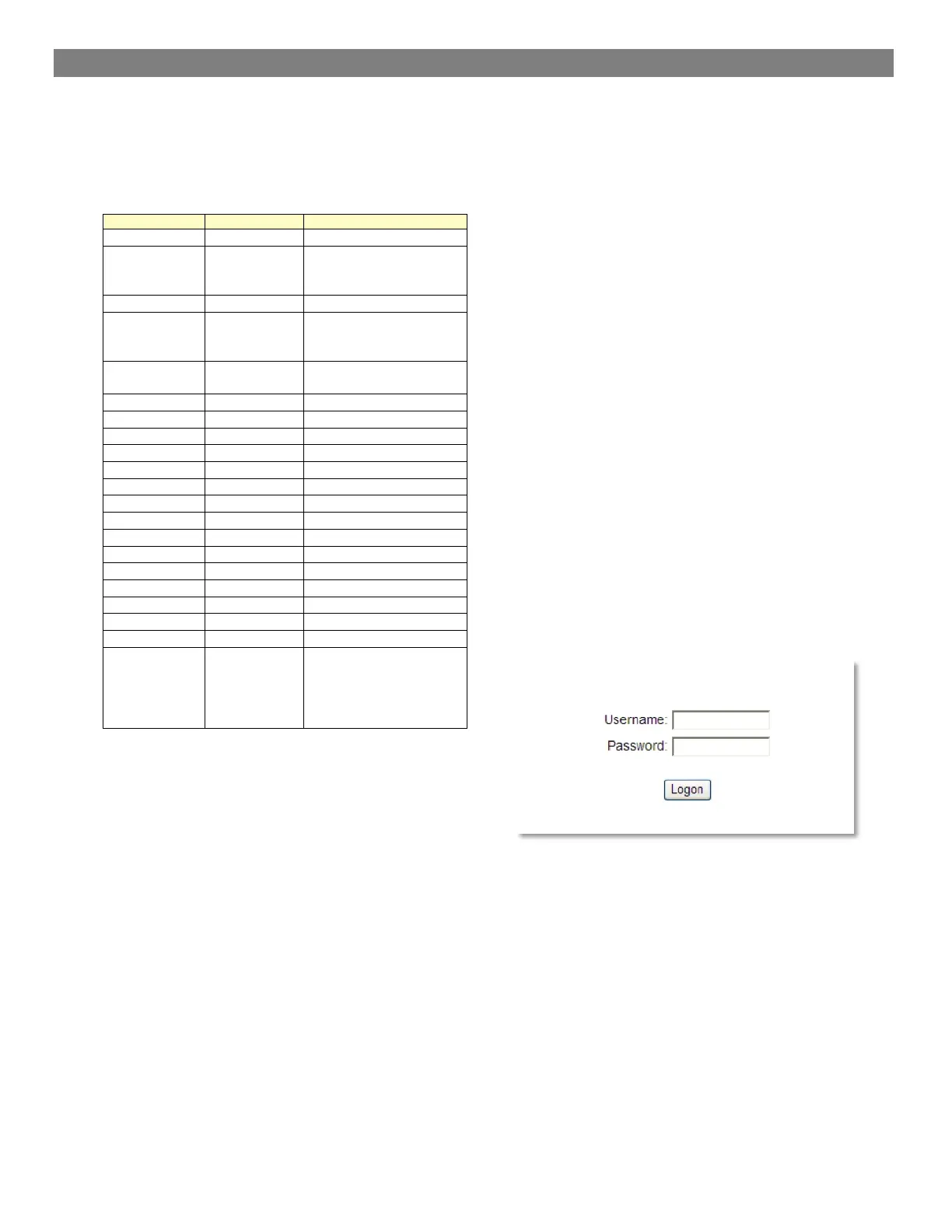
The default user name and password are admin/admin
and guest/guest.


 To Next Page