Starting Up the Printer
Initialization is required every time the
machine is switched on. During initialization,
the print head and the print platform move
slowly and hit the endstops of the XYZ
axes. This is essential as the printer needs
to nd the endpoints to each axis. Other
software options will light up and become
available for use only after initialization.
Initialize
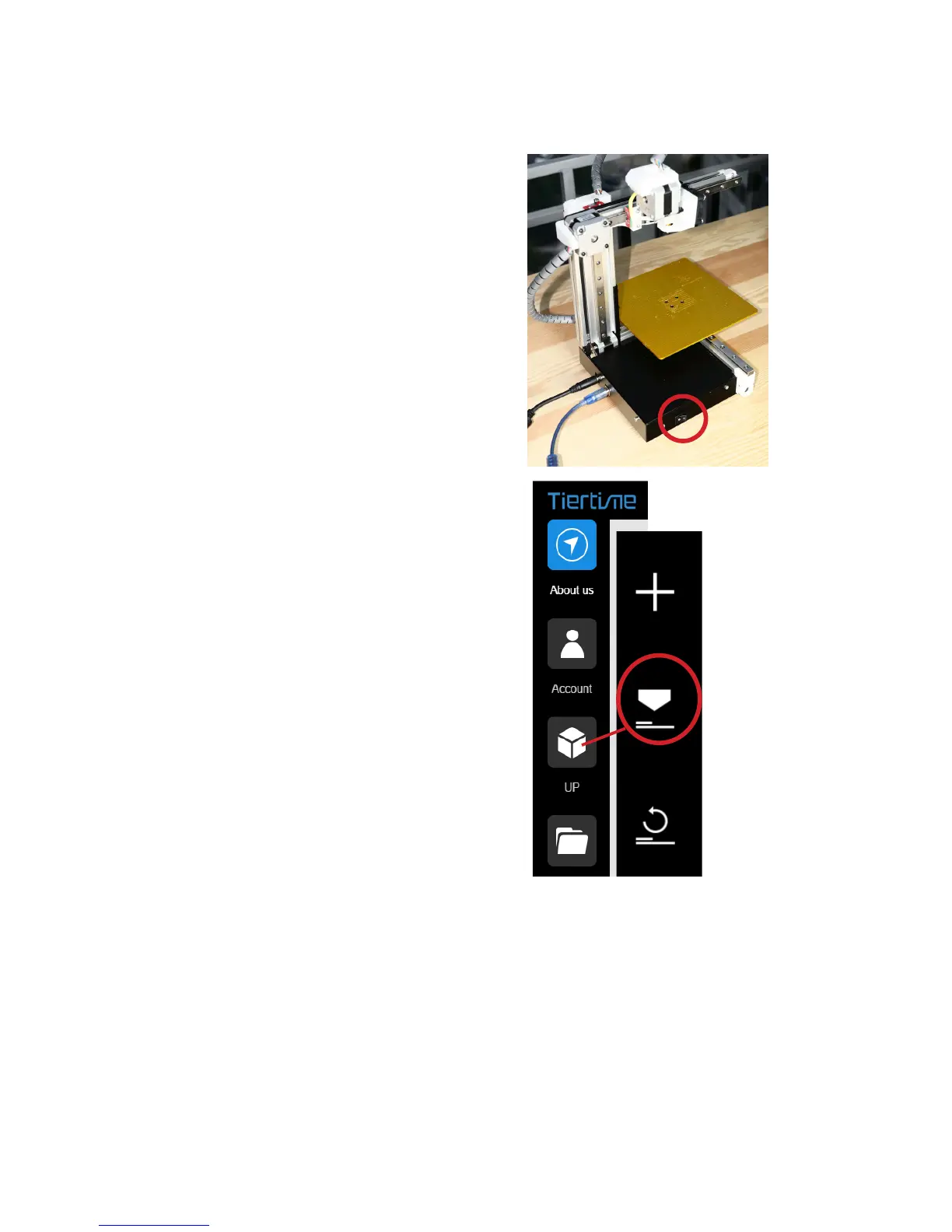
Connect to power and computer as shown
in the photo on the right.
Turn on the machine using the power
switch.
Initialize the machine by clicking the
"Initialize" button in the software menu



 To Next Page