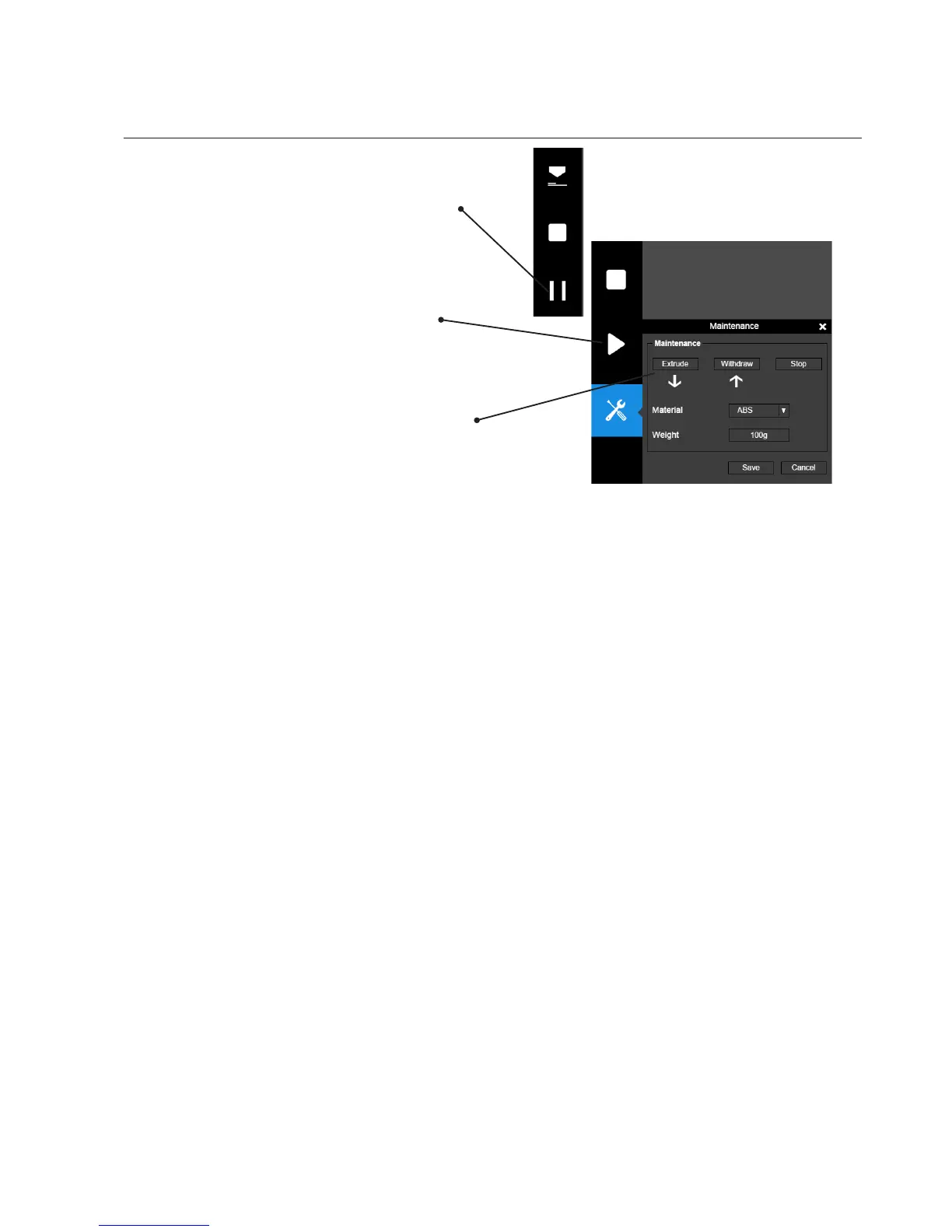
Pausing a Print Job
An on-going print job can be paused by clicking
the "Pause" button on the left hand side menu.
Click the "Resume Print" to resume the paused
print job. Once the print job is paused, the other
buttons on the maintenance interface will be
enabled.
You can change lament using the "Withdraw"
and "Extrude" buttons. At this point user could
even change materials.



 To Next Page