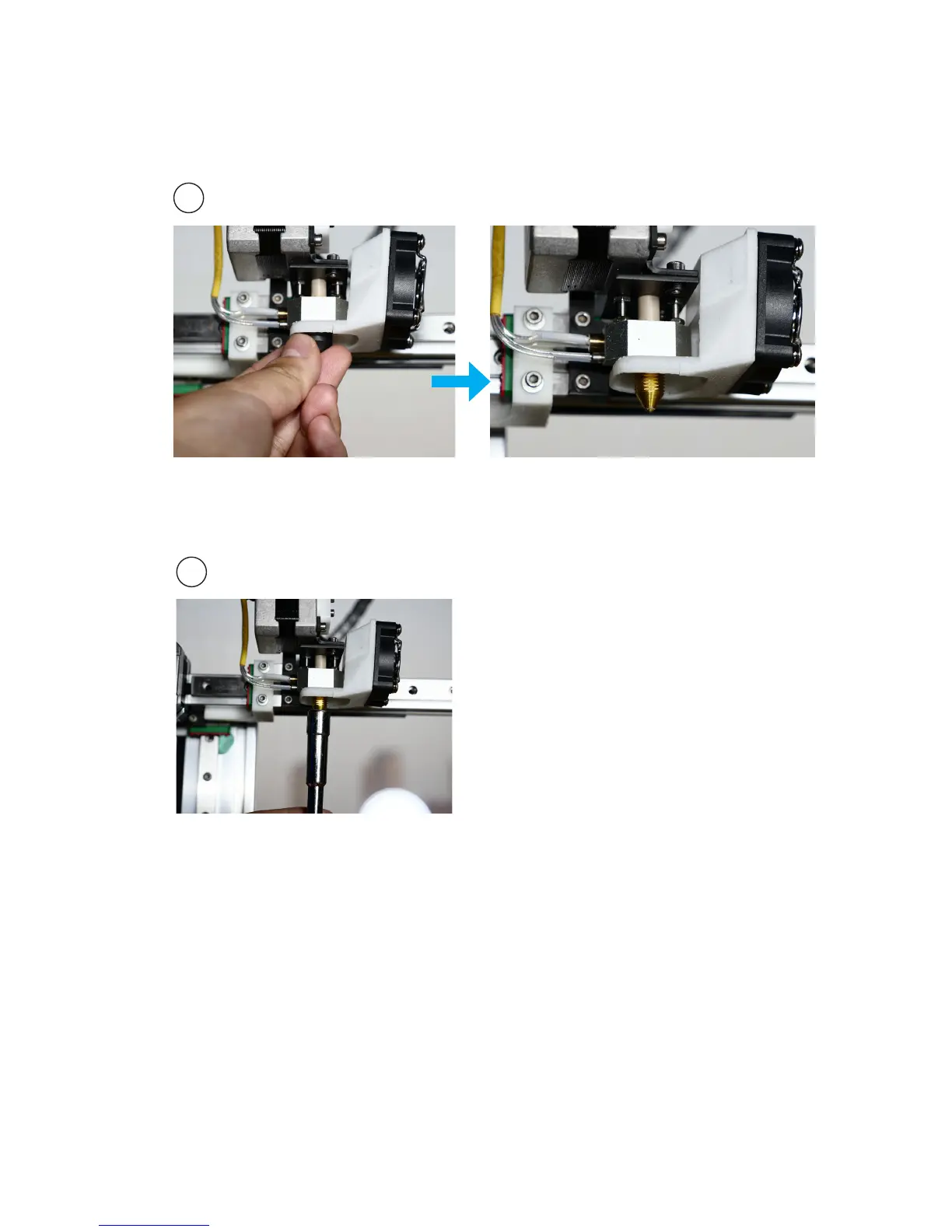
Change nozzle
1
2
While the machien is cold, remove
the peek cap by hand. If cannot
remove by hand, use a plier.
Use the nozzle wrench provided to remove
the nozzle.
When install the new nozzle, just reverse
the previous steps. Install the nozzle using
the wrench, then put on the peek cap by
hand, do not screw the cap too tight.
Please note that 0.05mm and 0.07mm layers are optimized for 0.2mm
diameter nozzles, while 0.6mm nozzle is only for printing layer
thickness of 0.3mm or above



 To Next Page