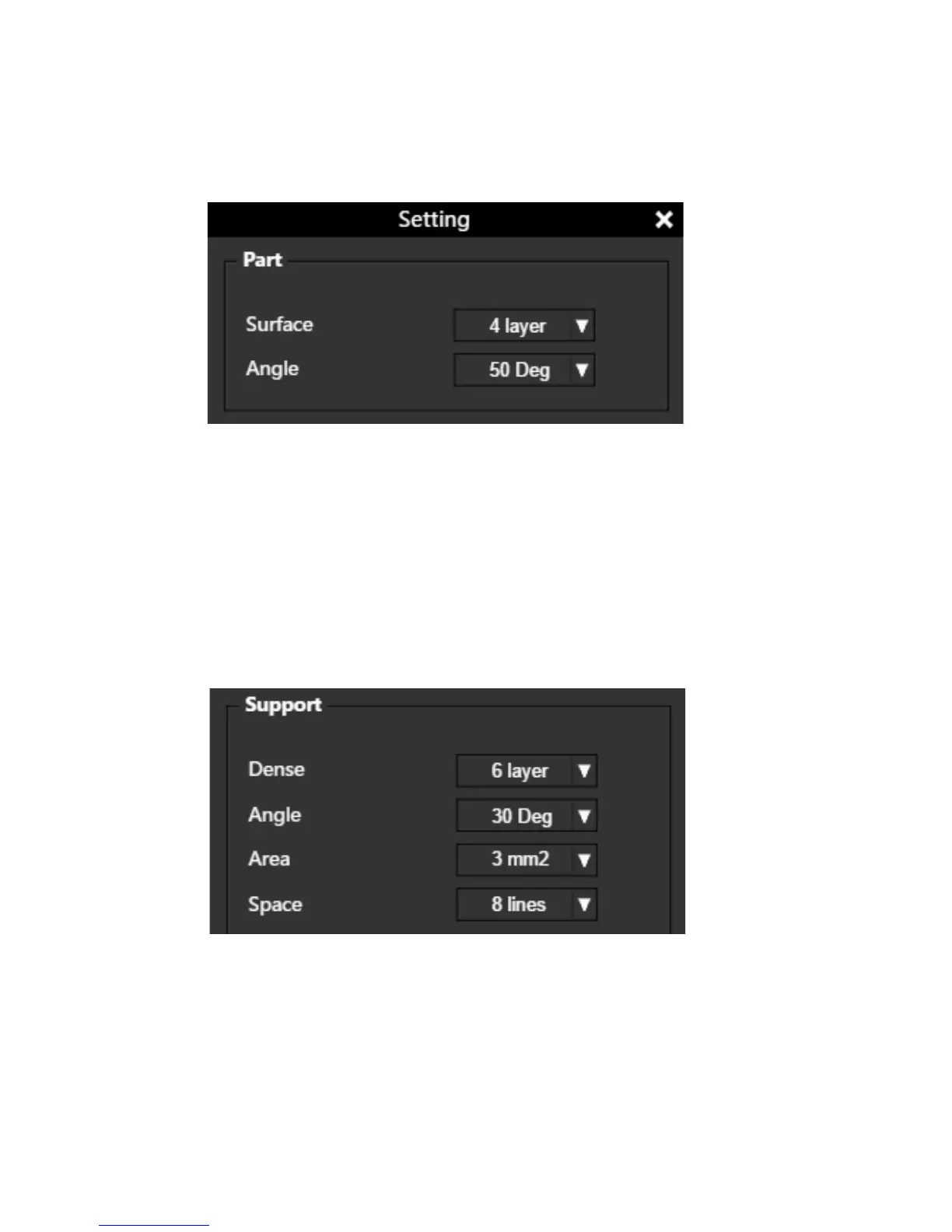
Surface: The number of layers that sealing the top and the bottom of the printed
object.
Angle: This value determines at which angle the Surface layers start to be printed.
Dense: Choose the number of the dense layers between the support structure
and the supported surfaces.
Angle: Determine the angle at which the support structure and the dense layers
to be generated.
Area: Determine the minimal area of a surface that a support structure will
be generated. The area smaller than this value will have no support structure
generated.
Space: Determine how dense the support structure will be. The larger the value,
the less dense the support.
Print Preference



 To Next Page