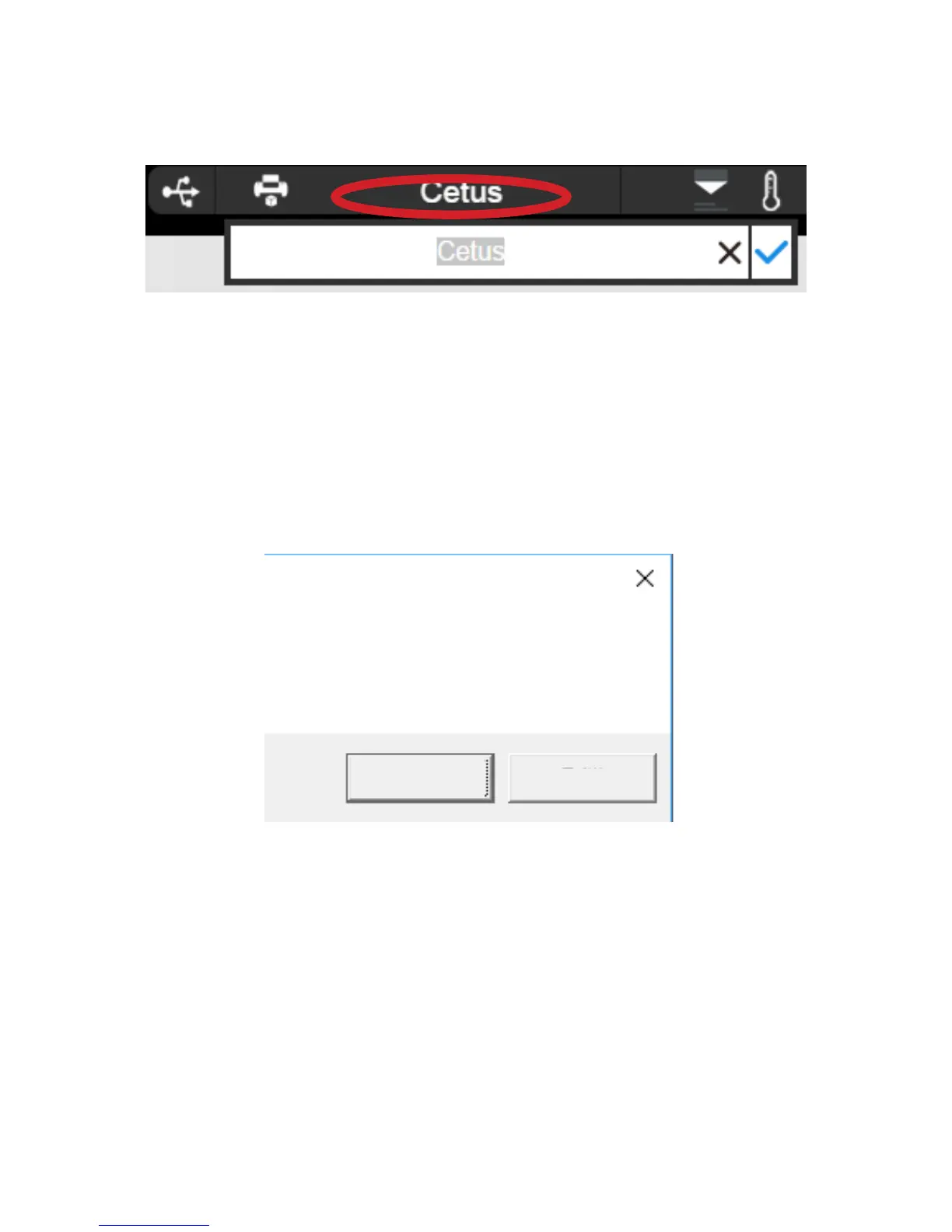
User could rename the printer by clicking the printer name on the status bar.
Printer Info and Naming a Printer
Blackout Recovery
A print job could be resumed after an electricity cutoff. The next time when the printer
connects to a computer and after an initialization, a pop up window will appear to let the user
choose to resume the interrupted print job.
Print job stopped at XXX layer,
continue?
OK
Cancel



 To Next Page