Chapter 3
43
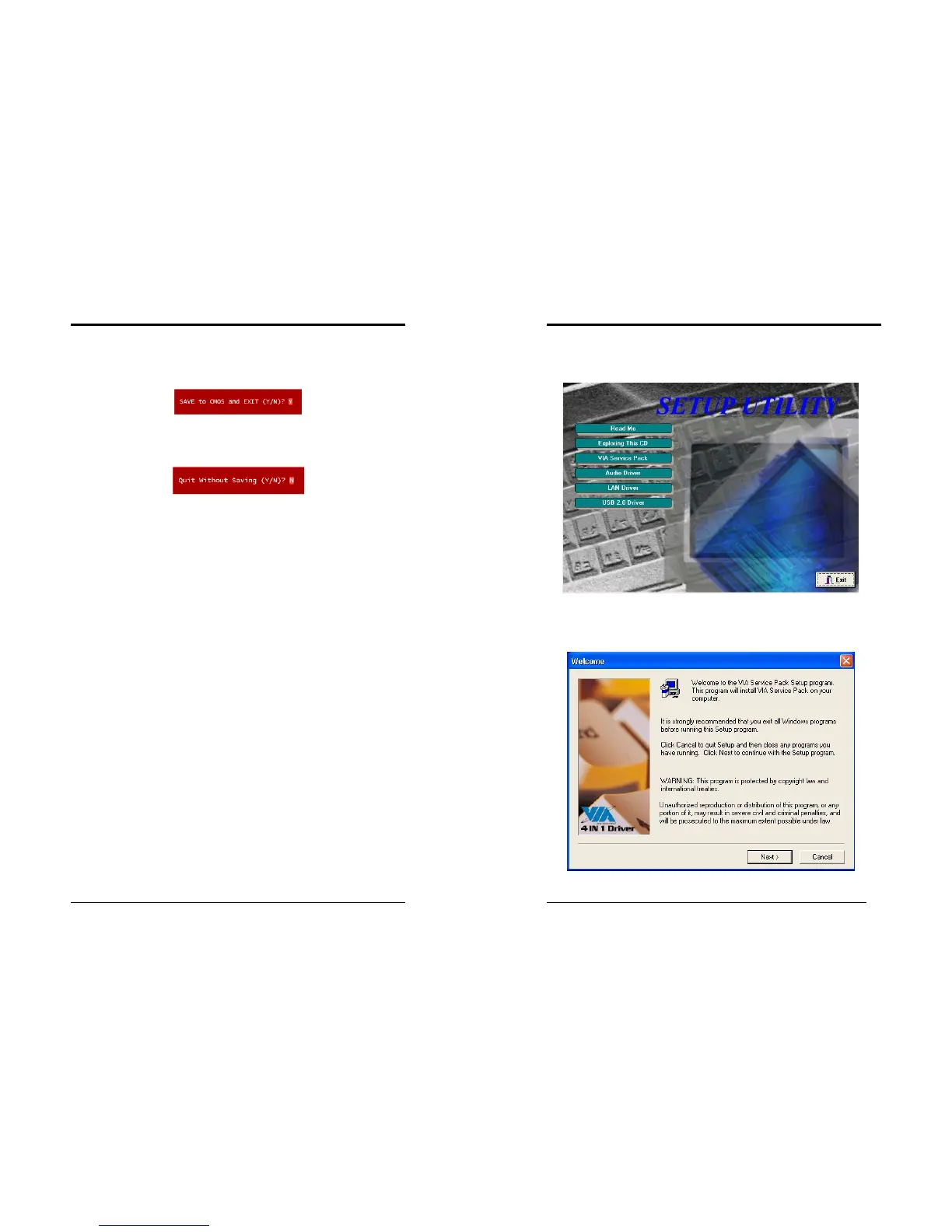
3-12 Save and Exit Setup
If you select this and type [Y] (for Yes) followed by the [Enter] key, the values
entered in the setup utilities will be recorded in the CMOS memory of the BIOS chip.
3-13 Exit Without Saving
Selecting this option and pressing Y followed by the [Enter] key lets you exit the
Setup program without recording any new values or changing old ones.
Chapter 4
44
Chapter 4 DRIVER Setup
Please insert the driver CD into the CD-ROM.
4-1 VIA Service Pack
1. Please, select [
VIA Service Pack
] to begin installation.
2. Please, click [
NEXT>
] to start installation.



 To Next Page