8
Operation
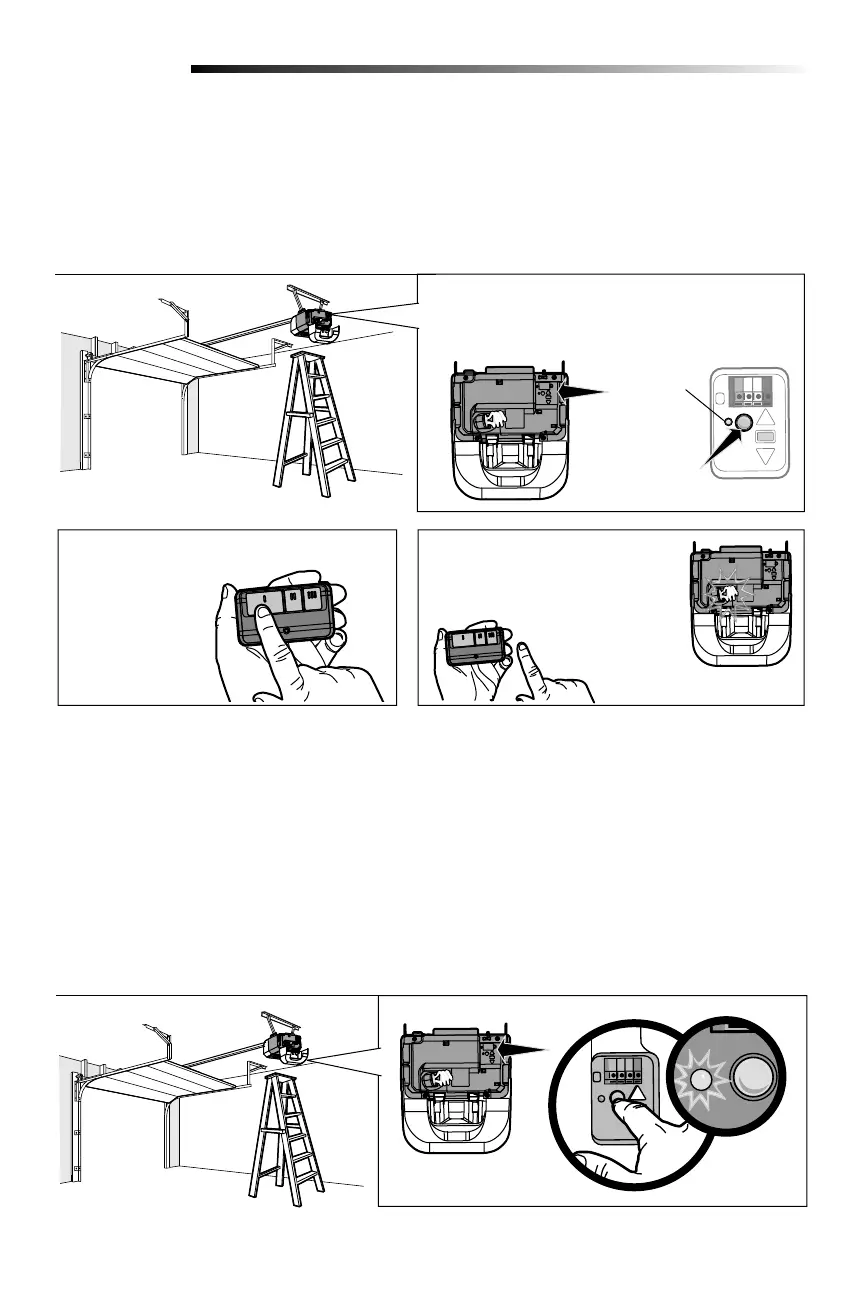
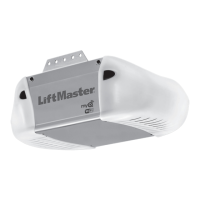
1 Press and release the Learn button on the garage
door opener. The Learn indicator light will glow
steadily for 30 seconds.
PROGRAM A REMOTE USING THE LEARN BUTTON ON THE GARAGE DOOR OPENER
When replacing the light lens cover, ensure the antenna wires are hanging straight down.
Learn
Indicator
Light
Yellow
Learn
Button
Your garage door opener has been programmed at the factory to operate with your remote control. Older LiftMaster
remote controls are NOT compatible. Programming can be done through the door control or the Learn button on the
garage door opener. To program additional remote controls refer to the instructions provided with the additional remote
controls or visit LiftMaster.com. If your vehicle is equipped with a Homelink
®
, you may require an external adapter
depending on the make, model, and year of your vehicle. Visit www.homelink.com for additional information.
ERASE ALL REMOTE CONTROLS AND KEYLESS ENTRIES
1 Press and hold the learn button on garage door opener until the learn LED goes out (approximately 6 seconds). All
remote control and keyless entry codes are now erased.
Reprogram any accessory you wish to use.
ERASE ALL DEVICES (Including MyQ
®
enabled accessories)
1 Press and hold the learn button on garage door opener until the learn LED goes out (approximately 6 seconds).
2 Immediately press and hold the learn button again until the learn LED goes out. All codes are now erased.
Reprogram any accessory you wish to use.
Programming - Remote Controls
To Erase the Memory
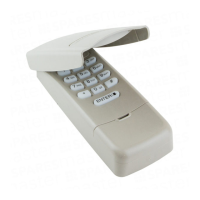
2 Within 30 seconds,
press and hold
the button on the
remote control.
3 Release the button when the
garage door opener light blinks.
It has learned the code. If light
bulbs are not installed, two clicks
will be heard.



 To Next Page