EasyManua.ls Logo

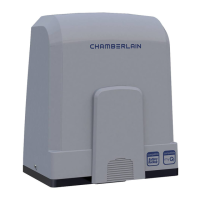
Chamberlain Elite CSW-200-UL - User Manual

Chamberlain Elite CSW-200-UL
50 pages
Print Icon
To Next Page IconTo Next Page
Loading...
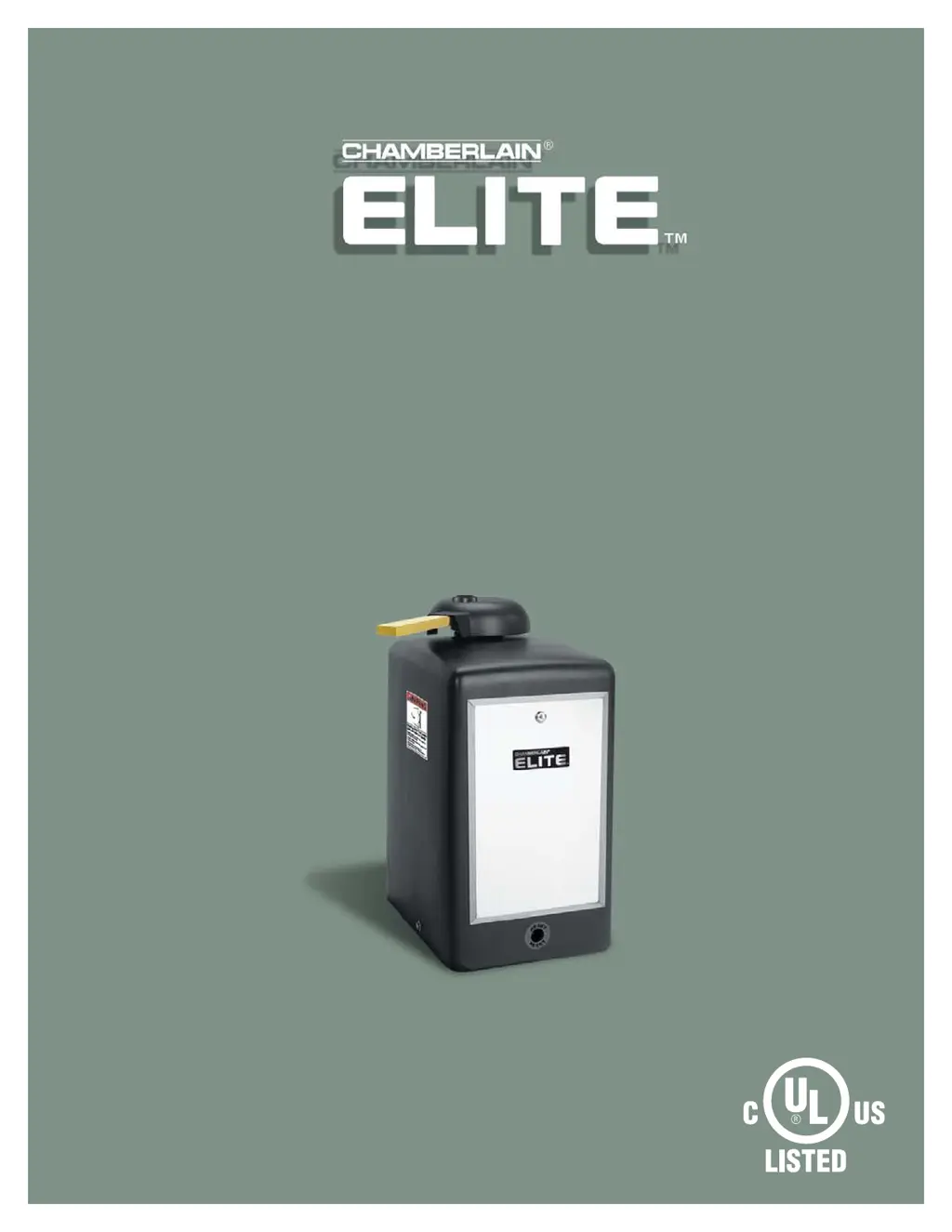
O W N E R ’ S M A N U A L
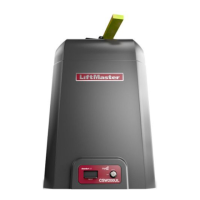
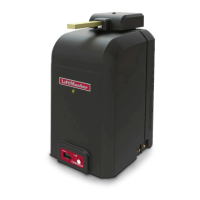
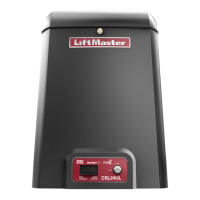
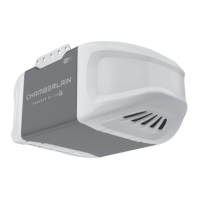
CSW200UL™
VEHICULAR SWING GATE OPERATOR
THE CSW200UL™ IS FOR USE ON VEHICULAR PASSAGE GATES ONLY
AND NOT INTENDED FOR USE ON PEDESTRIAN PASSAGE GATES.
UL325
compliant
UL991
compliant

Questions and Answers

  • S
    Susan GibbsAug 14, 2025
    What to do if my Chamberlain Elite CSW-200-UL Gate Opener will not operate with remote and the radio receiver LED on the control board remains “OFF”?
    • W
      wtaylorAug 14, 2025
      If your Chamberlain Gate Opener isn't responding to the remote and the radio receiver LED is off, here's what you can check: * **Remote Battery:** Replace the remote control battery. * **Receiver Malfunction:** Cycle the power to the radio receiver. * **Wiring:** Check the wiring between the receiver and surge suppressor. * **Programming:** Measure the resistance between pin 12 and 13 on the surge suppressor (see page 15), if the circuit “closes” when the radio receiver is transmitting, replace the surge suppressor.
  • K
    Kevin RamirezAug 17, 2025
    What to do if my Chamberlain Elite CSW-200-UL will not operate with remote and the radio receiver LED on the control board remains “ON”?
    • G
      grahamjohnAug 17, 2025
      If your Chamberlain Gate Opener isn't responding to the remote and the radio receiver LED stays on, the issue might be: * **Stuck Button:** Unstick the remote control button. * **Dead Battery:** Replace the remote control battery. * **Receiver Issue:** Cycle the power to the radio receiver.
  • K
    kirbyashleyAug 21, 2025
    Why is the Overload LED ON and Power LED OFF on my Chamberlain Gate Opener?
    • T
      Thomas ObrienAug 21, 2025
      If you see the Overload LED ON and the Power LED OFF on your Chamberlain Gate Opener, it could be due to: * A short circuit at terminals 11 and 13. Remove the short circuit condition at the terminals. * A short circuit at any of the loop detectors in the board. Remove the defective loop detector. * A short circuit in the control board. Send the board to repair.
  • C
    Carla BarnettAug 25, 2025
    Why is the Overload LED ON and Power LED ON on my Chamberlain Elite CSW-200-UL?
    • G
      George LarsonAug 25, 2025
      If the Overload LED and Power LED are both ON on your Chamberlain Gate Opener, it indicates: * Excessive current draw at terminal 13. Reduce the accessories load from surge suppressor terminal 13. * Over-voltage at the 110 Vac line input. Verify your electrical power.
  • G
    Gabriela WilliamsAug 28, 2025
    Why is the System On LED Flashing on my Chamberlain Elite CSW-200-UL Gate Opener?
    • A
      Alyssa AndersonAug 28, 2025
      If the System On LED is flashing on your Chamberlain Gate Opener, it means: * One limit switch is faulty (Rapid Flashing). Test the limit switches and wire connections and fix the fault. * Motor thermal fuse has popped-out (Slowly Flashing). Reset the motor.
  • J
    Jennifer HunterAug 31, 2025
    Why is the Reverse Sensor LED ON on my Chamberlain Elite CSW-200-UL?
    • C
      Chad PetersonAug 31, 2025
      If the Reverse Sensor LED is ON on your Chamberlain Gate Opener, it could be because: * The gate has encountered an obstruction during traveling. Remove the obstruction. * The reverse sensor is extra sensitive. Turn the reverse sensor switch counter clockwise a little more and try again.
  • M
    Michael GrossSep 3, 2025
    Why is the Alarm Sensor LED ON on my Chamberlain Elite CSW-200-UL?
    • S
      snyderjohnSep 3, 2025
      If the Alarm Sensor LED is ON on your Chamberlain Gate Opener, it might indicate: * The gate encountered an obstruction during traveling. Remove the obstruction. * The alarm sensor is extra sensitive. Turn the alarm sensor switch counter clockwise a little more and try again.
  • M
    Michelle ShieldsSep 7, 2025
    Why is the Timer LED Blinking and Command Processed LED Blinking on my Chamberlain Elite CSW-200-UL?
    • S
      Susan WashingtonSep 7, 2025
      If the Timer LED and Command Processed LED are blinking on your Chamberlain Gate Opener, it is a normal response of the gate operator and does not necessarily indicate a problem. It could mean there is a command holding the gate open, so check inputs for command.
  • M
    Matthew Hopkins MDSep 10, 2025
    Why are the Timer LED, Command Processed LED and Reverse Sensor LED ON on my Chamberlain Gate Opener?
    • S
      sethmercerSep 10, 2025
      If the Timer LED, Command Processed LED are blinking and Reverse Sensor LED is ON on your Chamberlain Gate Opener, the gate has reopened because it encountered an obstruction while closing. Any re-new command will resume normal operation. Be sure to check for obstructions.

Summary

Specifications and Warnings

CSW200 ULTM Models Overview

Details specifications for single motor, dual motor, and 1 HP models.

UL325 Model Classifications

UL325 Entrapment Protection Requirements

Outlines entrapment protection requirements for UL325 classes.

Safety Installation Information

Suggested Entrapment Protection Device Locations

Non-Contact Sensors (Photo Electric Sensors)

Illustrates placement of photo electric sensors for gate safety.

Contact Sensors (Edge Sensors)

Safety Precautions

Warning Sign Placement

Guidelines for correctly placing warning signs on gate sides.

Installation

Installation Setups

Illustrates single operator and master/second operator installation layouts.

Concrete Pad and Arm Attachment

Standard Installation Layout

Compact Installation Layout

Uphill Driveway Installation (Optional)

Post Mounting Plate Installation (Optional)

Gate Arm Installation

Output Shaft Adjustment

Instructions for adjusting the gate operator's output shaft.

OmniControl Board Description

Wiring

Earth Ground Rod Installation

Explains the importance and method of installing an earth ground rod.

110 Vac Power Connection

Linking Master; Second Operators

Partial Master;Individual Control

Describes configuration for partial master/individual gate operator control.

Solenoid;Maglock J3 Connection

Solenoid;Maglock Relay Connection

Factory Installed DC2000 Connection

DC2000 Startup

Steps for starting up the DC2000™ backup unit.

System Setup

Configuration options for the DC2000™ system settings.

DC2000 Device Wiring

Manually Operated DC2000 Devices

Wiring for manual push buttons and key switches for DC2000™.

Plug-In Loop Detector Wiring

Entrapment Protection Devices

Contact Sensors (Edge Sensor)

Details on installing and using contact edge sensors for safety.

Non-Contact Sensors (24 VDC Photo Electric Sensors)

Adjustments

Set Gate Opening Direction

Instructions for setting the gate's opening direction (left or right).

Limit Switch Adjustment

315 MHZ 24 VDC Radio Receiver Programming

Receiver Configuration

Settings for security mode and output duration.

Receiver Operation

Setting the Timer

Single Operator

Setting the timer for single operator systems.

Adjusting Reversing Sensor(s)

Maintenance and Operation

Important Safety Instructions

Critical safety instructions for gate operator maintenance and operation.

Built-In Reset Switch

Emergency Manual Release

Wiring Diagram • CSW200 ULTM and CSW200 ULDMTM

Wiring Diagram • DC2000 FOR SINGLE AND DM

Troubleshooting

Resetting Motor(s)

Procedure for resetting motors when thermal breaker trips.

Repair Parts

How to Order Repair Parts

Installation Checklist

Warranty Policy

Chamberlain Elite CSW-200-UL Specifications

General IconGeneral
TypeSwing Gate Opener
Power Supply120V AC
Motor Power1/2 HP
Motor TypeDC
Maximum Gate Weight1000 lbs
Max Gate Length20 ft
Maximum Gate Length20 ft
Remote ControlYes
Number of Remote Controls Included2
Warranty5 Years
Control TypeKeypad, Remote Control
Safety FeaturesObstruction Detection

Related product manuals