EasyManua.ls Logo

Chamberlain LiftMaster Security+ 1280R 1/2 HP - User Manual

Chamberlain LiftMaster Security+ 1280R 1/2 HP
36 pages
Print Icon
To Next Page IconTo Next Page
Loading...
The Chamberlain Group, Inc.
A DUCHOSSOIS ENTERPRISE
845 Larch Avenue
Elmhurst, Illinois 60126-1196
www.chamberlaingroup.com
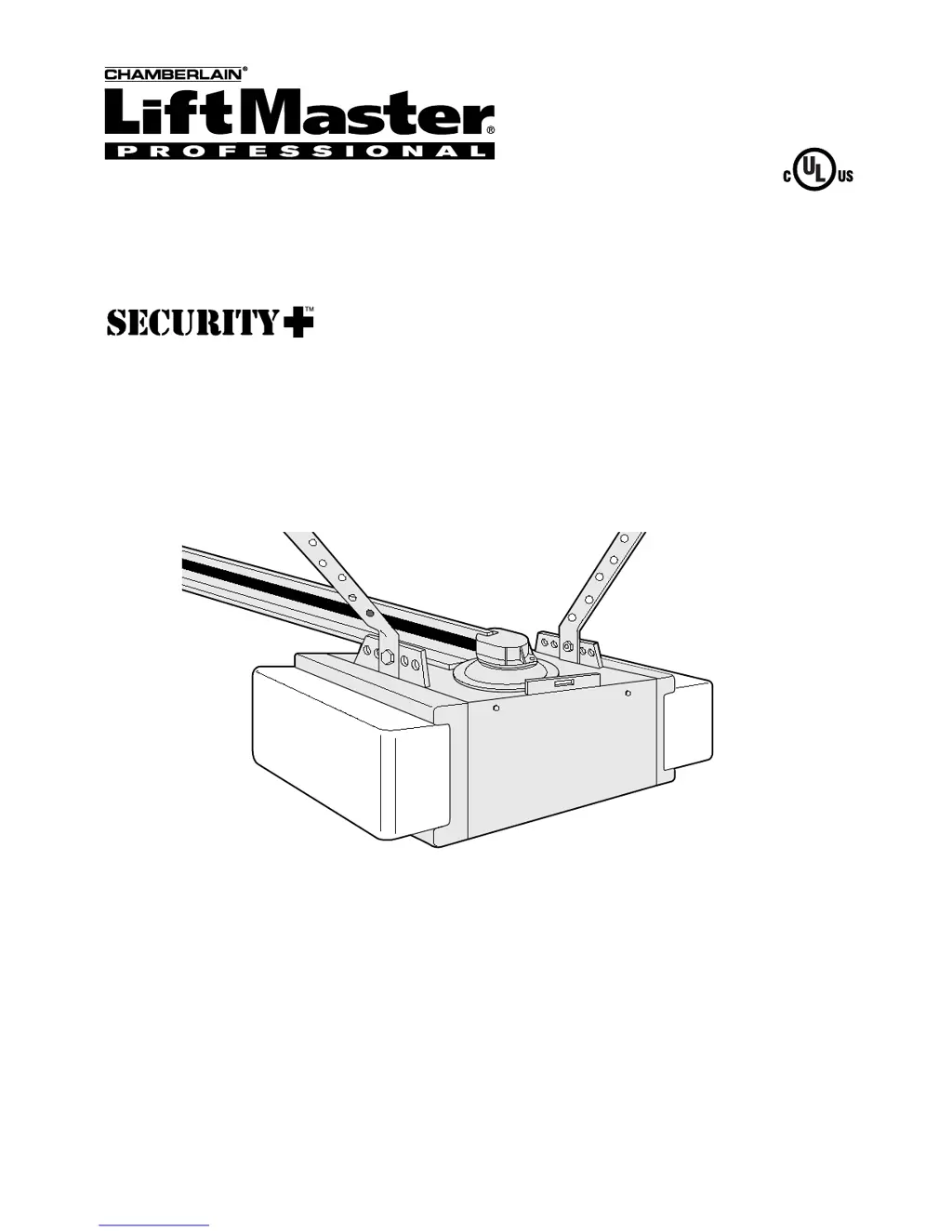
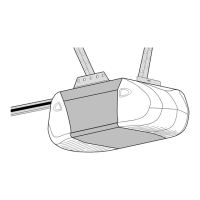
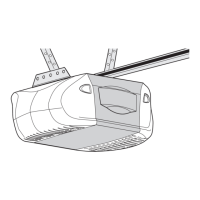
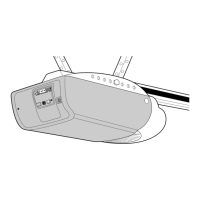
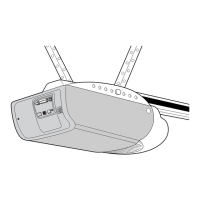
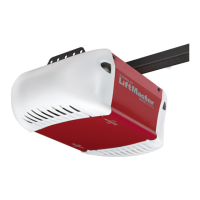
GARAGE DOOR OPENER
Model 1280R 1/2 HP
For Residential Use Only
Complies with UL 325
regulations effective
January 1, 1993
®
Owner’s Manual
Please read this manual and the enclosed safety materials carefully!
Fasten the manual near the garage door after installation.
The door WILL NOT CLOSE unless the Protector System
®
is connected and
properly aligned.
Periodic checks of the opener are required to ensure safe operation.
The model number label is located under the light lens on the left side
panel of your opener.

Questions and Answers

  • J
    jacqueline75Jul 31, 2025
    What to do if the receiving eye indicator light doesn't glow on my Chamberlain Garage Door Opener?
    • D
      davidwilliamsJul 31, 2025
      If the sending eye indicator light on your Chamberlain Garage Door Opener is on, but the receiving eye light isn't, you should first check the alignment of the sensors. Also, verify that there isn't an open wire connected to the receiving eye.
  • T
    Tammy RobinsonAug 10, 2025
    How to fix a sending eye indicator light that does not glow steadily on a Chamberlain LiftMaster Security+ 1280R 1/2 HP?
    • J
      Julia TaylorAug 10, 2025
      If the sending eye indicator light on your Chamberlain Garage Door Opener isn't glowing steadily after installation, here are a few things to check: * Ensure the opener has electric power. * Check for any shorts in the white or white/black wires. * Verify the wiring between the sensors and the opener is correct. * Look for any broken wires.
  • H
    Haley PetersAug 20, 2025
    What to do if the receiving eye indicator light is dim on a Chamberlain LiftMaster Security+ 1280R 1/2 HP Garage Door Opener?
    • X
      Xavier EvansAug 20, 2025
      If the receiving eye indicator light on your Chamberlain Garage Door Opener is dim, try realigning either sensor to resolve the issue.

Summary

Important Installation Warnings

General Installation Safety

Critical safety warnings and guidelines before installation begins.

Installation Procedures

Installation Step 1: Header Bracket Location

Locates and marks the header bracket position on the wall or ceiling.

Installation Step 2: Install Header Bracket

Fastens the header bracket securely to the structural support.

Installation Step 9: Electrical Requirements

Details electrical connections and safety precautions for wiring.

Installation Step 10: Install The Protector System

Mounts and wires the safety reversing sensors.

Adjustments and Testing

Adjustment Step 1: Travel Limits

Sets the points where the door stops during opening and closing.

Adjustment Step 2: Force Adjustment

Regulates the power required to open and close the door.

Adjustment Step 3: Safety Reversal System Test

Verifies the door reverses upon encountering an obstruction.

Adjustment Step 4: Protector System Test

Confirms the safety sensors function correctly.

Operation

Important Safety Instructions

Critical safety guidelines for operating the opener.

Care and Troubleshooting

Troubleshooting Common Problems

Troubleshooting guide for common issues and solutions.

Programming

Add or Change Remote Control

Steps to program new remotes to the opener.

Chamberlain LiftMaster Security+ 1280R 1/2 HP Specifications

General IconGeneral
Horsepower1/2 HP
Remote ControlYes
Drive TypeChain Drive
Battery BackupNo
Max Lift Height7 ft
Warranty1-year
LightingYes
CompatibilitySecurity+

Related product manuals