24
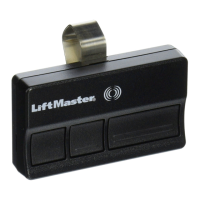
Remote Control (Not Provided)
Up to 40 Security+ 2.0 remote controls can be programmed to the door operator.
Older LiftMaster remote controls are NOT compatible, see page 30 for compatible
accessories. To program additional accessories refer to the instructions provided with the
accessory or visit LiftMaster.com. If your vehicle is equipped with a Homelink
®
, you may
require an external adapter depending on the make, model, and year of your vehicle. Visit
www.homelink.com for additional information.
To Erase the Memory
ERASE ALL REMOTE CONTROLS AND KEYLESS ENTRIES
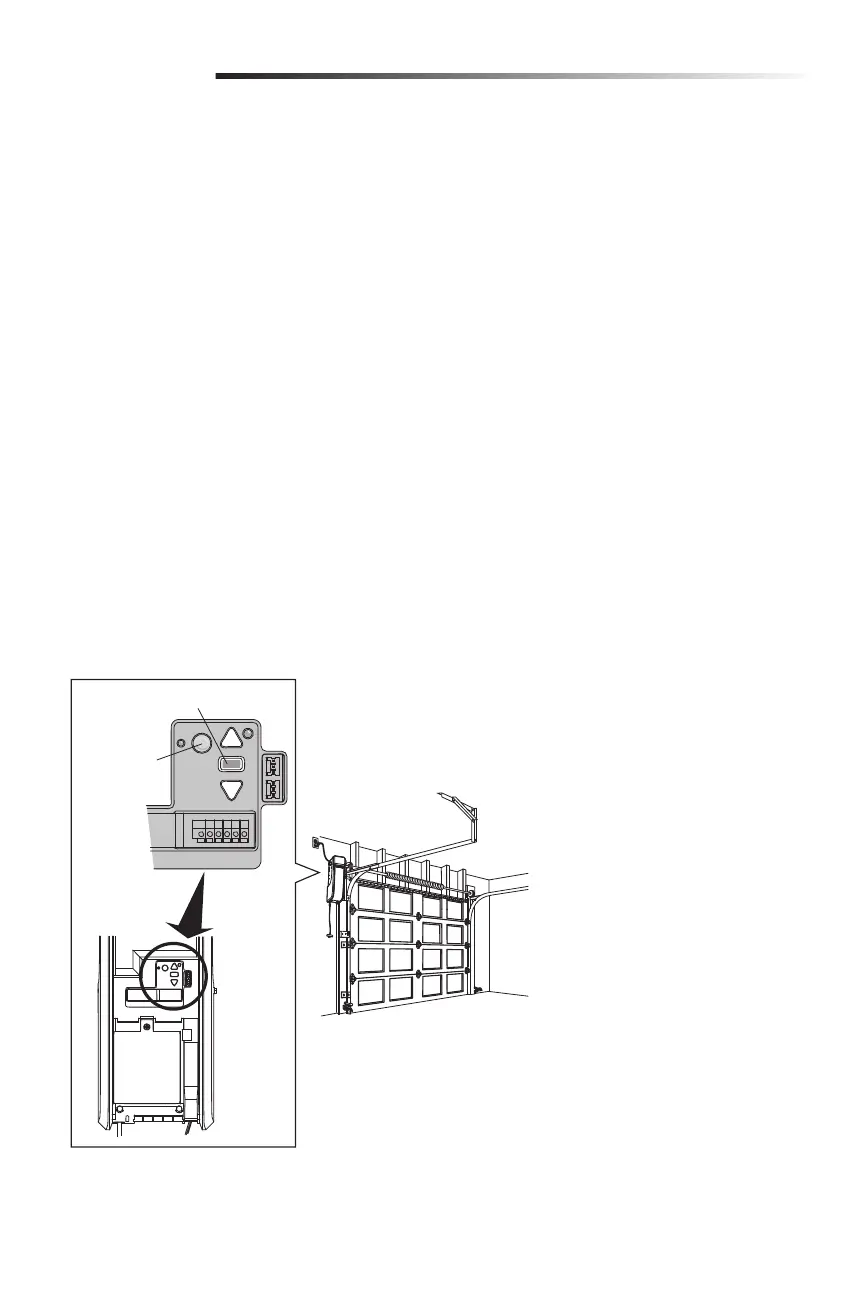
1. Press and hold the LEARN button on door operator until the learn LED goes out
(approximately 6 seconds). All remote control and keyless entry codes are now
erased.
Reprogram any accessory you wish to use.
ERASE ALL DEVICES (INCLUDING myQ ENABLED ACCESSORIES)
1. Press and hold the LEARN button on door operator until the learn LED goes out
(approximately 6 seconds).
2. Immediately press and hold the LEARN button again until the learn LED goes out. All
codes are now erased.
Reprogram any accessory you wish to use.
ERASE THE Wi-Fi NETWORK FROM THE DOOR OPERATOR
Press and hold the black adjustment button until 3 beeps are heard (approximately
6seconds).
ERASE A myQ ACCOUNT
Go to myLiftMaster.com to delete your myQ account.
Programming
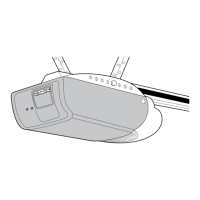
LEARN
Button
Black Adjustment Button



 To Next Page