EasyManua.ls Logo

Chamberlain PD210 - User Manual

Chamberlain PD210
40 pages
Print Icon
To Next Page IconTo Next Page
Loading...
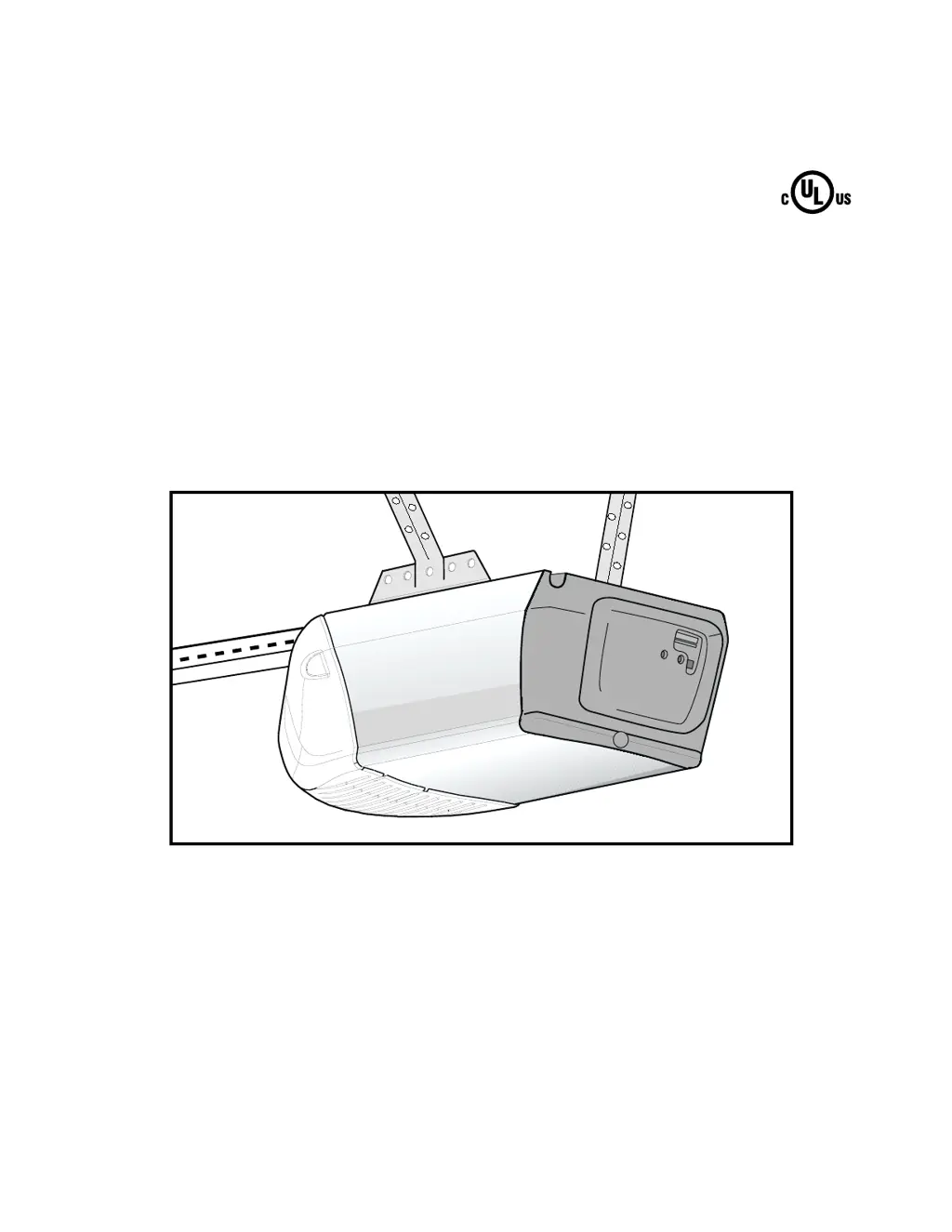
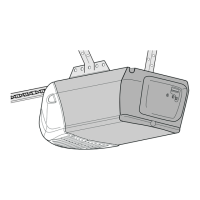
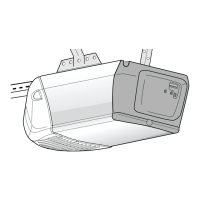
GARAGE DOOR OPENER
Models PD210 -1/2 HP
PD212 -1/2 HP
For Residential Use Only
®
Owner’s Manual
Please read this manual and the enclosed safety materials carefully!
Fasten the manual near the garage door after installation.
The door WILL NOT CLOSE unless the Protector System
®
is connected
and properly aligned.
Periodic checks of the opener are required to ensure safe operation.
The model number label is located on the front end panel of your opener.
The Chamberlain Group, Inc.
845 Larch Avenue
Elmhurst, Illinois 60126-1196
www.chamberlaingroup.com

Table of Contents

Questions and Answers

  • F
    franciselizabethAug 12, 2025
    Why is the Chamberlain PD210 sending eye indicator light not glowing?
    • J
      Janet DuncanAug 12, 2025
      If the sending eye indicator light does not glow steadily after installation, it could be due to several reasons. First, ensure there is electric power to the opener. Check for a short in the white or white/black wires, especially at staples or opener connections. Also, verify that the wiring between the sensors and the opener is correct. Finally, inspect for a broken wire. Twist like colored wires together. Insert wires into quick-connect holes: white to white and white/black to black.
  • J
    Jeff TrujilloAug 20, 2025
    How to fix Chamberlain PD210 Garage Door Opener if receiving eye indicator light doesn't glow?
    • K
      Kenneth HicksAug 20, 2025
      If the sending eye indicator light glows steadily, but the receiving eye indicator light doesn't, check the alignment and look for an open wire to the receiving eye.
  • J
    Jasmine SmithAug 31, 2025
    What to do if the Chamberlain PD210 receiving eye indicator light is dim?
    • P
      Patricia ShawAug 31, 2025
      If the receiving eye indicator light is dim, you should realign either sensor. Start by loosening the sending eye wing nut and readjust it, aiming directly at the receiving eye, then lock it in place. If the issue persists, loosen the receiving eye wing nut and adjust the sensor until it receives the sender’s beam. When the green indicator light glows steadily, tighten the wing nut.

Chamberlain PD210 Specifications

General IconGeneral
TypeChain Drive
Horsepower1/2 HP
Remote ControlYes
Voltage120V
Motor TypeAC
Remote Controls Included1
Safety FeaturesSafety sensors
Warranty1-year
SecurityRolling code technology
Battery BackupNo

Related product manuals