26
Adjustments
Introduction
Without a properly installed safety reversal system, persons (particularly small children) could be
SERIOUSLY INJURED or KILLED by a closing garage door.
l
Incorrect adjustment of garage door travel limits will interfere with proper operation of safety
reversal system.
l
After ANY adjustments are made, the safety reversal system MUST be tested. Door MUST reverse
on contact with 1-1/2" (3.8 cm) high object (or 2x4 laid flat) on floor.
To prevent damage to vehicles, be sure fully open door provides adequate clearance.
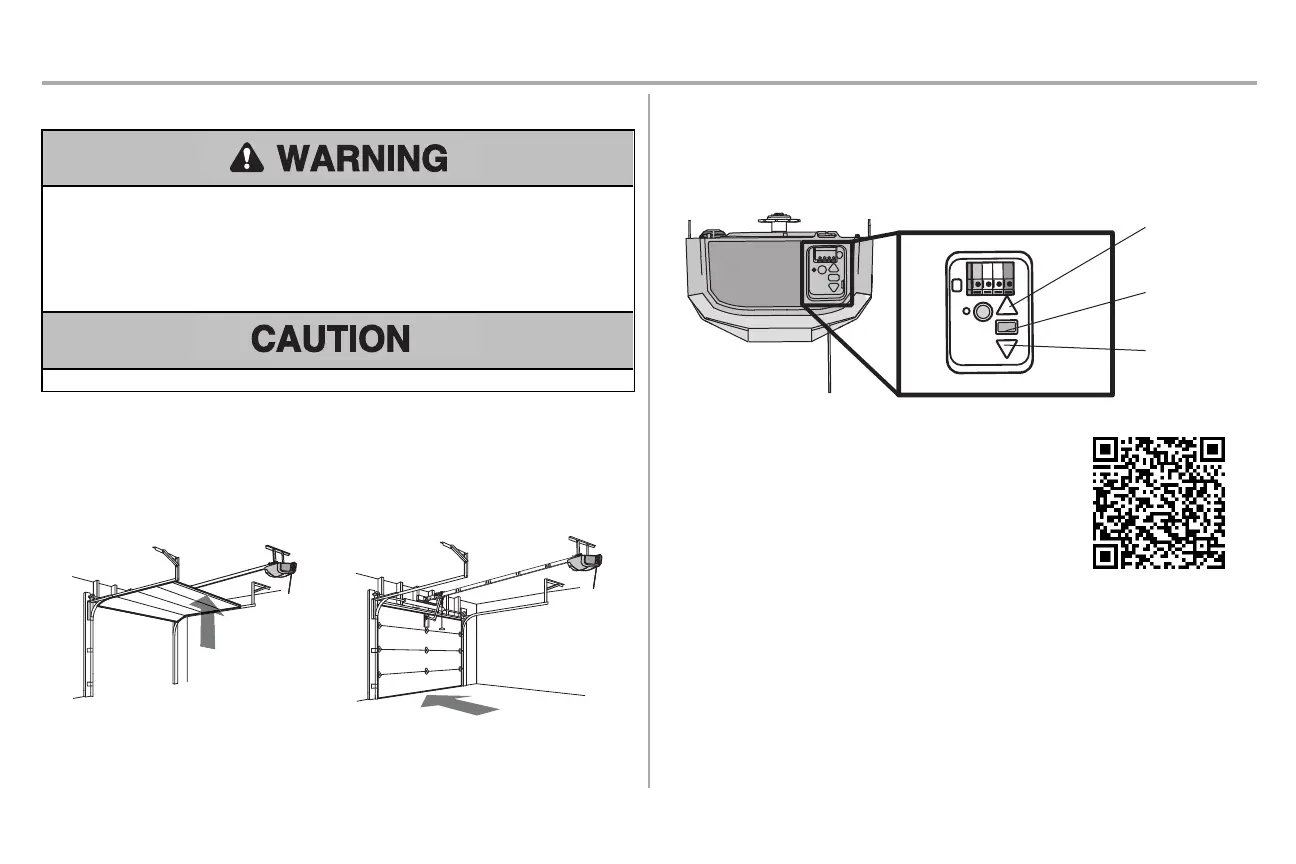
Your garage door opener is designed with electronic controls to make setup and adjustments easy. The
adjustments allow you to program where the door will stop in the open (UP) and close (DOWN) position.
The electronic controls sense the amount of force required to open and close the door. The force is
adjusted automatically when you program the travel.
NOTE: If anything interferes with the door’s upward travel it will stop. If anything interferes with the door’s
downward travel, it will reverse.
Programming Buttons
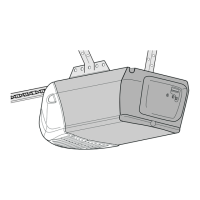
The programming buttons are located on the back panel of the garage door opener and are used to
program the travel.
UP Button
Adjustment
Button
DOWN Button
PROGRAMMING BUTTONS
Proceed to the next page for instructions on how to program the
travel.
To watch a short instructional video on how to program the travel on
your new garage door opener use your smartphone to read the QR
Code:






 To Next Page