2
Safety
Safety Symbol and Signal Word Review
This barrier arm gate operator has been designed and tested to oer safe service provided it is installed, operated,
maintained and tested in strict accordance with the instructions and warnings contained in this manual.
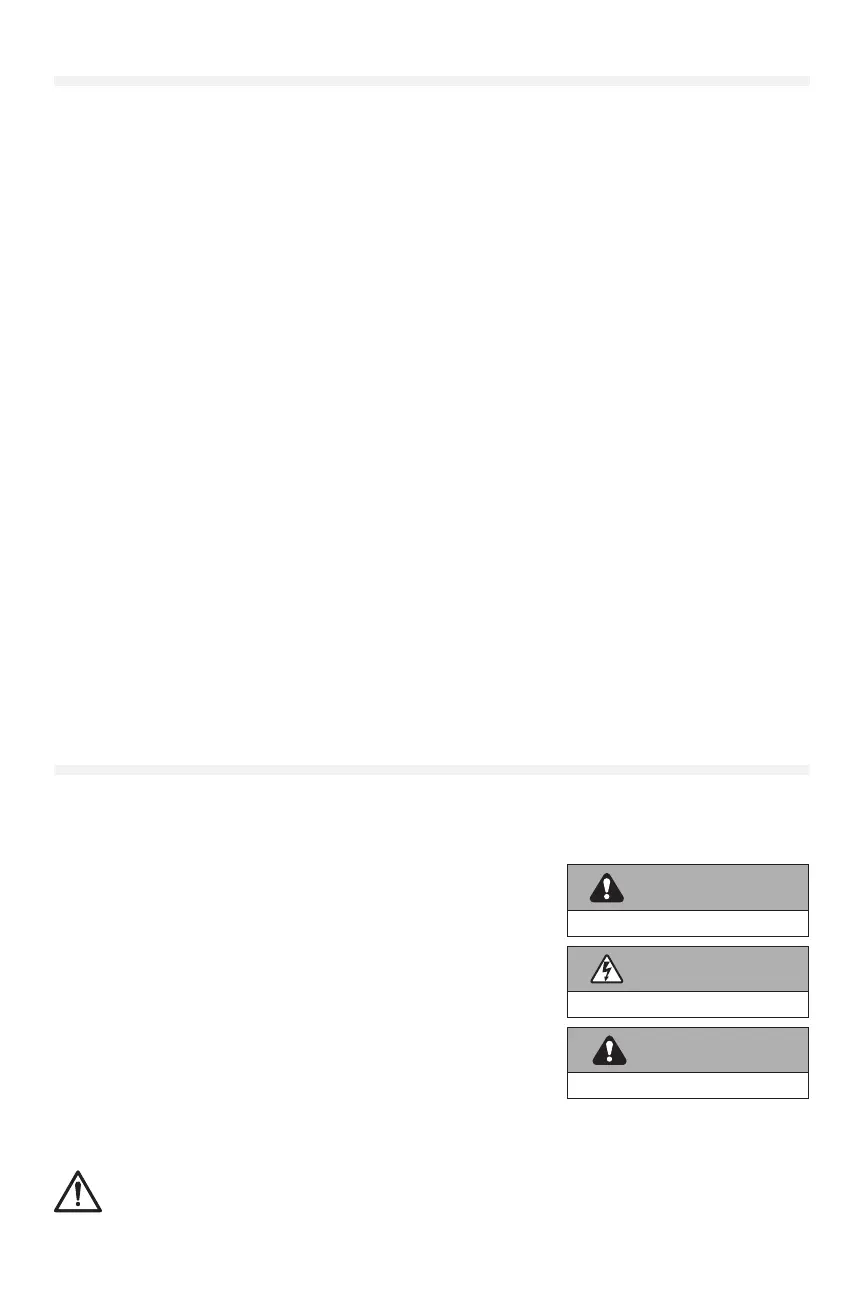
When you see these Safety Symbols and Signal Words on the following
pages, they will alert you to the possibility of serious injury or death if
you do not comply with the warnings that accompany them. The hazard
may come from something mechanical or from electric shock. Read the
warnings carefully.
When you see this Signal Word on the following pages, it will alert you to the
possibility of damage to your barrier arm and/or the barrier arm gate operator
if you do not comply with the cautionary statements that accompany it. Read
them carefully.
IMPORTANT NOTE:
• BEFORE attempting to install, operate or maintain the operator, you
must read and fully understand this manual and follow all safety
instructions.
• DO NOT attempt repair or service of your barrier arm gate operator unless you are a trained gate systems
technician.
WARNING: This product can expose you to chemicals including lead, which are known to the State of
California to cause cancer or birth defects or other reproductive harm. For more information go to www.
P65Warnings.ca.gov.
WARNING
Mechanical
WARNING
Electrical
CAUTION
Table of Contents
Safety 2
Safety Symbol and Signal Word Review..................2
Usage Class ............................................3
UL325 Safety Requirements ............................3
Denitions ..............................................3
Safety Installation Information...........................4
Role of Dealers, Installers, and Trained Gate System
Technicians . . . . . . . . . . . . . . . . . . . . . . . . . . . . . . . . . . . . . . . . . . . . .4
Role of End Users/Property Owners .....................5
Introduction 6
Carton Inventory ........................................6
Arm Selection (Not Provided)............................6
Operator Specications .................................7
Networking Specications ..............................9
Installation 10
Site Preparation....................................... 10
Site Preparation for Safety Devices.................... 11
Operator and Arm Installation Options.................12
Determine Location for Operator ...................... 14
Install the Operator.................................... 14
Adjust the Counterbalance Spring Assembly .......... 15
Prepare the Arm ......................................17
Install the Barrier Arm ................................. 17
Install External Safety Devices ........................ 19
Earth Ground Rod ..................................... 26
Power Wiring..........................................27
Connect Batteries..................................... 29
Main Control Board Overview ......................... 30
Control Board LEDs ................................... 30
Adjustment 34
Limit, Speed, and Force Adjustment ................... 34
Operator Conguration ............................... 37
Close and Secure Cabinet............................. 40
Install Warning Signs .................................. 40
Programming 41
Antenna Assembly .................................... 41
Transmitters (Not Provided) ...........................41
myQ® Smart Facility Access........................... 42
Setup a myQ® Smart Facility Access Account ......... 42
Connect Internet......................................43
Operation 47
Modes of Operation................................... 47
Operator Alarm .......................................48
Maintenance 49
Maintenance Chart.................................... 50
Batteries .............................................. 50
Drive Train ............................................ 50
Troubleshooting 51
Diagnostic Codes ..................................... 51
Solar 52
Solar Setup ........................................... 52
Solar Current Draw .................................... 53
Solar Installation ...................................... 54
Repair Parts 56
Accessories 57
Warranty 59
Appendix 60
SAMS Wiring with Relays Not Energized ...............60
Dual Gate Settings ....................................60
Wiring Diagram .......................................61
Diagnostic Codes Table ...............................63
Two-Way Trac Mode................................. 68
Contact Information 69


 To Next Page
 Loading...