Simplex Control Panel 6 CQF3475 v.02
Operation & Service August 06, 2019
Section 3 – Control Panel Start Up and Operation
This start-up guide assumes the compressor package has been properly connected to an electrical
supply conforming to all National and Local electrical codes.
3.1 Apply Power
When energizing the control panel for the first time:
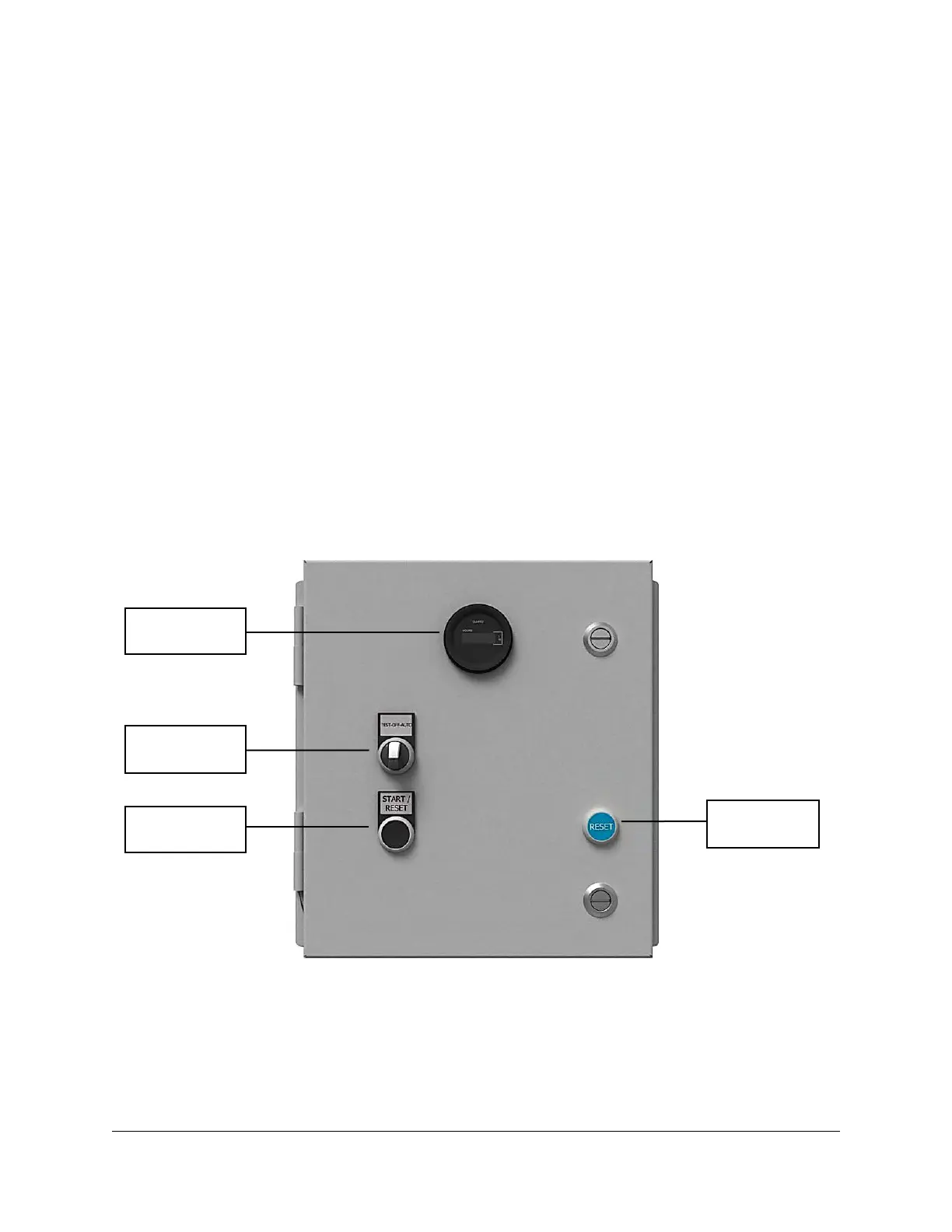
1. Ensure the selector switch is in the OFF position (if equipped).
2. Apply power to the control panel.
3. Press the START/RESET button (if equipped).
See Figure 3-1 below for the layout of the selector switch and push buttons on the Simplex Control
Panel.
Figure 3-1: Simplex Control Panel Layout
MCGUIRE AIR COMPRESSORS INC
MCGUIRE AIR COMPRESSORS INC



 To Next Page