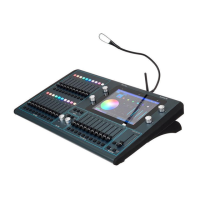
ChamSys MQ100 Series Service Document
Page 8 of 22 www.chamsys.co.uk
Removing the lower access panel:
On the bottom of all MagicQ
MQ100 series consoles is an
access panel. This is best viewed
by placing some kind of protective
material under the back of the
console (e.g. foam or bubble
wrap), and tilting the console up
onto its back as pictured, right.
The access panel is the silver
piece of metal. On older consoles,
the chassis will be silver, and the
access panel is black.
There are 6x small black self-
tapping screws in the access
panel; these require a PZ1
screwdriver to remove them. As
these are self-tapping screws,
they will require some force to
remove them. Ensure that the tip
of the screwdriver is pushed
firmly into the head of the screw
to avoid destroying the head of
the screw.
Once the screws have been removed, the access panel can be removed;
it should simply fall away from the chassis. Attached to the access
panel will be an earth tag (pictured left). This can be simply pulled
away by gripping the red plug and pulling.
Removal of the
access panel in
conjunction with
the removal of the bezel and
lower front panel allows faders
and the UPS battery to be
replaced without having to
disassemble the entire console,
although disassembling the entire
console can make these repairs
easier.


 To Next Page
 Loading...