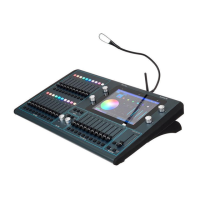
ChamSys MQ100 Series Service Document
Page 10 of 22 www.chamsys.co.uk
Removing the Front Panel:
To remove the upper front panel metalwork panel, remove the 8x M4 butthead fixings
using a 2.5mm hex key or ball driver. See the image below for locations of fixings on
both panels.
Older expert consoles without the fluted encoder knobs will require the encoder knobs
to be removed before removal of the upper metalwork.
Once the eight fixings have been removed, the metalwork can simply be lifted off.
Note the top metalwork is in two parts, the blue top overlay and black lower metalwork.
Care should be taken to avoid the screwdriver/Allen key slipping, as this can cause
significant damage to the touch screen and LCD, or scratch the metalwork.


 To Next Page
 Loading...