-19-
HOW TO USE HOLD FEATURE
By using the HOLD function the identified weight will be stored and is
shown on the display even if you stepped already off the scale.
1) Press ON/ZERO/OFF to turn on the scale.
2) Step on the scale, wait until stable zero symbol O appears.
3) Press HOLD/BMI while subject is being weighed.
4) An arrow will blink and point HOLD mark on the panel.
5) Step off the scale, and the weight value will continue showing
on the display.
6) Press HOLD/BMI again to disable HOLD function.
HOW TO USE BMI (Body Mass Index)
1) Press HOLD/BMI for at least 3 seconds to enter BMI setting mode.
2) A pre-set height value (in centimeter) will show, and the first
digit will blink.
3) Press UNIT/WEIGHT to change the value.
4) Press HOLD/BMI to set next digit.
5) Input height value of weighed person digit by digit.
6) When input completed, press TARE, and 0.0kg will shown on
the display.
7) Step on the platform, and the display will show the weight and
BMI value alternately.
8) Step down and press HOLD/BMI to leave BMI setting mode.
USING TARE FUNCTION
[TARE] key function allows the user to deduct the excess weight of a
single tare object value (additional loads or clothes) from the display
reading, thus calculate the actual net weight of the object/ person.
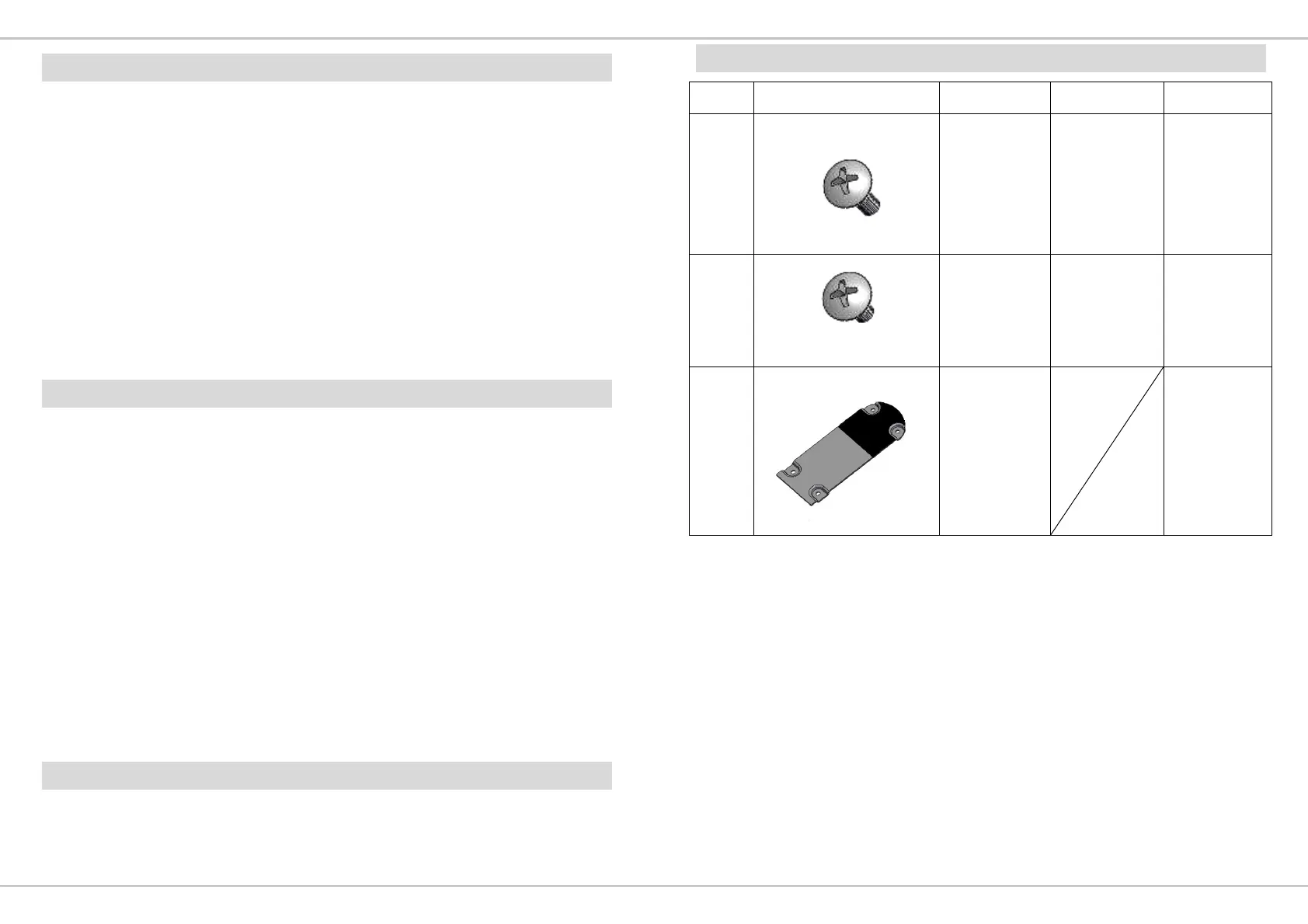
STANDARD ACCESSORIES
No. Accessories Item Spec Qty
1
M4 Screw M4*0.7*15 3
2
M4 Screw M4*0.7*8 4
3
Bottom
Cover
1


 To Next Page