Tutorials Terminals iCT250 — Process a sale
Steps
1 |
|
|
|
|
|
|
|
|
|
Start the sale transaction
2 Press 0 for sale
3 Select Credit or Debit
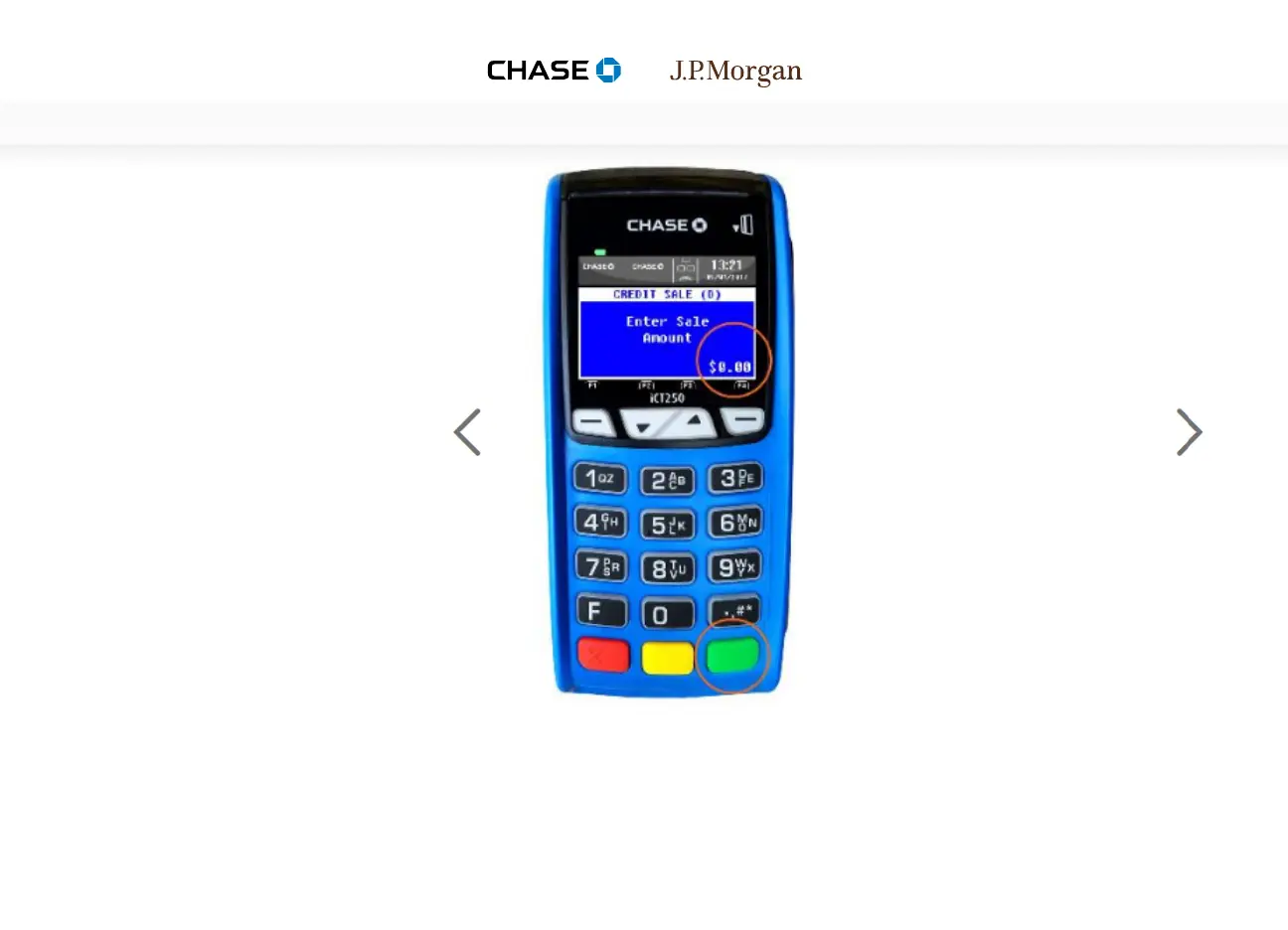
4 Enter the sale amount
5 Insert chip card
6 Leave chip card inserted
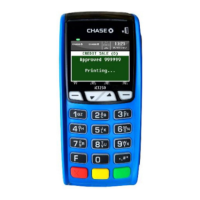
7 Sale approved
8 Terminal prints receipt
9 Customer receipt prints
10 Sale complete
Step 4
Enter the sale
amount
Use the key pad to enter the sale
amount and press the green
Enter key.


 To Next Page