Tutorials Terminals iCT250 — Process a sale
Steps
1 |
|
|
|
|
|
|
|
|
|
Start the sale transaction
2 Press 0 for sale
3 Select Credit or Debit
4 Enter the sale amount
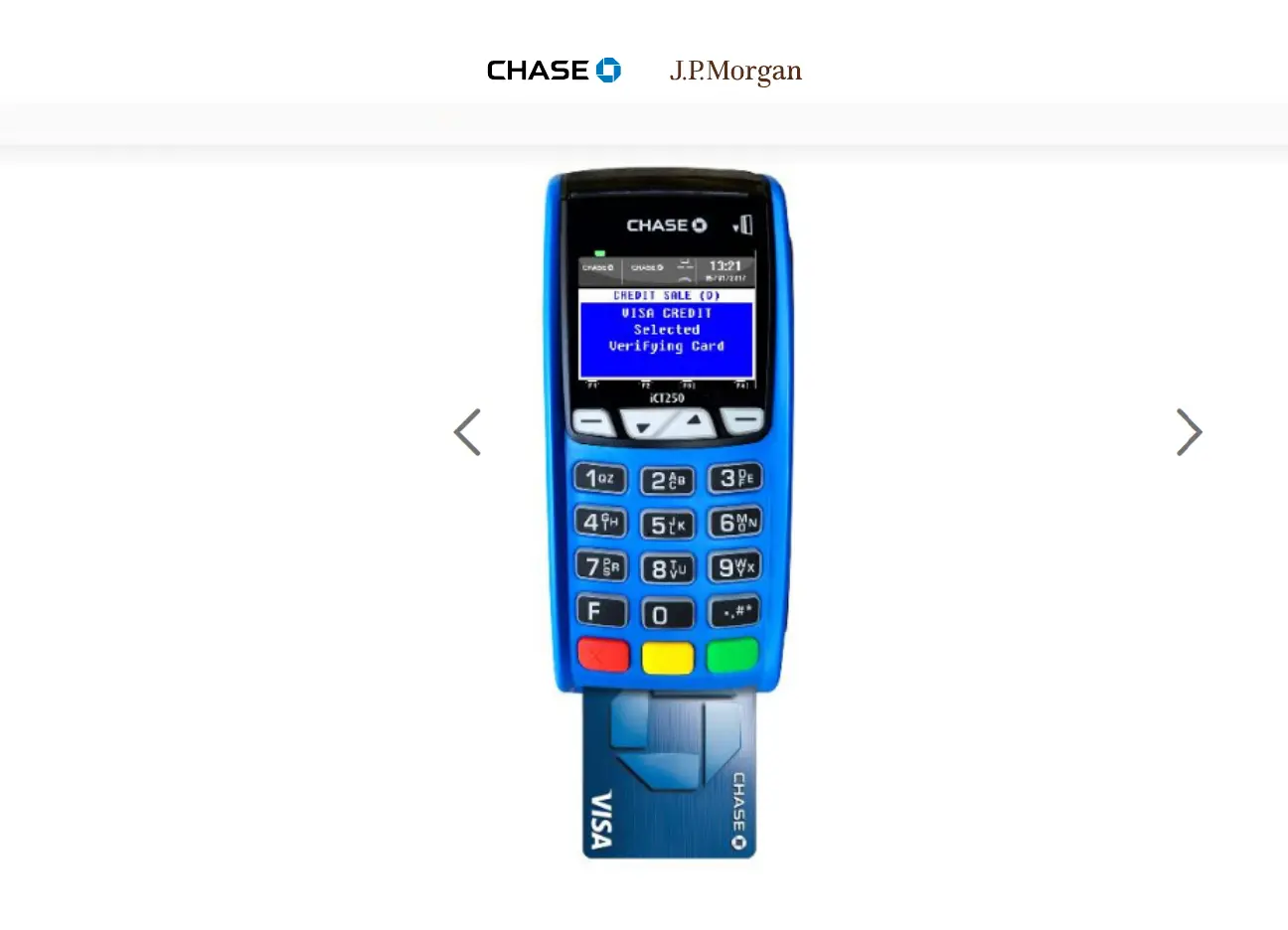
5 Insert chip card
6 Leave chip card inserted
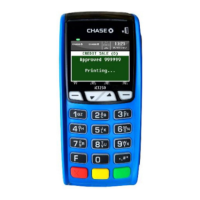
7 Sale approved
8 Terminal prints receipt
9 Customer receipt prints
10 Sale complete
Step 5
Insert chip card
If your machine is set up to accept
debit with PIN, the customer can
choose U.S. debit, which will prompt
them to key in their PIN and then
press the green Enter key.
Otherwise, they can choose Visa
debit, as in this example. If it is a
MasterCard
®
, the option to choose
will be labeled MasterCard debit.


 To Next Page