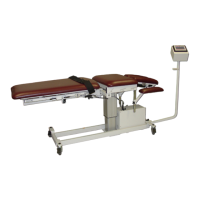
3D ActiveTrac
®
23
OPERATION
TOUCHSCREEN CONTROL PANEL TCP
This section defines the operation of the Touchscreen Control
Panel for the 3D ActiveTrac. Each one of the screens is
illustrated and explained below.
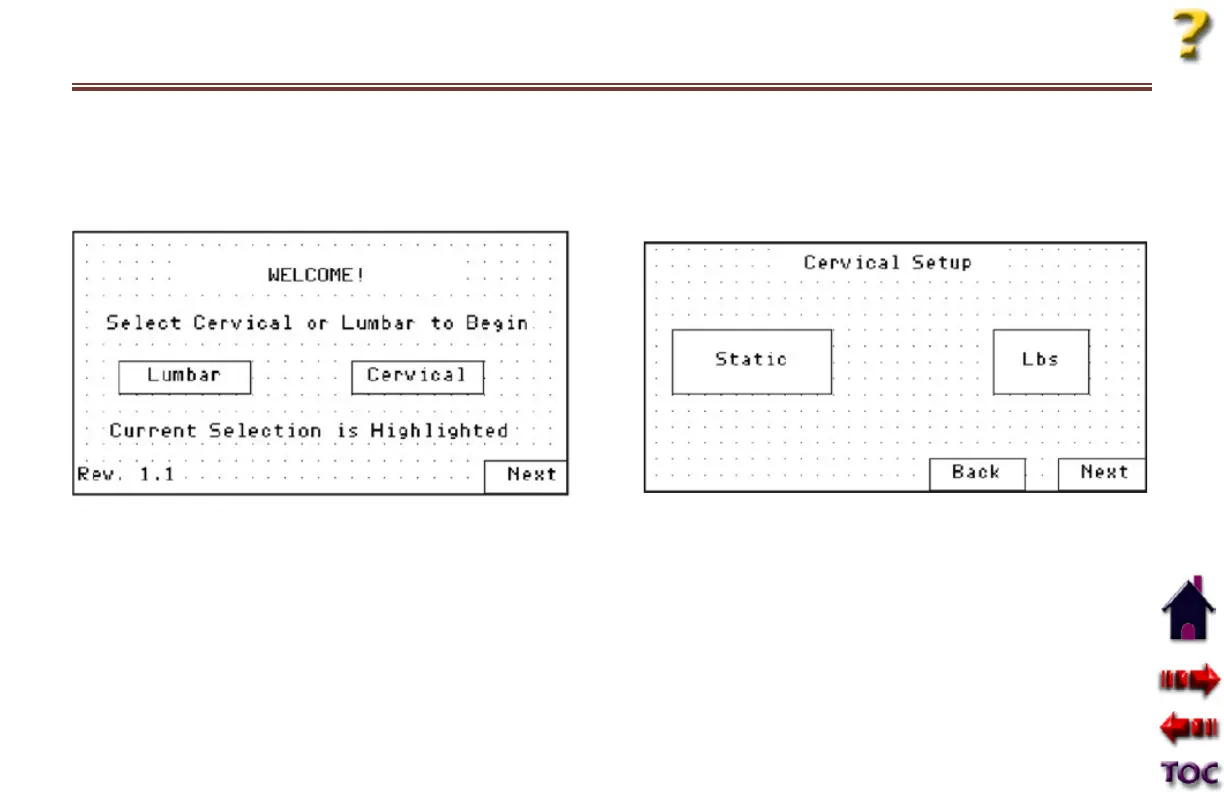
WELCOME SCREEN
To begin, select either Cervical or Lumbar mode by pressing
either icon. Pressing one of the icons will de-select the other
and the selected choice will be highlighted. After your first use,
the default will be whatever you selected on the last treatment
session.
Next
Pressing Next advances to the next screen. Press Next when
you have finished selecting either Cervical or Lumbar mode.
INITIAL SETUP
Heading
The heading on this screen will correspond to the treatment
mode you previously selected (Cervical or Lumbar).









 To Next Page