Fluidotherapy® - Dry Heat Therapy
20
SETUP
PREFERENCE MODE DEFAULT PARAMETERS (CONTINUED)
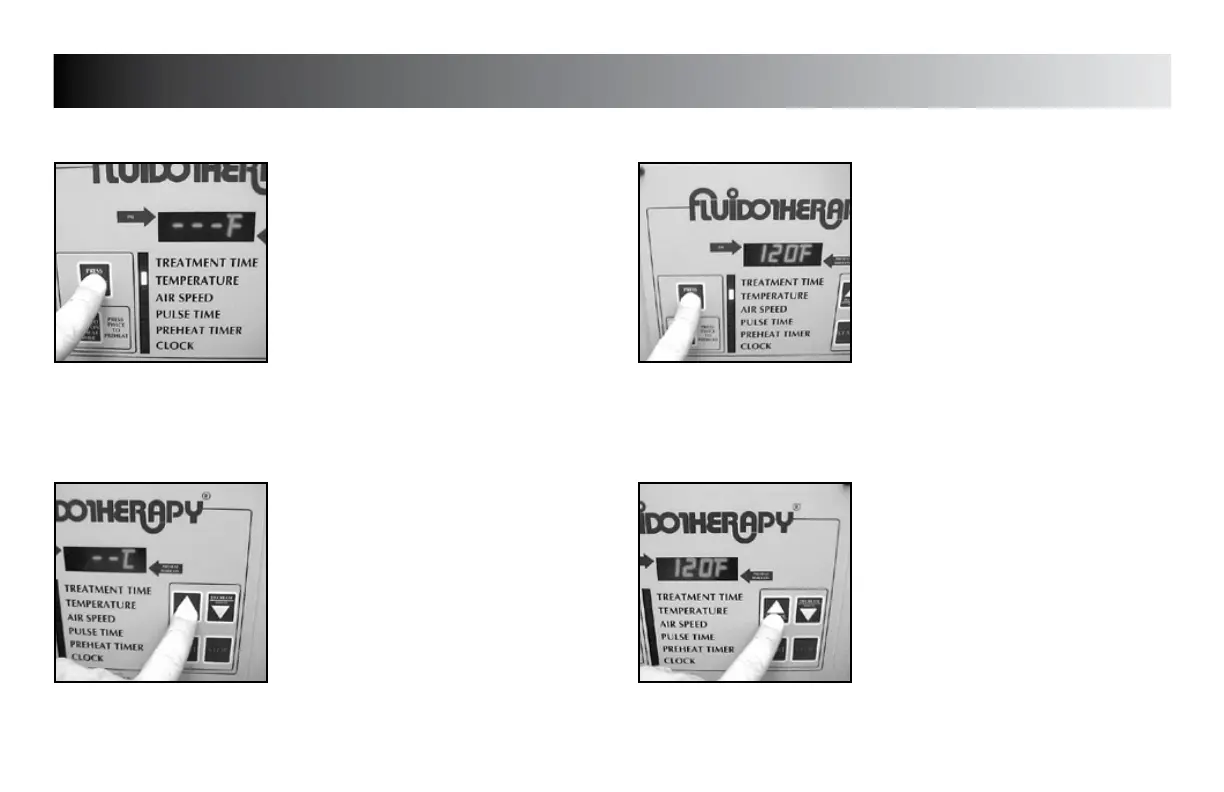
TEMPERATURE READING DEFAULT
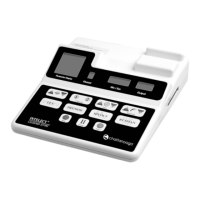
Press the “PRESS TO CHANGE MODE”
button until the indicator light is flashing
beside “TEMPERATURE”.
Press the “INCREASE” button to set unit
to display °F or °C as desired for the
default setting.
Press the “PRESS TO CHANGE MODE”
button to save the new setting.
NOTE:
The default setting is °F.
TREATMENT TEMPERATURE DEFAULT
Press the “PRESS TO CHANGE MODE”
button until the indicator light is flashing
beside “TEMPERATURE” and the existing
default temperature is displayed.
Press the “INCREASE” and “DECREASE”
buttons to set unit to the desired default
treatment temperature.
Operating Temperature Range is:
110 °F - 125 °F (43.3 °C - 51.6 °C)
Press the “PRESS TO CHANGE MODE”
button to save the new setting.








 To Next Page