EasyManua.ls Logo

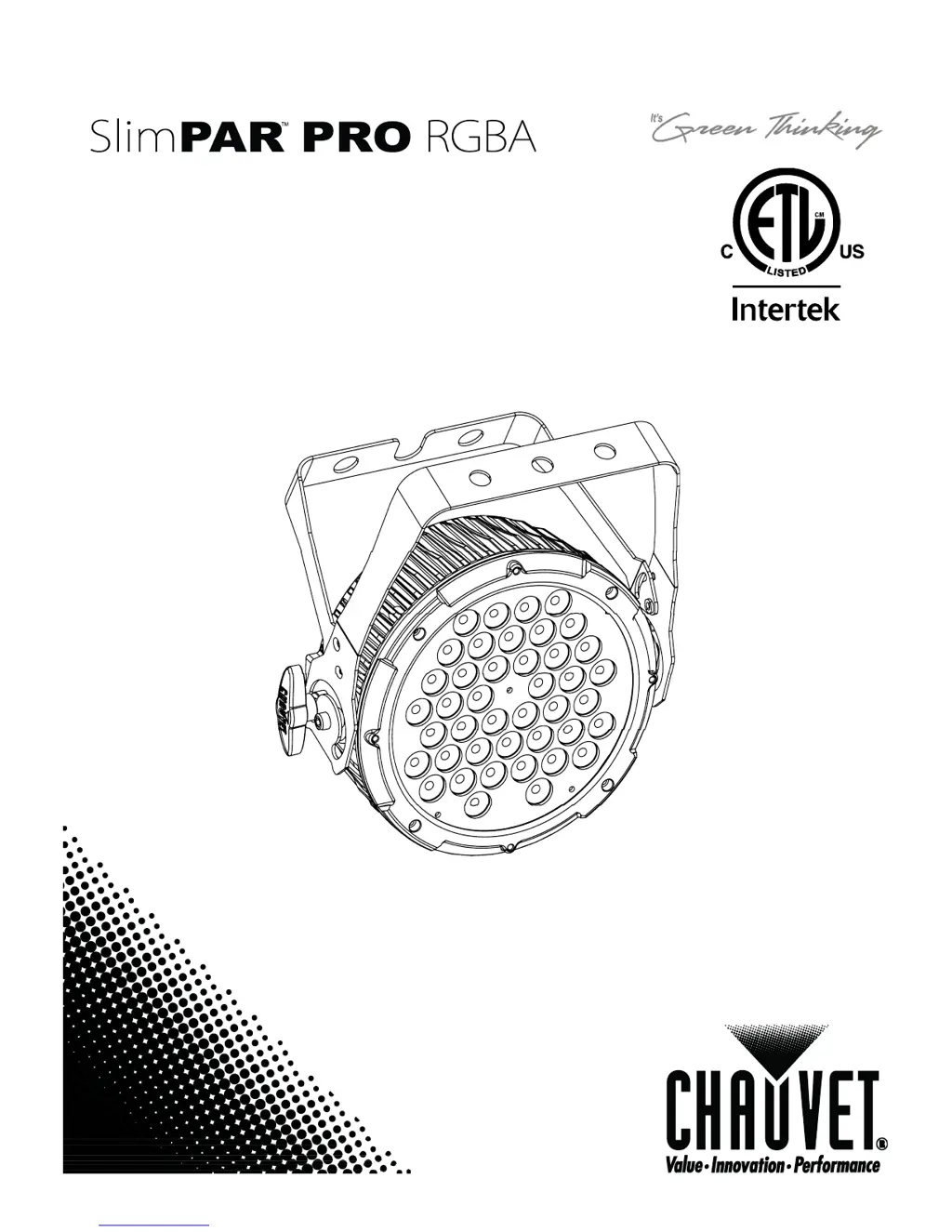
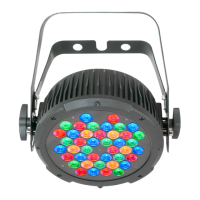
Chauvet SlimPAR PRO RGBA - User Manual

Chauvet SlimPAR PRO RGBA
22 pages
Print Icon
To Next Page IconTo Next Page
Loading...
User Manual

Other manuals for Chauvet SlimPAR PRO RGBA

Questions and Answers

  • B
    barnettgaryJul 26, 2025
    What to do if Chauvet SlimPAR PRO RGBA Lighting Equipment is not responding to DMX?
    • K
      Kenneth HoustonJul 26, 2025
      If your Chauvet Lighting Equipment fixture isn't responding to DMX, there might be several reasons: * **Incorrect DMX addressing:** Verify the Control Panel and unit addressing. * **Damaged DMX cables:** Check the DMX cables for any damage. * **Wrong polarity settings:** Ensure the polarity switch settings on the controller are correct. * **Loose DMX cables:** Make sure all cable connections are secure. * **Faulty DMX interface or Main PCB:** Consider replacing the DMX input or Main PCB.
  • S
    Sarah BrownAug 3, 2025
    How to fix loss of signal in Chauvet Lighting Equipment?
    • S
      Sara HarperAug 3, 2025
      If you are experiencing a loss of signal with your Chauvet Lighting Equipment, consider the following: 1. **Cable type:** Ensure you are using only DMX compatible cables. 2. **Signal bounce:** Install a terminator as suggested. 3. **Cable length/signal strength:** If using long cables, install an amplifier after a fixture with a strong signal. 4. **Number of fixtures:** If you have many fixtures, install an optically coupled DMX splitter after unit #32. 5. **Interference:** Keep DMX cables separated from power cables or black lights.
  • C
    Charles PayneAug 10, 2025
    Why does the breaker/fuse keep blowing in my Chauvet SlimPAR PRO RGBA Lighting Equipment?
    • K
      Kimberly RogersAug 10, 2025
      If the breaker or fuse keeps blowing in your Chauvet Lighting Equipment setup, it could be due to: * **Excessive circuit load:** Check the total load placed on the electrical circuit. * **Short circuit:** Inspect the electrical wiring (internal and/or external) for a short.
  • L
    lucerodarrellAug 18, 2025
    What to do if Chauvet Lighting Equipment does not power up?
    • C
      ccastilloAug 18, 2025
      If your Chauvet Lighting Equipment device isn't powering up, check these potential causes: * **No power:** Verify that there is power on the Mains. * **Loose power cord:** Check the power cord to ensure it is properly connected.

Summary

BEFORE YOU BEGIN

What is Included

Lists all components included in the product package.

Unpacking Instructions

Provides guidance on how to safely unpack the fixture and check for damage.

Manual Conventions

Explains symbols and formatting used throughout the manual.

Icons

Explains the meaning of special icons used for warnings and notes.

INTRODUCTION

Product Overview

Provides a visual overview of the fixture and its main components.

SETUP

AC Power

Details power requirements and connection guidelines for the fixture.

Power Linking

Explains how to connect multiple fixtures together for power distribution.

Mounting

Covers fixture orientation, rigging, and secure installation methods.

Lens Assembly Replacement

Instructions for replacing the lens assembly to alter beam characteristics.

OPERATING INSTRUCTIONS

Configuring the Starting Address

Guides users on setting the DMX starting address for proper control.

Control Panel Functions

Explains the buttons and their functions on the fixture's control panel.

Menu Map

Details the menu structure and available settings for the fixture.

DMX Operation

Instructions for controlling the fixture using a DMX controller.

Master;Slave Mode (Sound-Active, Auto Mode)

How to synchronize multiple fixtures without a DMX controller.

STANDALONE

Automatic

How to use preprogrammed chases without a controller.

Static Color

How to select pre-set static color looks for the fixture.

Custom Static Color

How to create and set custom static color mixes.

DMX Channel Values

4-CH Mode

Details DMX channel assignments for 4-channel mode.

5-CH Mode

Details DMX channel assignments for 5-channel mode.

10-CH Mode

Details DMX channel assignments for 10-channel mode.

APPENDIX

General Troubleshooting

Common issues and their solutions for fixture operation.

DMX Primer

Explains the DMX protocol and its application with the fixture.

Fixture Linking (Daisy Chain)

Guides on connecting multiple fixtures in a DMX chain.

Data Cabling

Information on suitable data cables for DMX connections.

DMX Data Cable

Specifications for appropriate DMX data cables.

Cable Connectors

Details on XLR connectors used for DMX signal.

Terminator

Explanation of DMX signal terminators and their use.

Setting the Starting Address

Detailed steps for setting DMX starting addresses.

3-Pin to 5-Pin Conversion Chart

Chart for converting between 3-pin and 5-pin DMX connectors.

Setting up a DMX Daisy Chain

Visual guide on how to properly connect fixtures in a daisy chain.

General Maintenance

Recommended procedures for cleaning and maintaining the fixture.

Returns Procedure

Guidelines for returning merchandise for service or repair.

Claims

Procedures for filing claims related to shipping or product issues.

TECHNICAL SPECIFICATIONS

CONTACT US

Chauvet SlimPAR PRO RGBA Specifications

General IconGeneral
LED ColorRGBA
Beam Angle25°
Power Consumption60 W
Input Voltage100-240 VAC, 50/60 Hz
Light SourceLED
Weight2.4 kg
Strobe Rate0 to 20 Hz
PWM Frequency1.2 kHz
Control ProtocolsDMX, Standalone, Master/Slave
Included AccessoriesPower cable, User manual
HousingAluminum alloy

Related product manuals