EasyManua.ls Logo

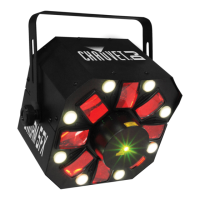
Chauvet SWARM - User Manual

Chauvet SWARM
17 pages
Print Icon
To Next Page IconTo Next Page
Loading...
Swarm User Manual 1 4/23/2009 11:59 AM
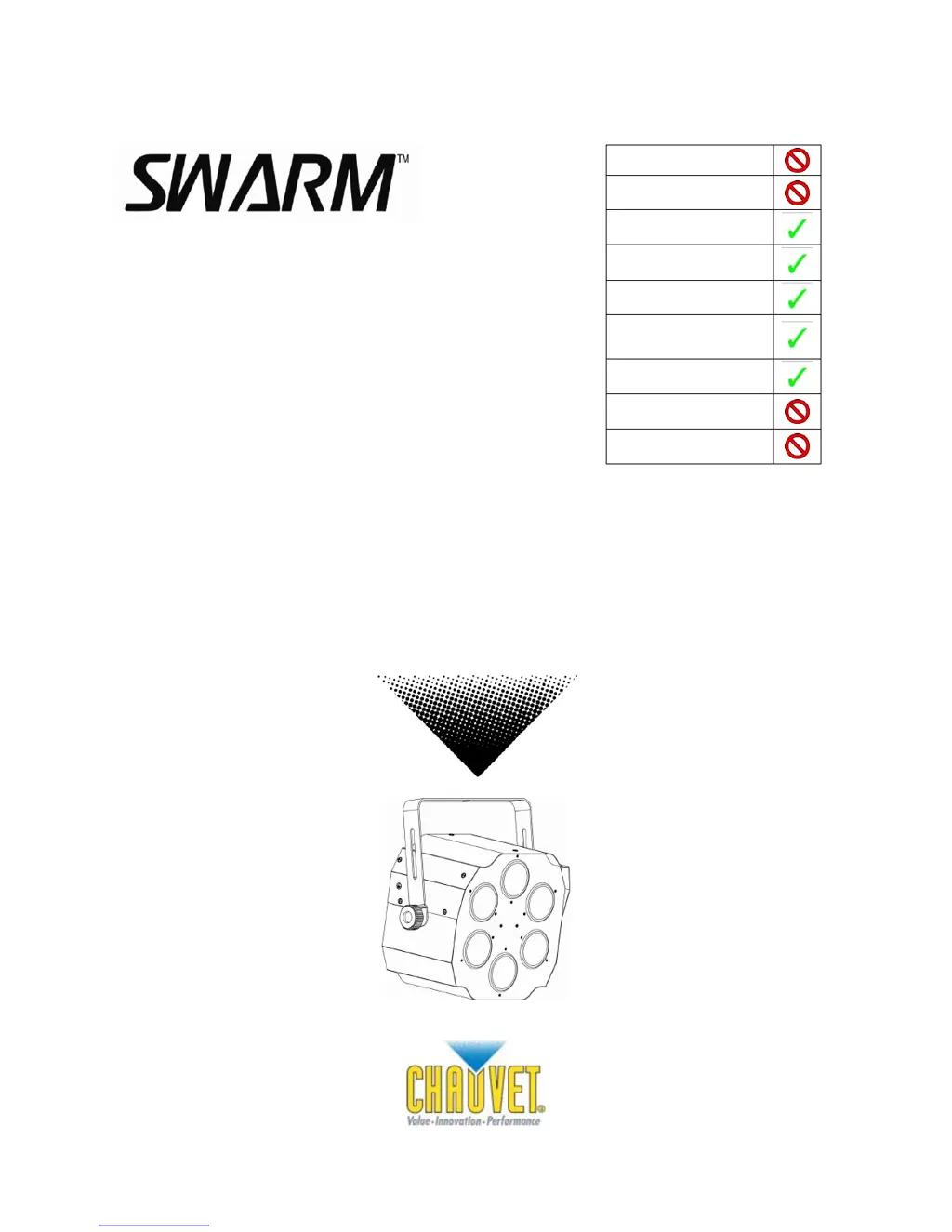
USER MANUAL
Snapshot
OK on Dimmer
Outdoor OK
Sound Activated
DMX512
Master/Slave
Autoswitching
Transformer
Replaceable Fuse
User Serviceable
Duty Cycle
3000 N 29
th
Ct, Hollywood, FL 33020 U.S.A.
(800) 762-1084 (954) 929-1115
FAX (954) 929-5560
www.chauvetlighting.com

Questions and Answers

Summary

1. BEFORE YOU BEGIN

Safety Instructions

Crucial safety precautions for installation, usage, and maintenance.

3. SETUP

Setting up a DMX Serial Data Link

Guides on connecting fixtures to a DMX controller.

Master;Slave Fixture Linking

Instructions for setting up fixtures in a master/slave configuration.

4. OPERATING INSTRUCTIONS

Stand-Alone Mode

Details on running the fixture in Sound-Active or Auto modes.

Master;Slave Mode

Instructions for operating fixtures in a master/slave configuration.

DMX Mode

How to set up and operate the fixture using DMX control.

DMX Channel Values

Mapping of DMX channel values to fixture functions and effects.

General Troubleshooting

Common issues and their solutions for fixture operation.

Chauvet SWARM Specifications

Power IconPower
autoswitching100-240VAC 50/60Hz
fuseF1A 250V
power consumption at 120V20W (0.3A) max
inrush power at 120V0.2A
power consumption at 230V14W (0.2A) max
inrush power at 230V0.2A
power output at 120V12 units max
power output at 230V20 units max
Light Source IconLight Source
LED3 x 3W 1, 200mA (1 Red, 1 Green, 1 Blue) 50, 000hrs
Operating Environment IconOperating Environment
maximum ambient temperature104°F (40°C)
Weight and Dimensions IconWeight and Dimensions
length7.6 in (194 mm)
width11.8 in (302 mm)
height12.5 in (319 mm)
weight8.2 lbs (3.7 kg)

Related product manuals