EasyManua.ls Logo

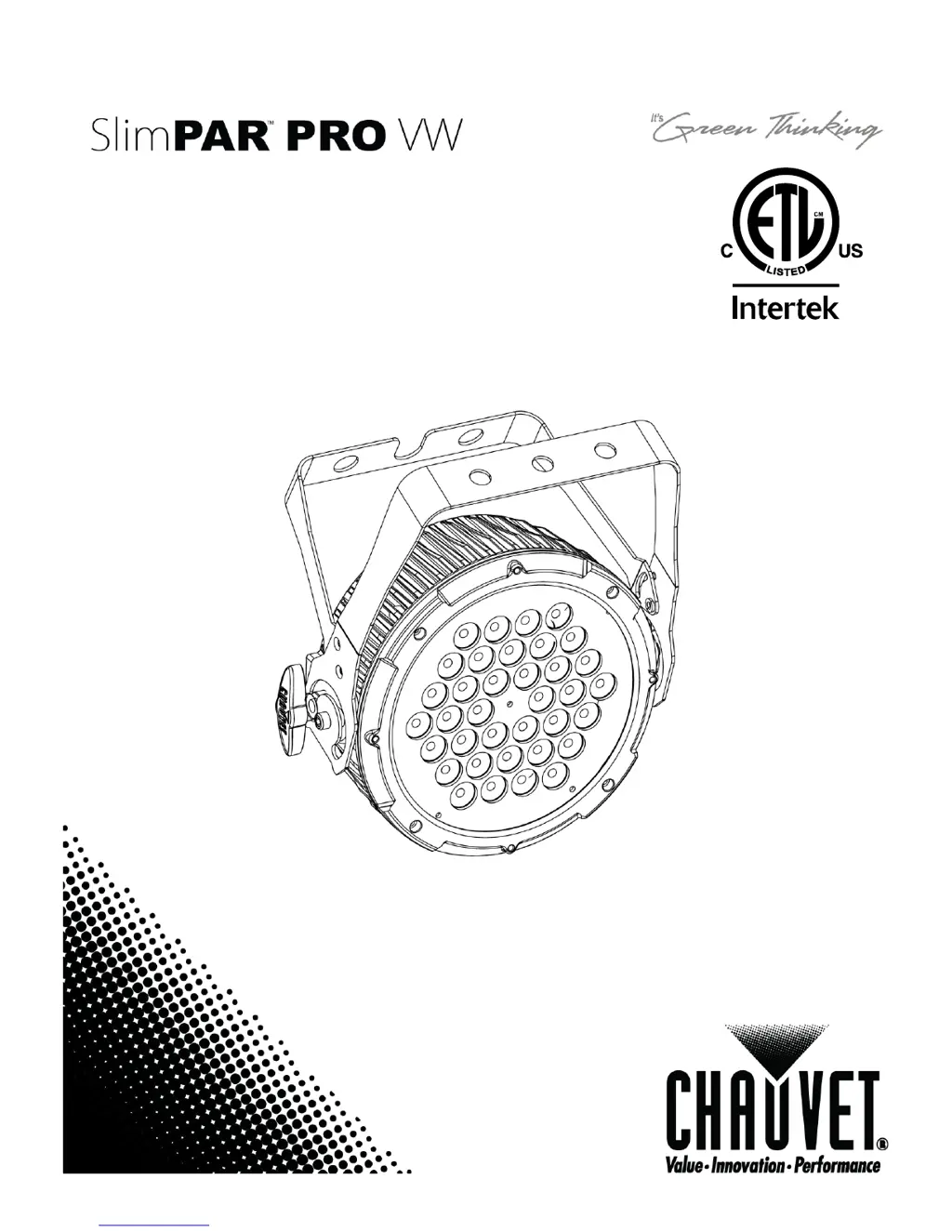
Chauvet SlimPAR PRO VW - User Manual

Chauvet SlimPAR PRO VW
22 pages
Print Icon
To Next Page IconTo Next Page
Loading...
User Manual

Questions and Answers

  • M
    Mary KlineJul 26, 2025
    What to do if my Chauvet SlimPAR PRO VW Lighting Equipment fixture is not responding to DMX?
    • S
      Sharon TurnerJul 26, 2025
      If your Chauvet Lighting Equipment fixture isn't responding to DMX, there are several things to check: * Verify the Control Panel and unit addressing for correct DMX addressing. * Inspect DMX cables for any damage. * Ensure the polarity switch settings on the controller are correct. * Check all cable connections to make sure they are secure. If these steps don't resolve the issue, consider replacing the DMX input or the Main PCB, as they might be faulty.
  • J
    jodi88Aug 2, 2025
    Why does my Chauvet SlimPAR PRO VW breaker/fuse keep blowing?
    • E
      ehutchinsonAug 2, 2025
      If the breaker or fuse keeps blowing in your Chauvet Lighting Equipment, it could be due to: * **Excessive circuit load:** Verify the total load on the electrical circuit. * **Short circuit:** Inspect the electrical wiring (both internal and external) for any shorts.
  • N
    Nancy RiosAug 9, 2025
    How to fix loss of signal in Chauvet SlimPAR PRO VW Lighting Equipment?
    • B
      Brandi WilliamsAug 9, 2025
      To fix a loss of signal in your Chauvet Lighting Equipment, consider the following: 1. Ensure you are using only DMX compatible cables. 2. If experiencing bouncing signals, install a terminator. 3. For long cables or low-level signals, install an amplifier after a fixture with a strong signal. 4. If using too many fixtures, install an optically coupled DMX splitter after unit #32. 5. Keep DMX cables separated from power cables or black lights to avoid interference from AC wires.
  • C
    Chris ReedAug 17, 2025
    How to troubleshoot a Chauvet SlimPAR PRO VW device that does not power up?
    • B
      Brian PatelAug 17, 2025
      If your Chauvet Lighting Equipment device does not power up, check the following: * Ensure there is power on the Mains. * Check the power cord to make sure it is securely connected.

Summary

Before You Begin

Safety Instructions

Covers essential safety precautions for installation, operation, and maintenance.

Setup

AC Power

Explains AC power connection, auto-ranging, and voltage requirements.

Power Linking

Details how to connect multiple fixtures together for power distribution.

Mounting

Provides instructions on how to mount and orient the fixture securely.

Rigging

Covers secure rigging practices, including safety chains and adjustment knobs.

Operating Instructions

Configuring the Starting Address

Explains how to set the DMX starting address for proper fixture control.

Menu Map

Details the fixture's menu structure, functions, and selection options.

DMX Operation

Instructions for operating the fixture using an external DMX controller.

Master;Slave Mode (Sound-Active, Auto Mode)

Explains how to set up master and slave fixtures for synchronized operation.

DMX Channel Values - 7-CH Mode

Lists DMX channel assignments and functions for 7-channel mode.

Appendix

General Troubleshooting

Provides common symptoms and possible solutions for fixture issues.

DMX Primer

Explains the basics of DMX control, channels, and addressing.

Fixture Linking (Daisy Chain)

Details how to connect multiple fixtures in a DMX daisy chain.

Setting the Starting Address

Reinforces how to set DMX starting addresses and planning.

Setting up a DMX Daisy Chain

Illustrates the physical connection process for a DMX daisy chain.

Technical Specifications

Chauvet SlimPAR PRO VW Specifications

General IconGeneral
BrandChauvet
ModelSlimPAR PRO VW
CategoryLighting Equipment
LanguageEnglish

Related product manuals