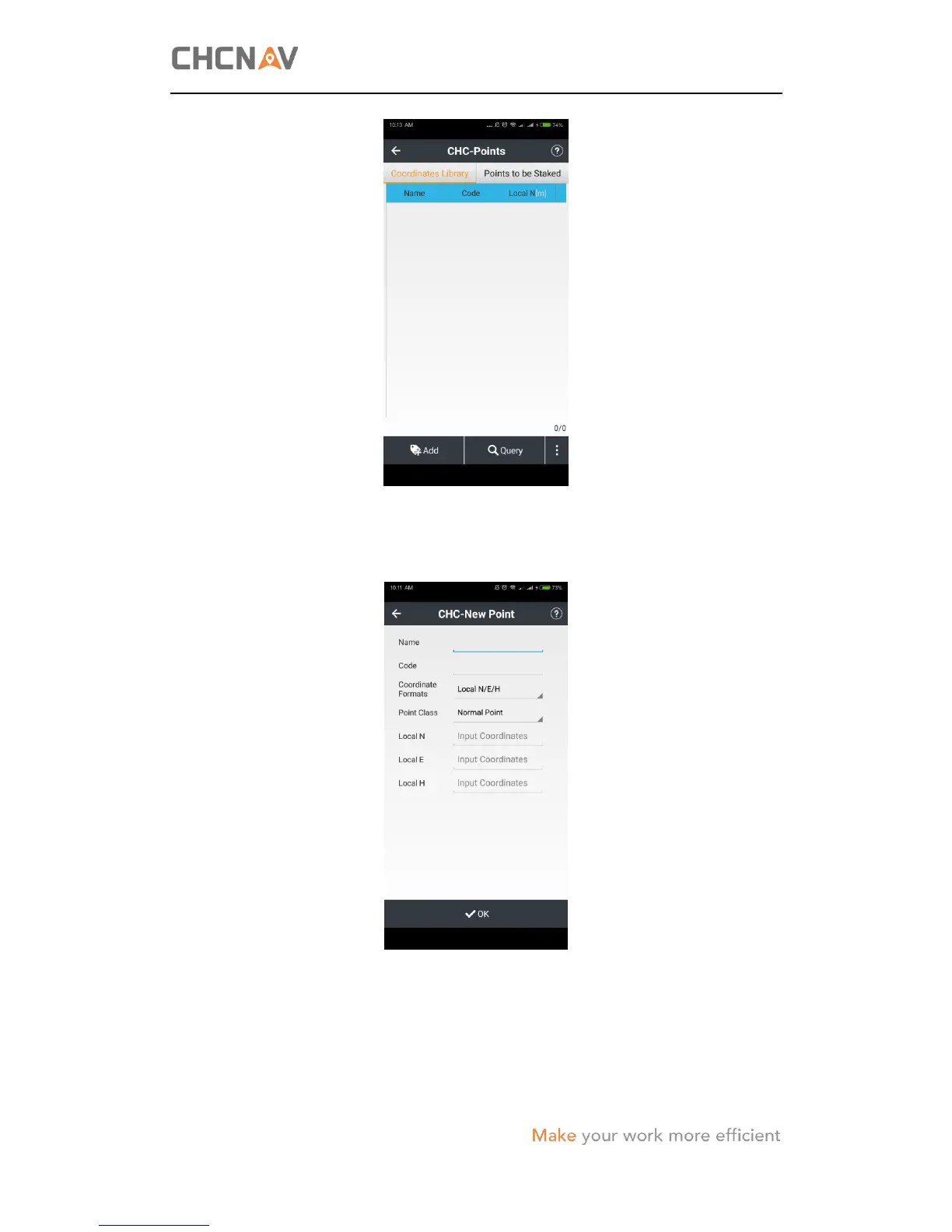
(2) Tap add button in the lower left corner of Points screen, and then configure the
related parameters of the new point as follows:
Name: Enter the point name.
Code: Enter the code of the point, if required.
Coordinate Format: Select the coordination format from the dropdown list. There are
five available options: Local N/E/H, Local Lat/Lon/H, Local X/Y/Z;



 To Next Page