Overview
LT700H RTK ANDROID TABLET USER GUIDE | 2019-10 P a g e | 10
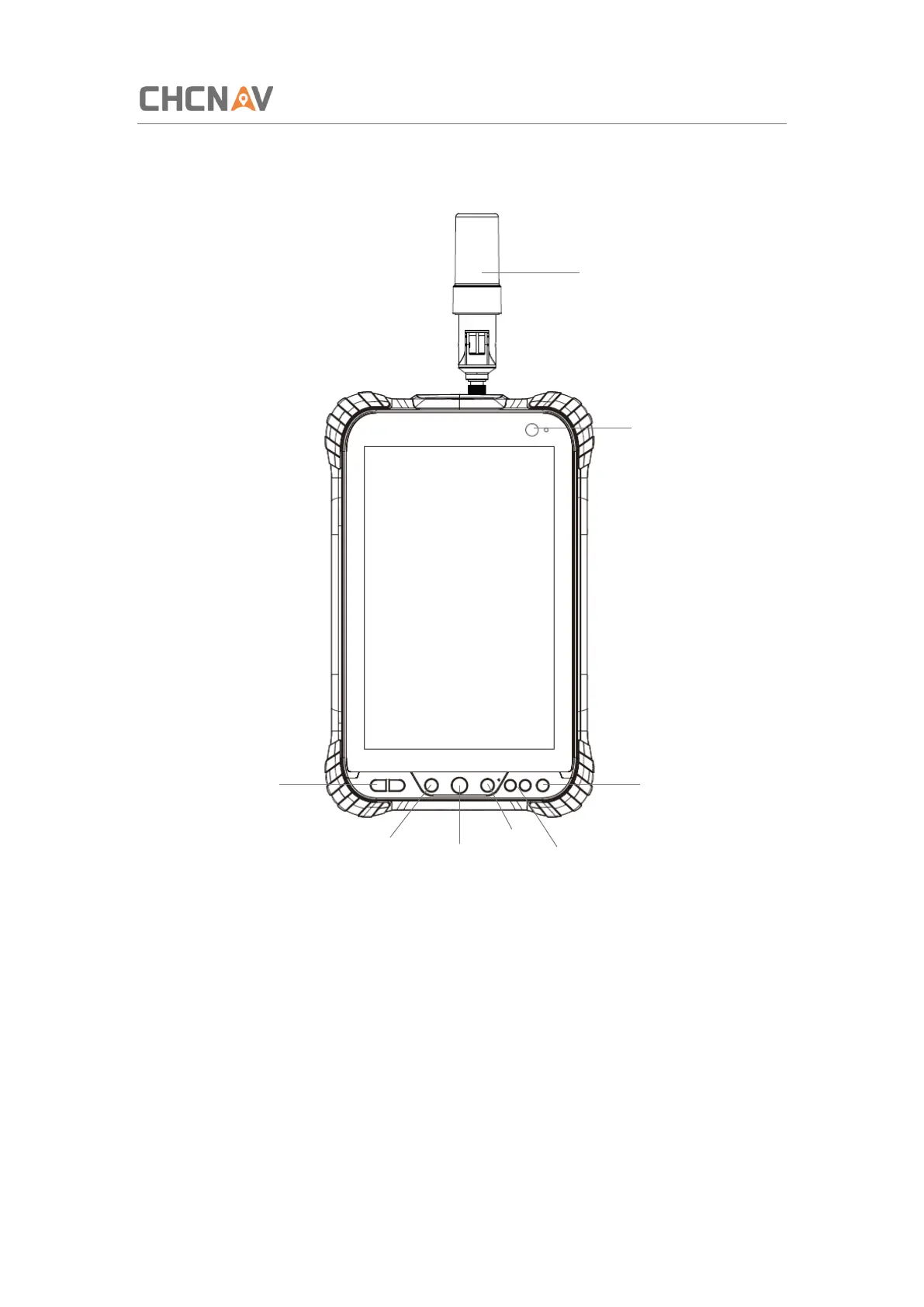
2.3 Front View
Power Button
Power on: Press the button for 1-2 seconds, the Power Indicator will turn on and the boot
screen will appear. The LT700H will enter the operating system after 30 seconds.
Power off: Press the button for 1-2 seconds, the [SELECT] dialogue box will pop up, select
[Power off] to turn off the device.
Return: Press the button to go back to the last menu.
Menu Button
Click this button to bring out the start menu.



 To Next Page