Basic Operation
LT700H RTK ANDROID TABLET USER GUIDE | 2019-10 P a g e | 20
3.6 Bluetooth
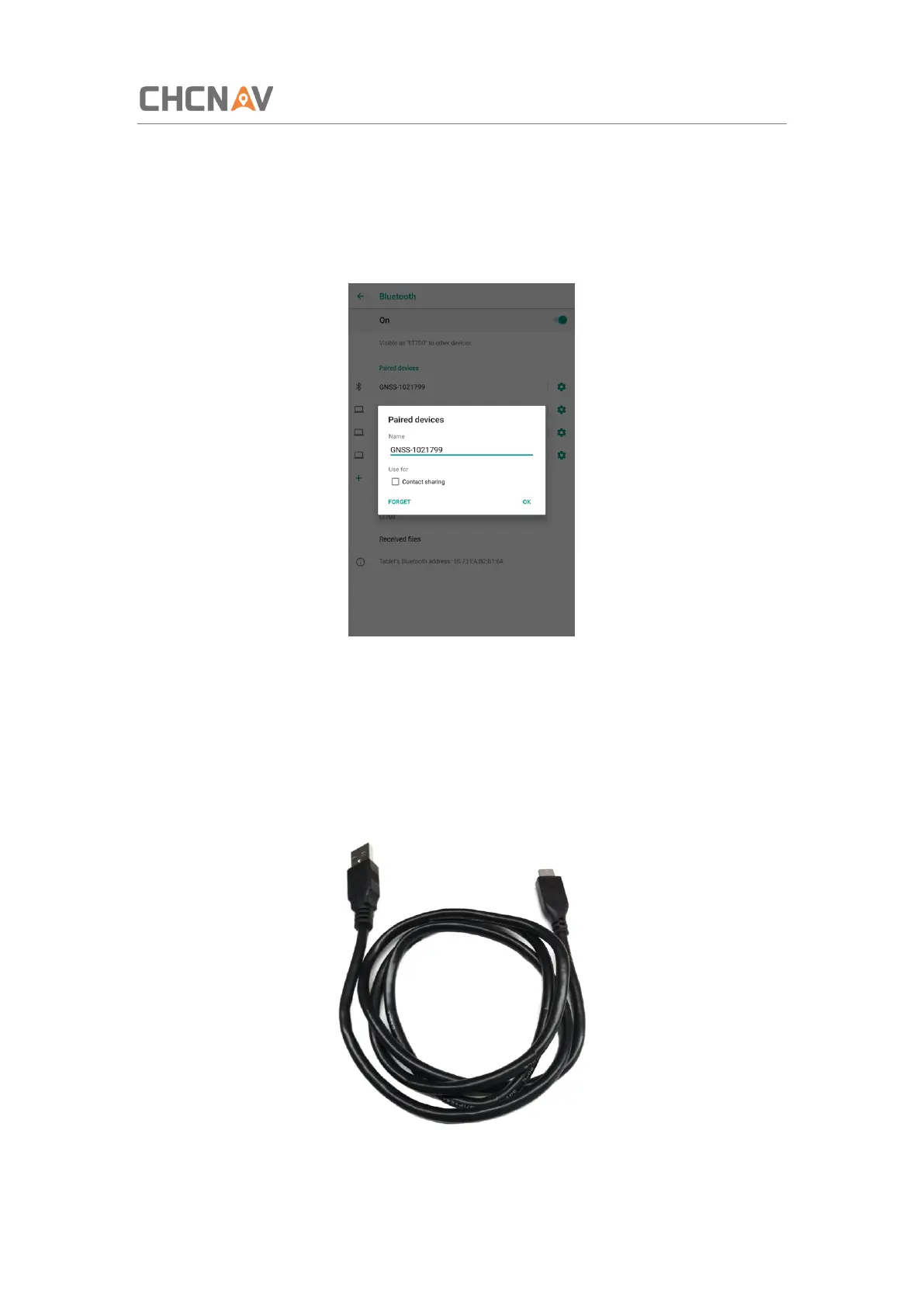
Click [Settings] – [Connected device] – [Bluetooth] to turn on the Bluetooth.
Find nearby devices and pair with it.
3.7 USB Connection
For connection or data transmission between LT700H and PC, please use the USB data cable
as shown below.
Click [Settings] – [System] – [Developer options] – [USB debugging] to make sure this function



 To Next Page