Basic Operation
LT700H RTK ANDROID TABLET USER GUIDE | 2019-10 P a g e | 15
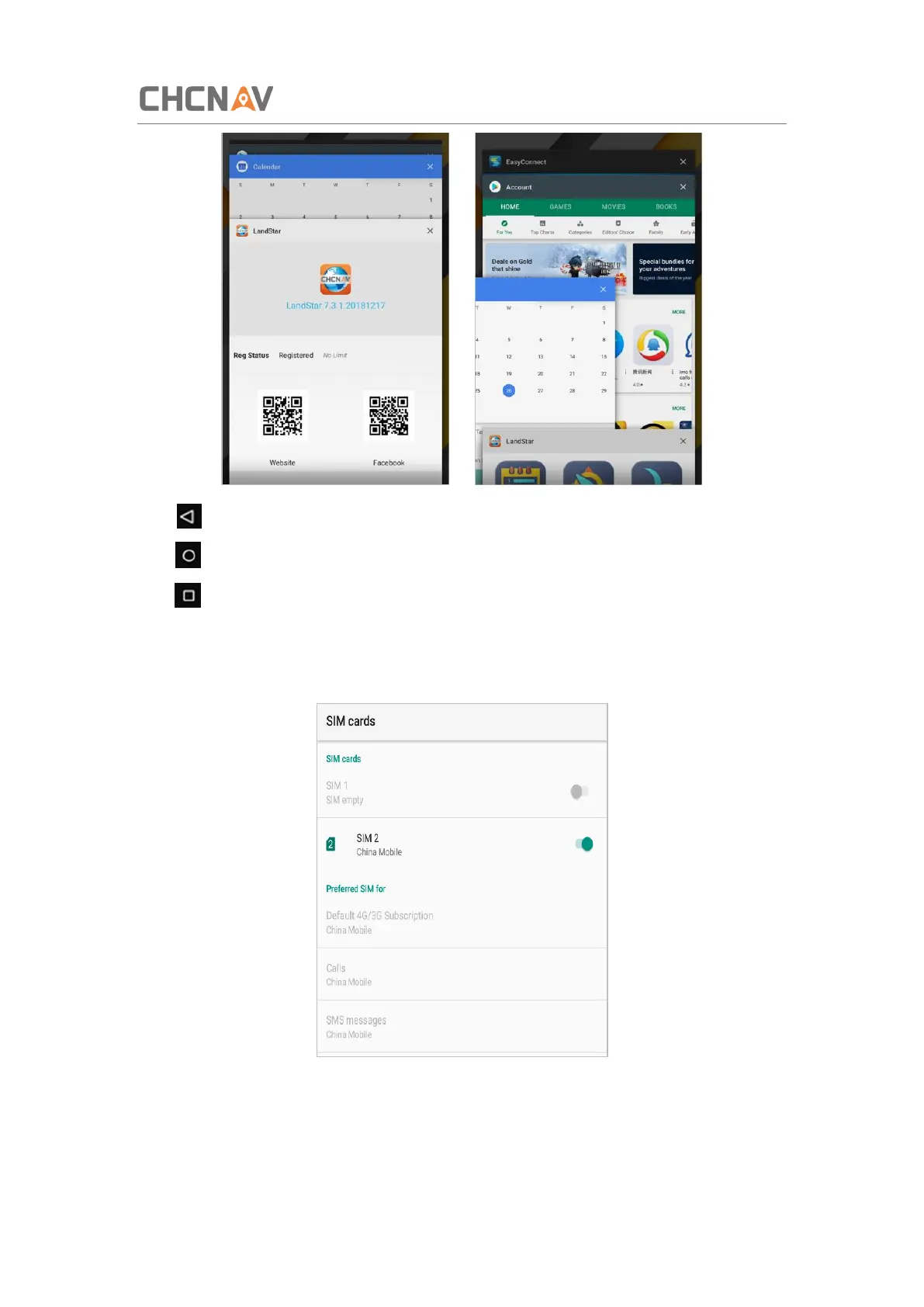
Click to go back to the previous menu.
Click to return home screen.
Click to see all the running apps and then you can close them by sliding them right or left.
After powering on LT700H, click Settings—Network & Internet—SIM cards to turn on the SIM
cards.



 To Next Page