Getting Started
CHCNAV NX510 PRO USER MANUAL | 2021-08 P a g e | 14
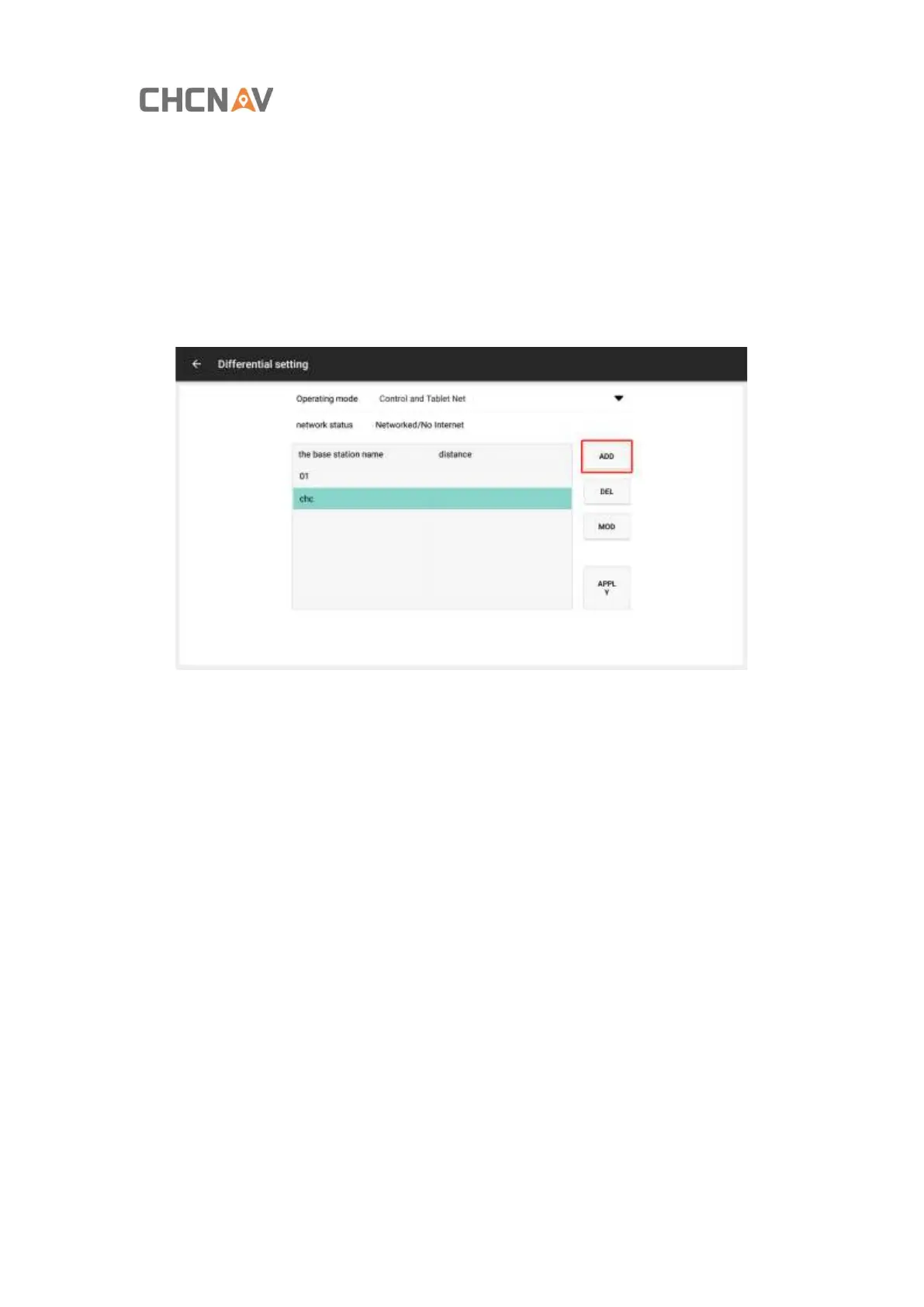
Step 2: Click [Add] to add the base station information.
Base station information (multiple base station information are supported):
The base station name: chc (in default)
Protocol: CORS (in default)
Input the IP, port, username and password you have, click [Save].
Click [Download] in the source list and select RTCM3.2 format.



 To Next Page