Common Functions
CHCNAV NX510 PRO USER MANUAL | 2021-08 P a g e | 25
B. Alignment guidance
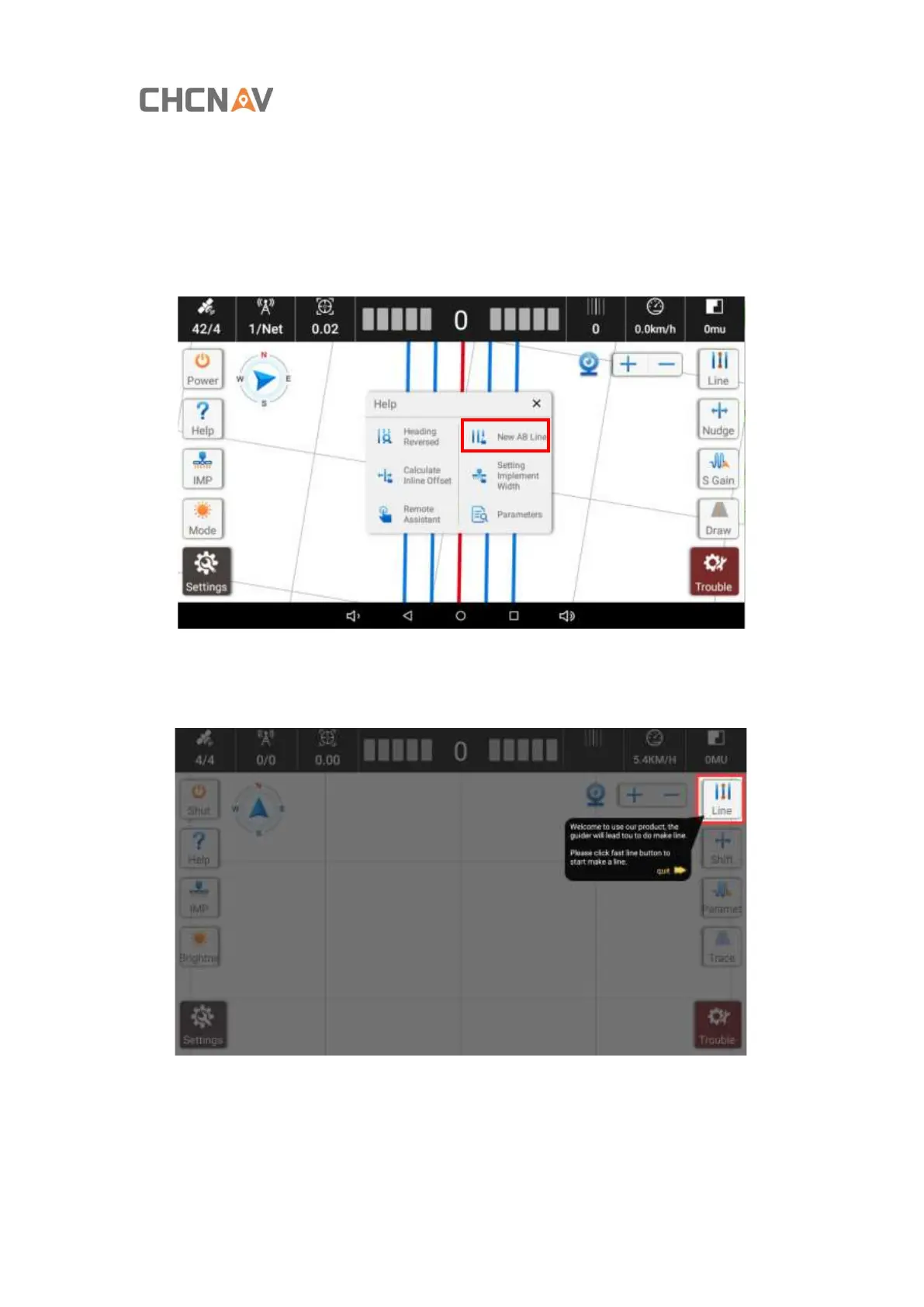
Guidance for each step of the alignment operation, and other functions can’t be used . To exit,
click [Exit].
Step 1: Click [Make Line] in [Help] to turn on the AB line alignment guide.
Step 2: After clicking [Make Line], the [Line] button will be highlighted on the right, and other
functions are blocked.



 To Next Page