Common Functions
CHCNAV NX510 PRO USER MANUAL | 2021-08 P a g e | 26
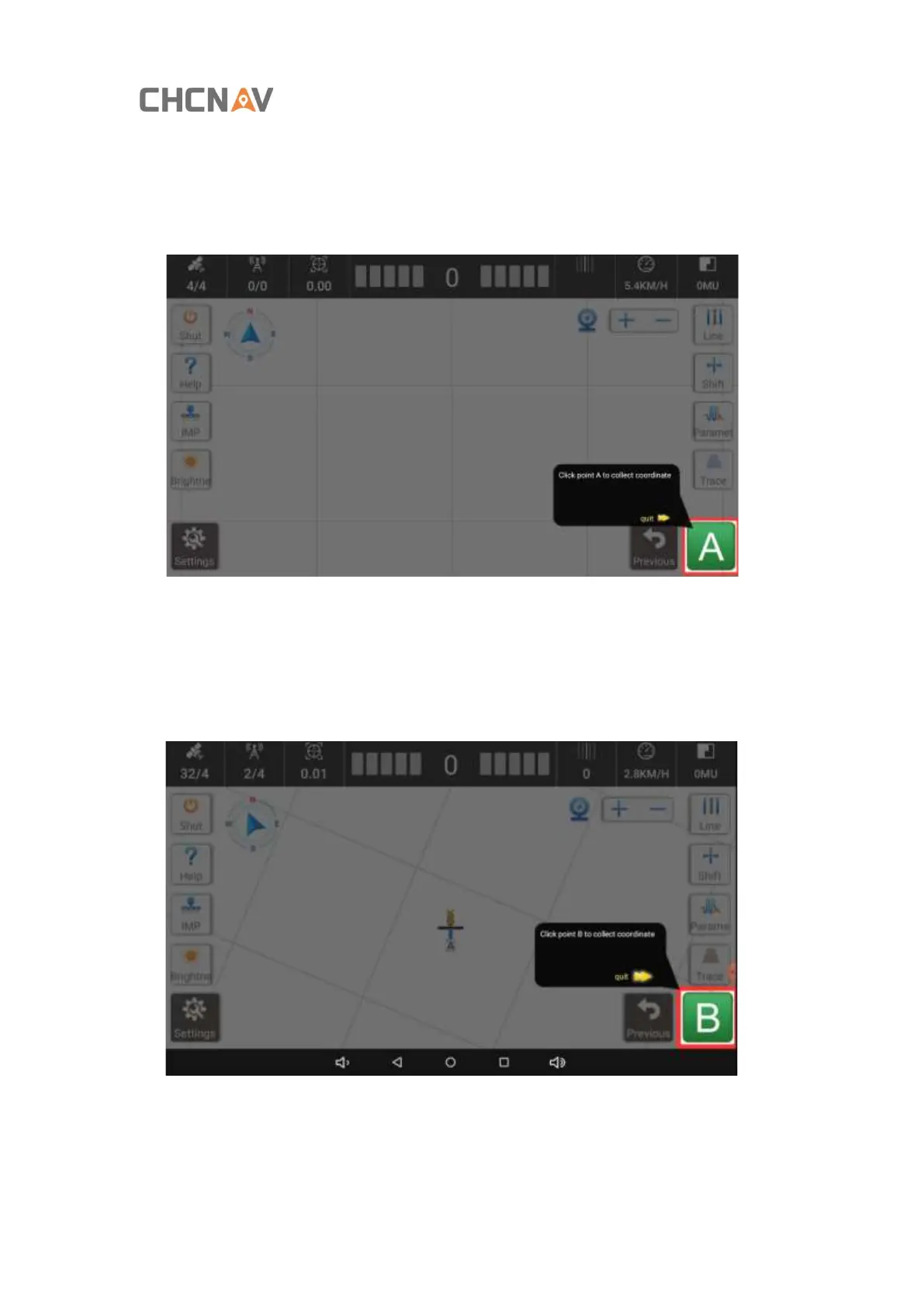
Step 3: Click [line], [A] appears in the lower right corner. [A] is the start point, the vehicle should
be parked at the starting point of alignment.
Step 4: Manually drive to the other side of the alignment. Set the point B after the tractor
stops. During this process, please keep the agricultural tools lifted up. After point B is
confirmed, click [Save].



 To Next Page