EasyManua.ls Logo

CHD CHD6800 - Page 18

Default Icon
31 pages
Print Icon
To Next Page IconTo Next Page
To Previous Page IconTo Previous Page
Loading...
Technical Manual PRINTER CHD6800
18 © Computer Hardware Design
7
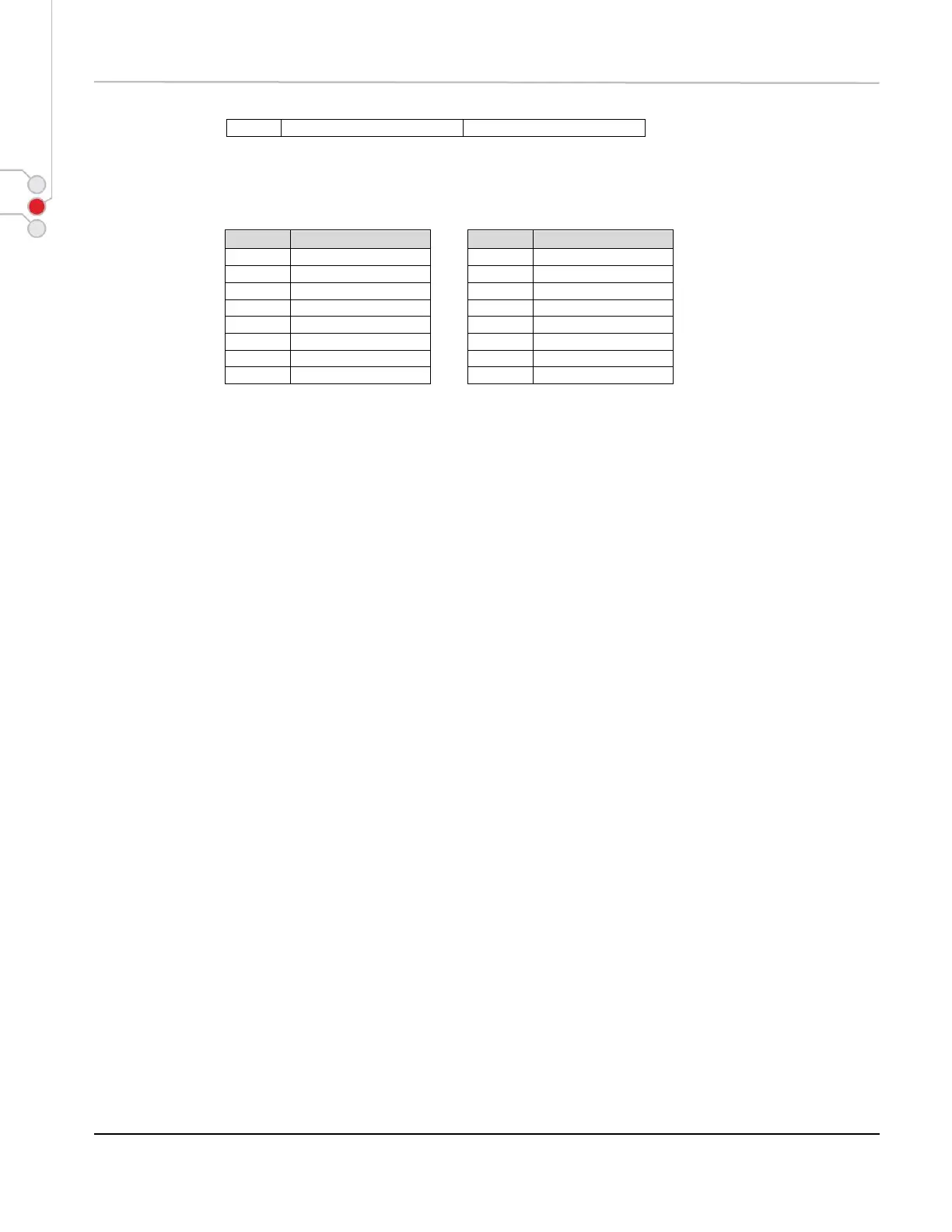
Table 1
Character width selection
Table 2
Character height
selection
Hex.
Width
Hex.
Height
00H
1(normal)
00H
1 (normal)
10H
2(double-width)
01H
2(double-height)
20H
1(normal)
02H
1 (normal)
30H
2(double-width)
03H
2(double-height)
40H
1(normal)
04H
1 (normal)
50H
2(double-width)
05H
2(double-height)
60H
1(normal)
06H
1 (normal)
70H
2(double-width)
07H
2(double-height)
[DETAILS] * This command is effective for all characters (alphanumeric and Kanji).
* In standard mode, the vertical direction is the paper feed direction and the horizontal
direction is the perpendicular direction to the paper feed.
* Double height concerns whole line and last set value is used when printing line.
* The ESC ! command can turn double-width and double-height modes on or off but the
last received command is effective.

Table of Contents