Technical Manual PRINTER CHD6800
24 © Computer Hardware Design
2.36 GS v 0 Print raster bit image (v5.1.0)
[FORMAT] <1D>H<76>H <30>H <m> xL xH yL yH d1 … dk
[RANGE] m – mode
1 ≦ (xL+xH x256) ≦ 48 – number of bytes in the horizontal direction
1 ≦ (yL+yH x256) ≦ 65535 – number of dots in the vertical direction
0≦d≦FFH - data
0≦k≦FFFFH
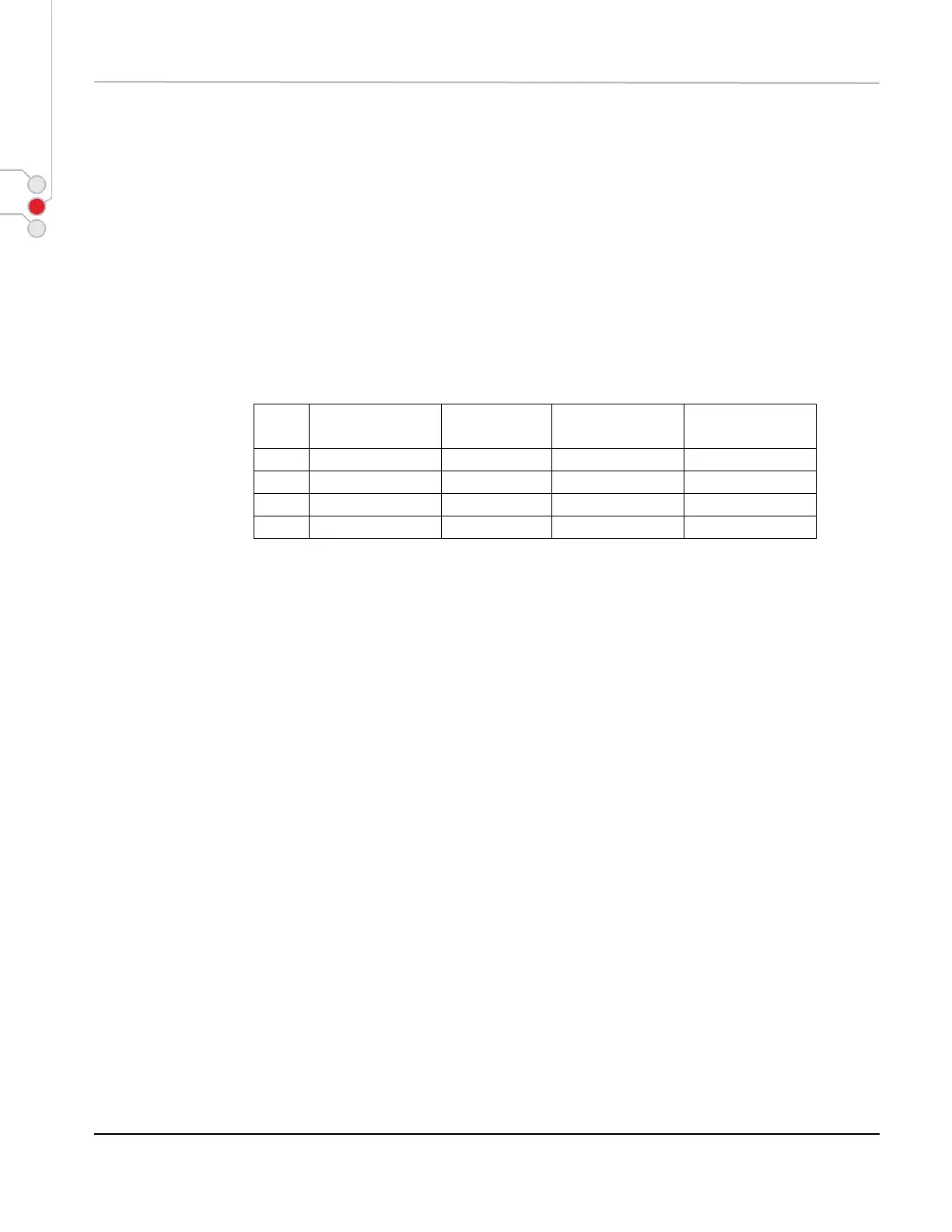
[DESCRIPTION] Prints a raster bit image using the mode specified by m (mode):
[CAUTION] * User defined characters, bit image (GS *) print bitmap block (GS q) and print raster bit
image (GS v 0) shares the same memory. Sending this command will discard bit image or
user defined characters.
* For better performance it is recommended to use it over USB.



 To Next Page