Technical Manual PRINTER CHD6800
28 © Computer Hardware Design
2.42 GS ( E; fn = 12 Get configuration item for serial interface (v3.3.0)
[FORMAT] <1D>H<28>H <45>H xL xH fn a
[RANGE] (xL+xH x256) = 2; (xL = 2, xH = 0)
fn – 0CH
a – item number (1 … 4)
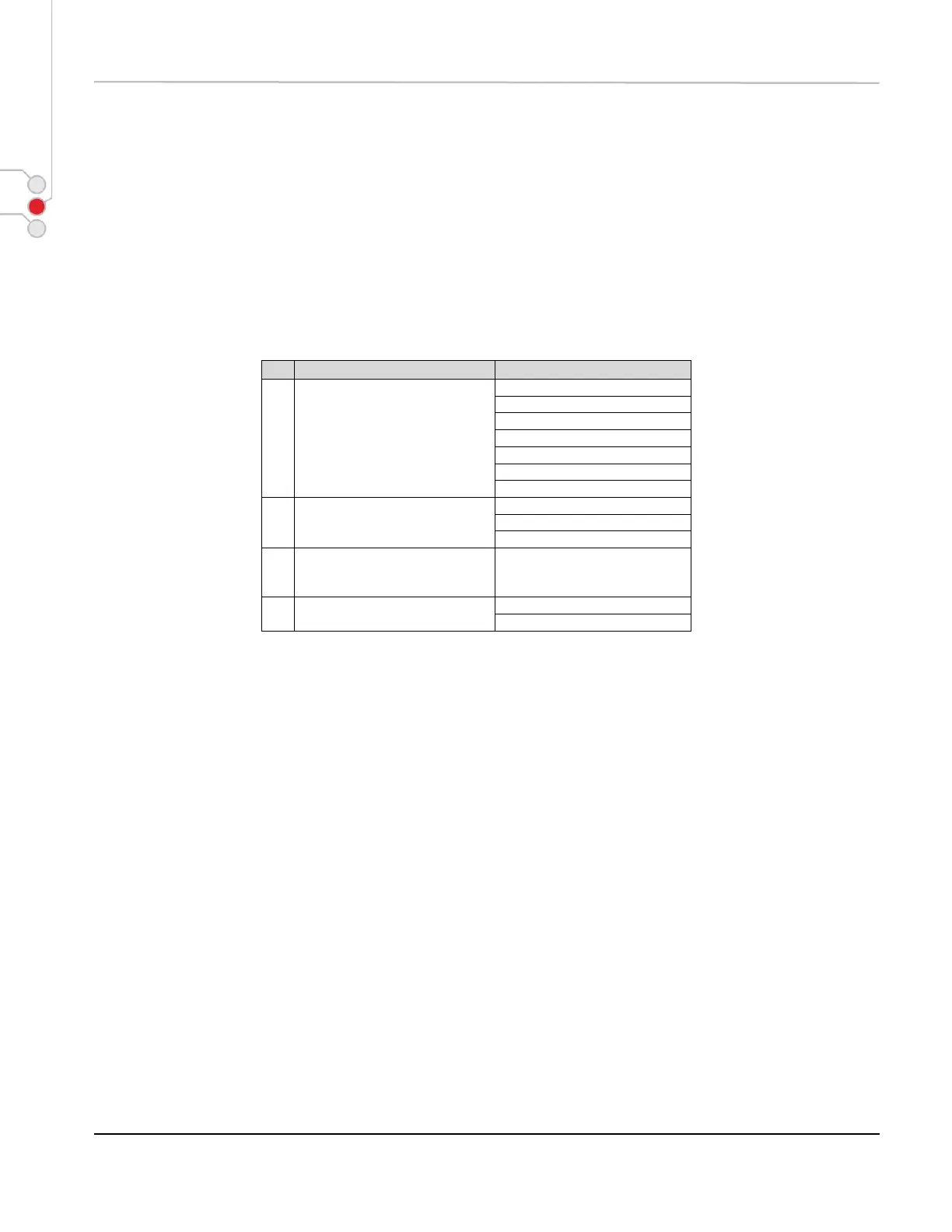
[DESCRIPTION] Following responses are sent as NULL terminated string, e.g. last char is 00H.
[CAUTION] * This command returns current effective settings (the ones used by printer after GS ( E; fn
= 2 command).
* Settings can be changed using GS ( E; fn =1, then GS ( E; fn =11, then GS ( E; fn =2
command.



 To Next Page