Mounting Power-1 in a Rack
Configuring Power-1 Page 10
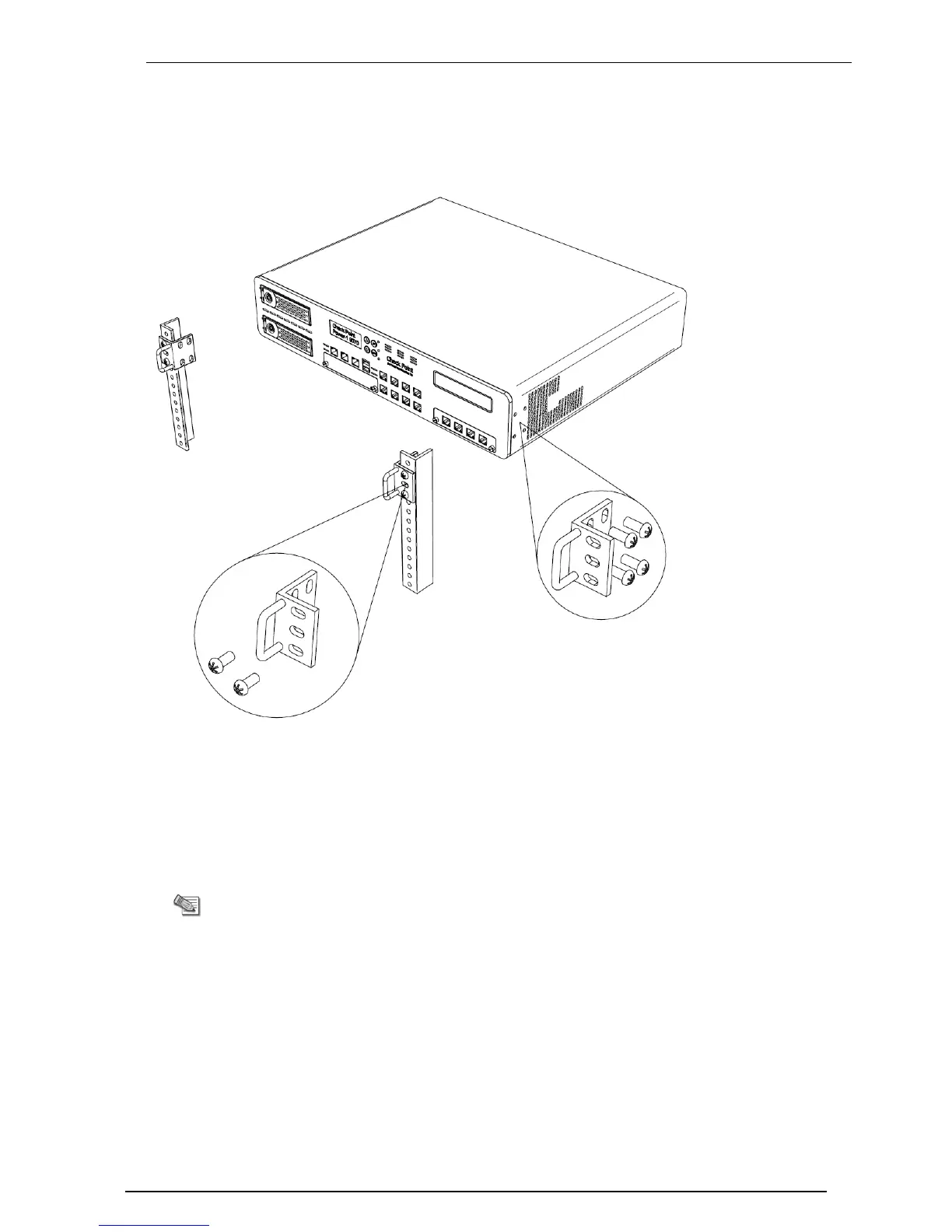
Mounting Power-1 in a Rack
Mount the system in the rack with the network ports facing the front of the rack.
Figure 2-1 Installing Power-1
Connecting the Power Cables and Power
On
1. Connect the power cables.
2. On the back panel, turn on the Power button to start the appliance.
Note - When a power supply fails or is not connected to the outlet, an
alarm sounds continuously. If you hear the alarm, replace the faulty
power supply immediately, and connect the new unit to an A/C outlet
("Removing the Power Supply" on page 24).








 To Next Page