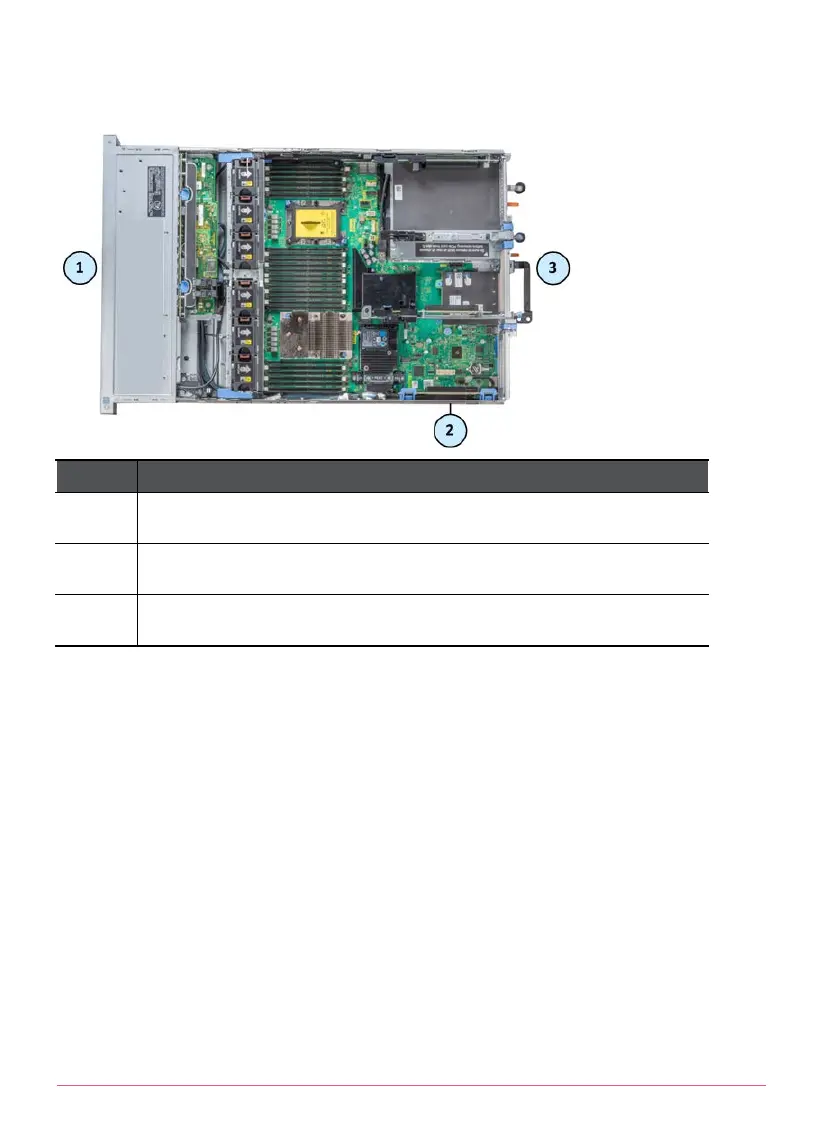
Smart-1 5150
Item Description
1 Front panel
2 Riser 1
3 Rear panel
Procedure
Use the relevant install or replace workflow for your appliance. For each step in
the workflow, follow the instructions as described in the subsequent sections of
this guide.
To install a new expansion SAN card on Smart-1 5050 appliances:
1. Prepare the appliance with a shut down, halt and disconnection of power.
2. Remove the riser.
3. Replace the long bracket on the SAN card with a smaller bracket.
See
Replacing the Bracket on a SAN Card
at the end of the guide.
4. Install a new expansion SAN card into the riser.
5. Install the riser.















 To Next Page