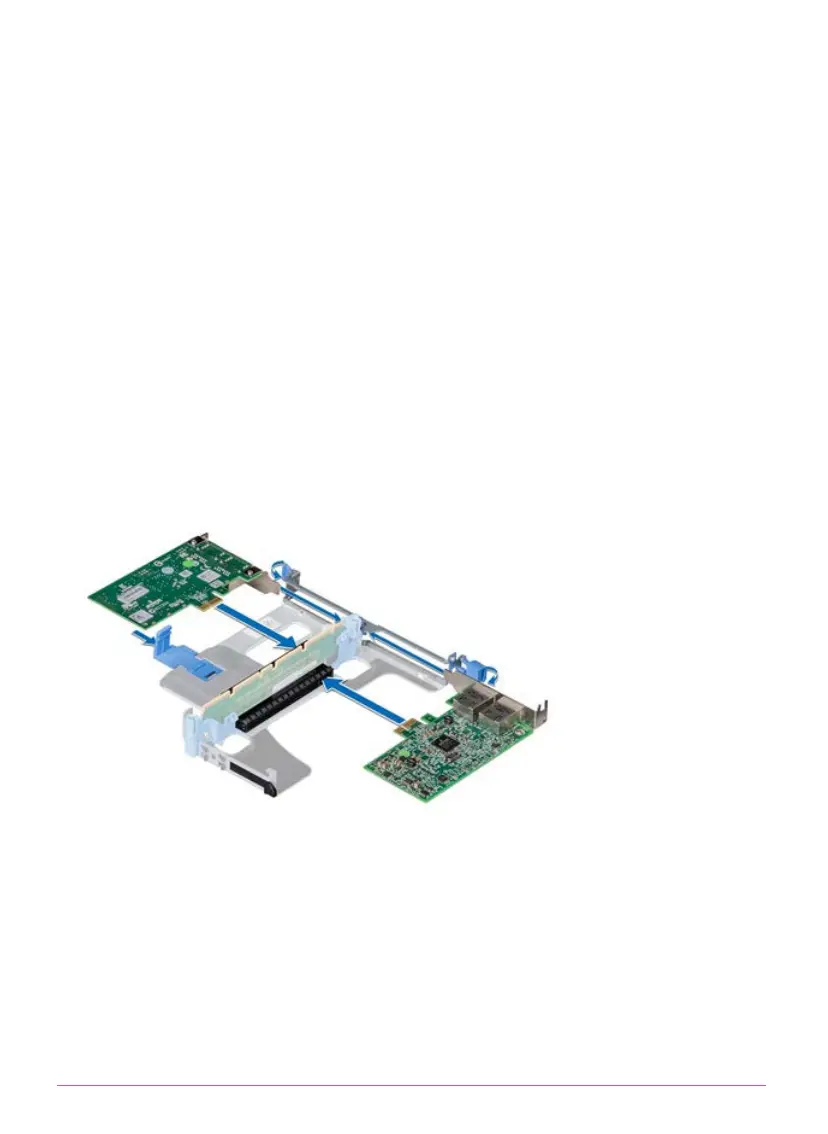
Installing an Expansion SAN Card into the Riser
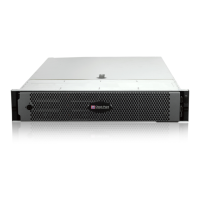
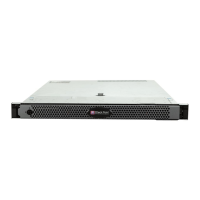
Smart-1 5050 and Smart-1 5150
1. Unpack the expansion SAN card and prepare it for installation.
Note - If the appliance is a Smart-1 5050, see
Replacing the Bracket on a
SAN card
at the end of the guide.
2. If applicable, lift/pull the expansion SAN card latch and remove the filler
bracket.
3. Hold the card by its edges, and align the card edge connector with the
expansion SAN card connector on the riser.
4. Insert the card edge connector firmly into the expansion SAN card
connector until the card is fully seated.
5. Close/push the expansion SAN card latch.
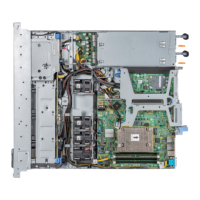
Installing an expansion SAN card into the expansion riser 1 on Smart-1 5050:




 To Next Page