10
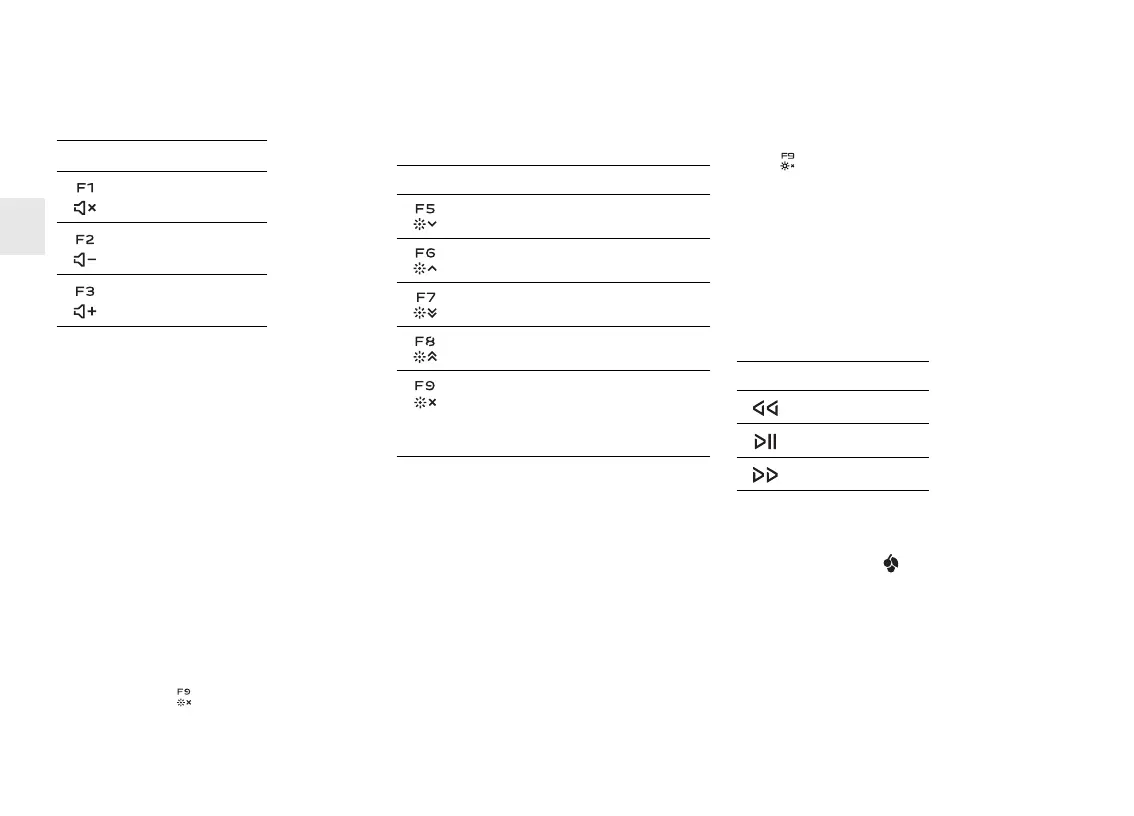
The keys have the following functions:
5 Changing the lighting
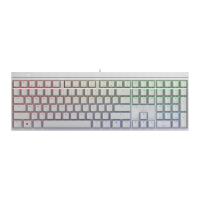
The backlighting of the keys can be adjusted in
100 increments or be switched off.
Activated status displays light up brighter. This
is relevant for the following keys:
• Status keys (caps lock, SCROLL and NUM)
• Windows key
•FN key
The symbols for adjusting the backlighting are
secondary functions of F5 to F9.
• To adjust the backlighting, press the FN key
and the appropriate key as shown in the
table.
Example:
To switch the backlighting on or off, press the
FN key and F9 ( ).
The keyboard backlighting is switched on or
off.
Key Function
Sound on/off
Volume down
Volume up
The keyboard saves the setting.
The keys have the following functions:
6 Activating/deactivating
the FN key
To make major adjustments, you can lock the
FN key on. You then only have to press the
appropriate key for the adjustment you want to
make.
• To activate or deactivate the FN key, press it
at the same time as the CTRL key.
The FN key lights up (active) or is off
(inactive).
Key Function
Backlighting 1% dimmer
Backlighting 1% brighter
Backlighting 10% dimmer
Backlighting 10% brighter
Backlighting on/off
(When you switch the backlighting on
again, the keys are lit with the most
recently set brightness.)
Example:
To switch the backlighting on or off, press
F9 ( ) with the FN key activated.
The keyboard backlighting is switched on or
off.
The keyboard saves the setting.
7Media keys
The media keys above the numerical keypad
have the following functions:
8 Win-Key lock
Use the CHERRY key ( ) to switch between
Office and Gaming mode.
Office mode:
Office mode is suitable for entering text and
numbers. It stops entries being duplicated
from keys that are accidentally held down too
long.
All Windows commands are available.
Key Function
Previous title
Play/pause
Next title
EN
OPERATING MANUAL
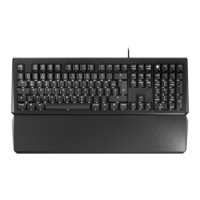
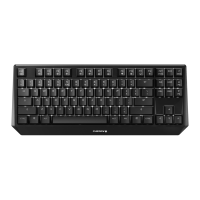
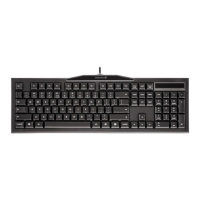
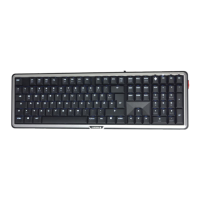
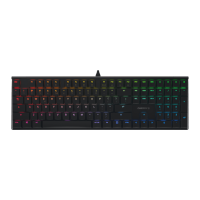
CHERRY MX BOARD 1.0 BACKLIGHT – Corded Mechanical Keyboard








 To Next Page