Fast Rewind / Forward
• Press the Rewind or Forward button
to quickly move rewind or forward
through the disc.
• Press the Rewind or Forward button
again to return to CD play mode.
Random Track Play
• Press RANDOM button more than 2
seconds to enter random tack play
mode.
• Press RANDOM button again to exit
the random track play mode.
Repeat Track Play
• Press REPEAT button more than 2
seconds to enter repeat current track
play mode.
• Press REPEAT button again to exit the
repeat track play mode.
Ejecting CD
Press the eject button to remove the
CD from the radio.
Maintenance for CD
• Avoid leaving fingerprints on the CD
when handling.
• Put the CD back in its case immedi-
ately after ejecting it, to protect the
CD from dirt and dust.
• Do not expose the CD to heat or di-
rect sunlight.
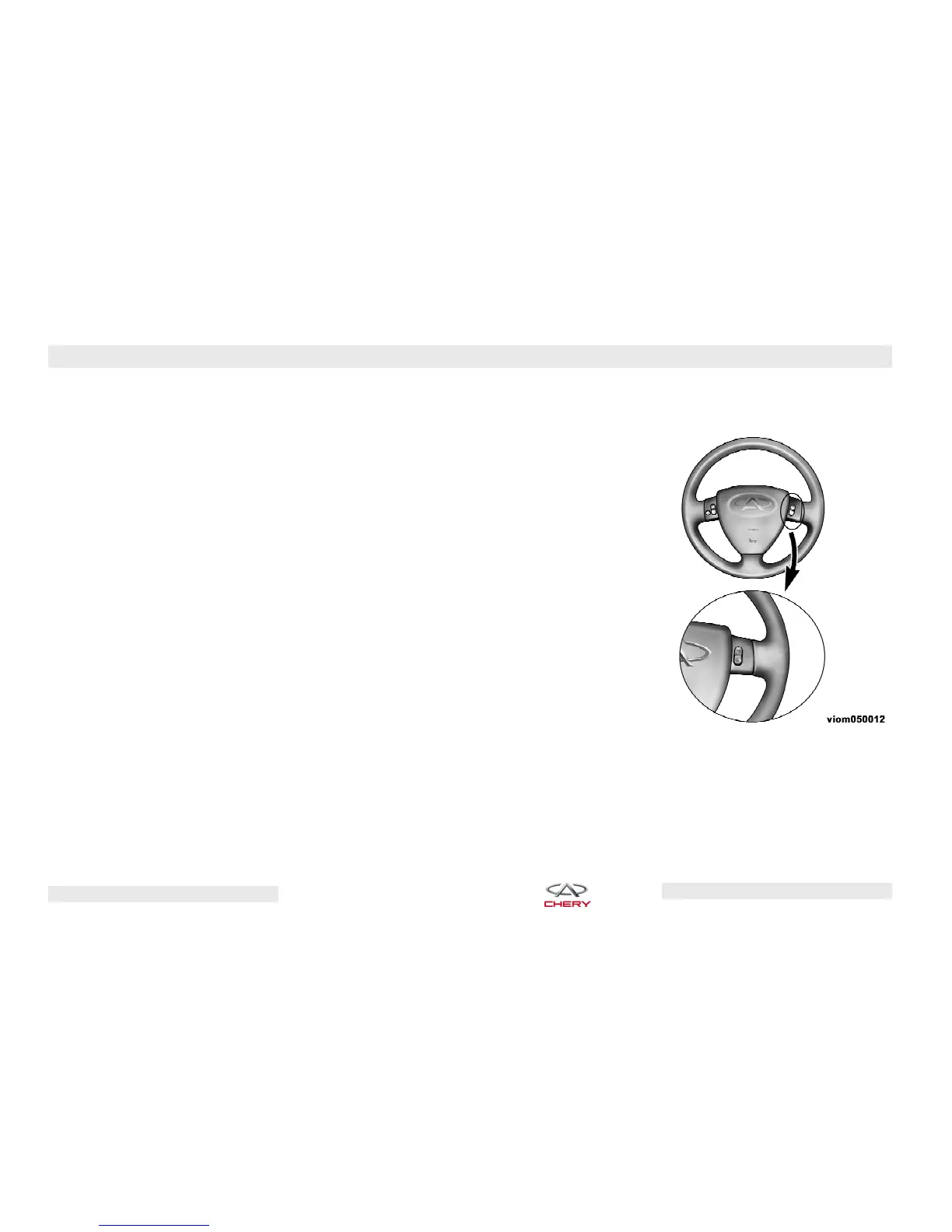
Remote Audio System Controls
(If Equipped)
The remote audio system controls are
located on the surface of the steering
wheel.
Right-Hand Switch Functions for
Radio Operation (If Equipped)
• Press the ⬙BAND⬙ button to select a
different frequency (Tuner).
• Press the ⬙SRC⬙ button to change
modes (i.e., AM, FM, CD, etc.).
Remote Audio System Controls -
Right-Hand Switches
88 – YOUR INSTRUMENT PANEL
Chery Automobile Co., Ltd.



 To Next Page