Infotainment System 37
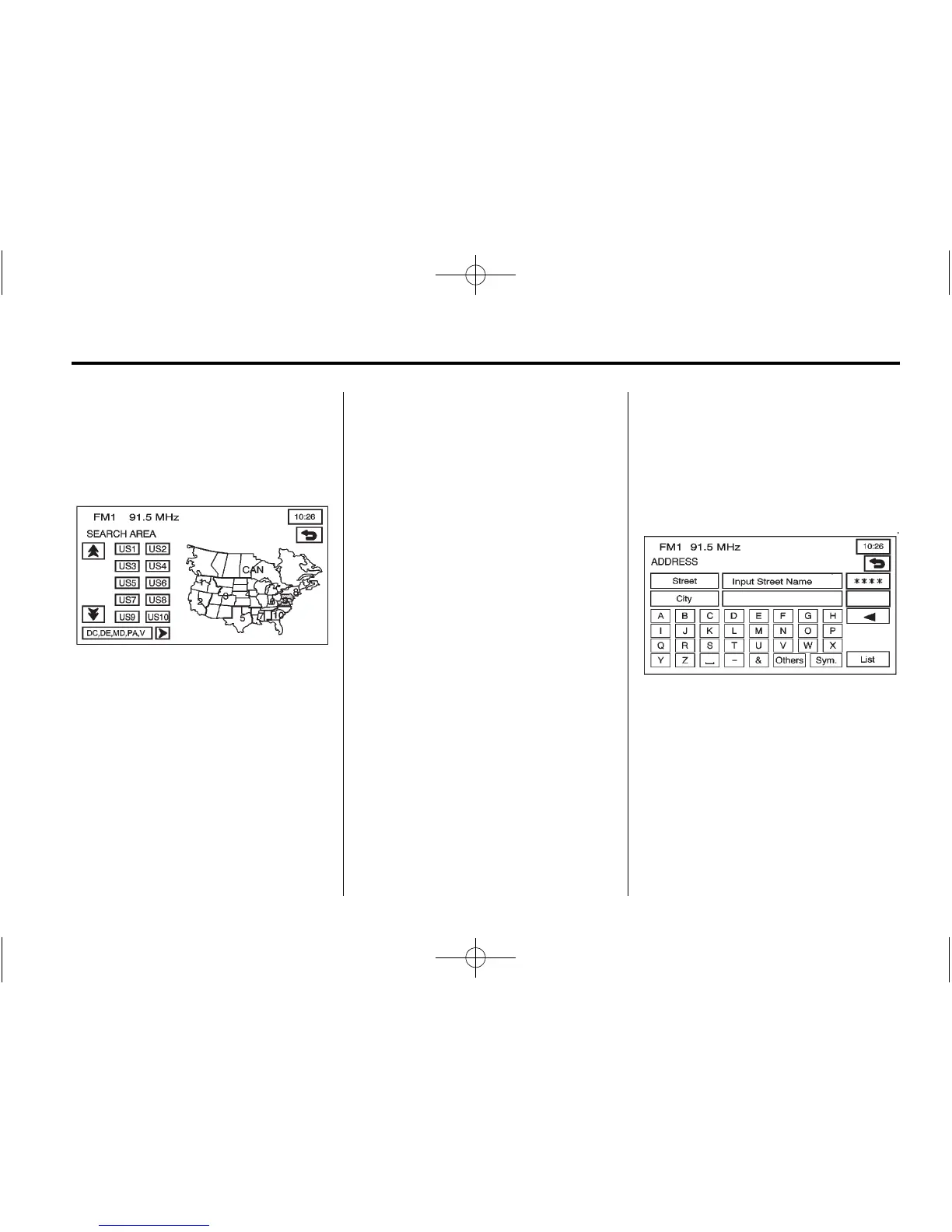
Before selecting a destination entry
method, review the search area
map to make sure your destination
is located in the highlighted region.
1. Press Region from the ENTER
DESTINATION screen to see
a list of states included in the
highlighted region, or to change
the region. The SEARCH AREA
screen displays.
2. Press the numbered screen
button to the left of the search
area map that corresponds with
the numbered region you wish to
select or to view a list of states
included in that region.
3. Press the down arrow to the left
of the search area map to select
CAN (Canada). Once the region
has been selected, the region is
highlighted on the map.
4. Press
4 to return to the
ENTER DESTINATION screen.
Address
The address destination entry
method lets you enter an address
by providing the system with a
street name or city.
2 (Address): Press to access
the ADDRESS screen. Enter the
address one of two ways: street first
or city first.









 To Next Page