42 Infotainment System
3. A list of POIs appear using
the information from the alpha
keypad input. A list of available
POIs display when there are
less than five POIs available.
Press the List screen button
at any time to view the list of
available POIs.
4. Select the desired POI from
the list.
A map screen appears with the
destination marked.
5. Press
h.
6. Press the Guide screen button.
See “Getting Started on Your
Route” in this section for more
information.
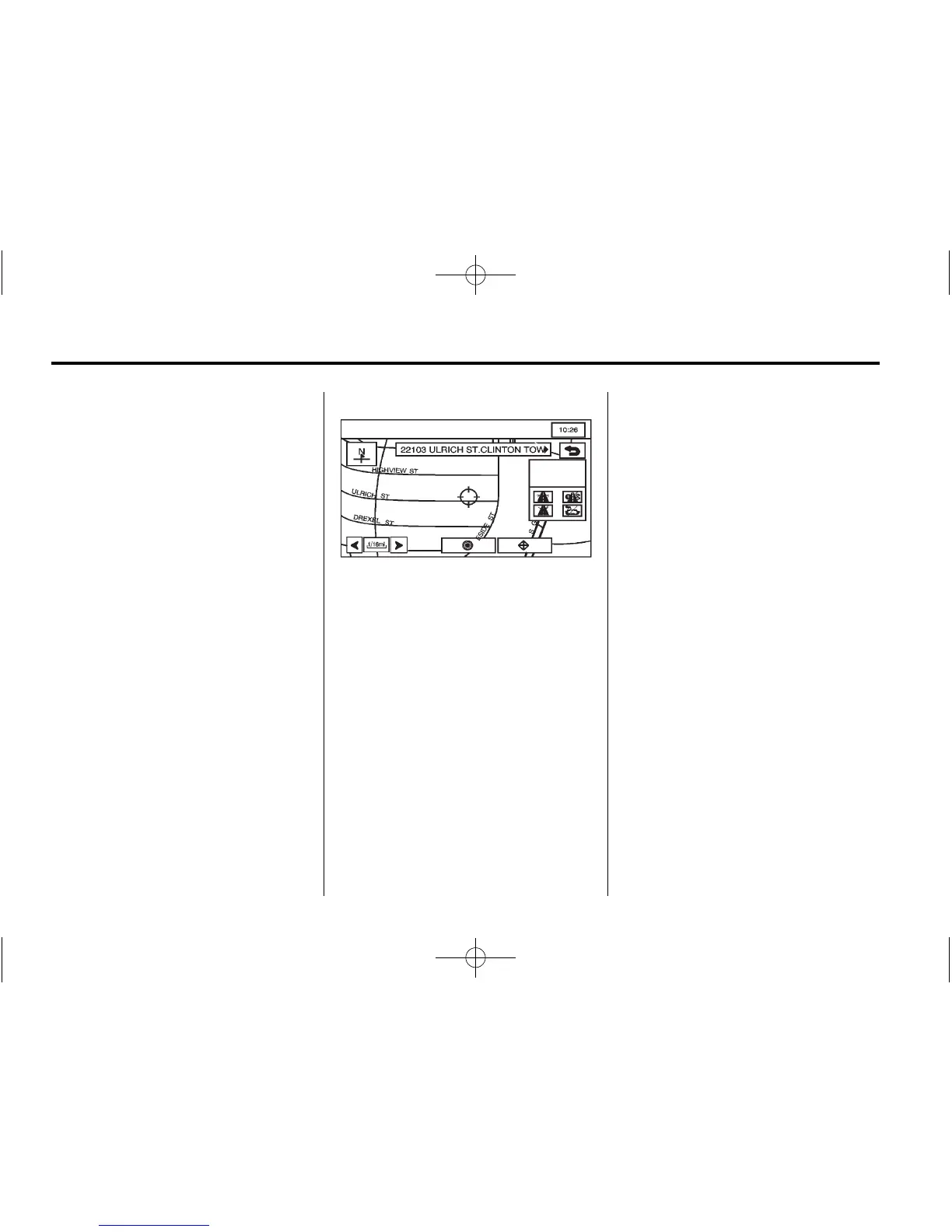
Map
The map destination entry method
lets you select a destination by
scrolling on the map.
I (Select from Map): Press
this button from the ENTER
DESTINATION screen to enter
the map destination entry method,
then do the following:
1. Press the map for the desired
area of the destination.
2. Use the zoom in/out function
to view the direction of the
desired area.
3. Pressing/holding and dragging
on the map activates fast
scrolling. Press once on the
area where the current position
mark should be moved.
Once the scroll symbol is on the
location, the address information
displays on the map screen.
4. Press
h.
5. Press the Guide screen button.
See “Getting Started on Your
Route” in this section for more
information.









 To Next Page