50 Infotainment System
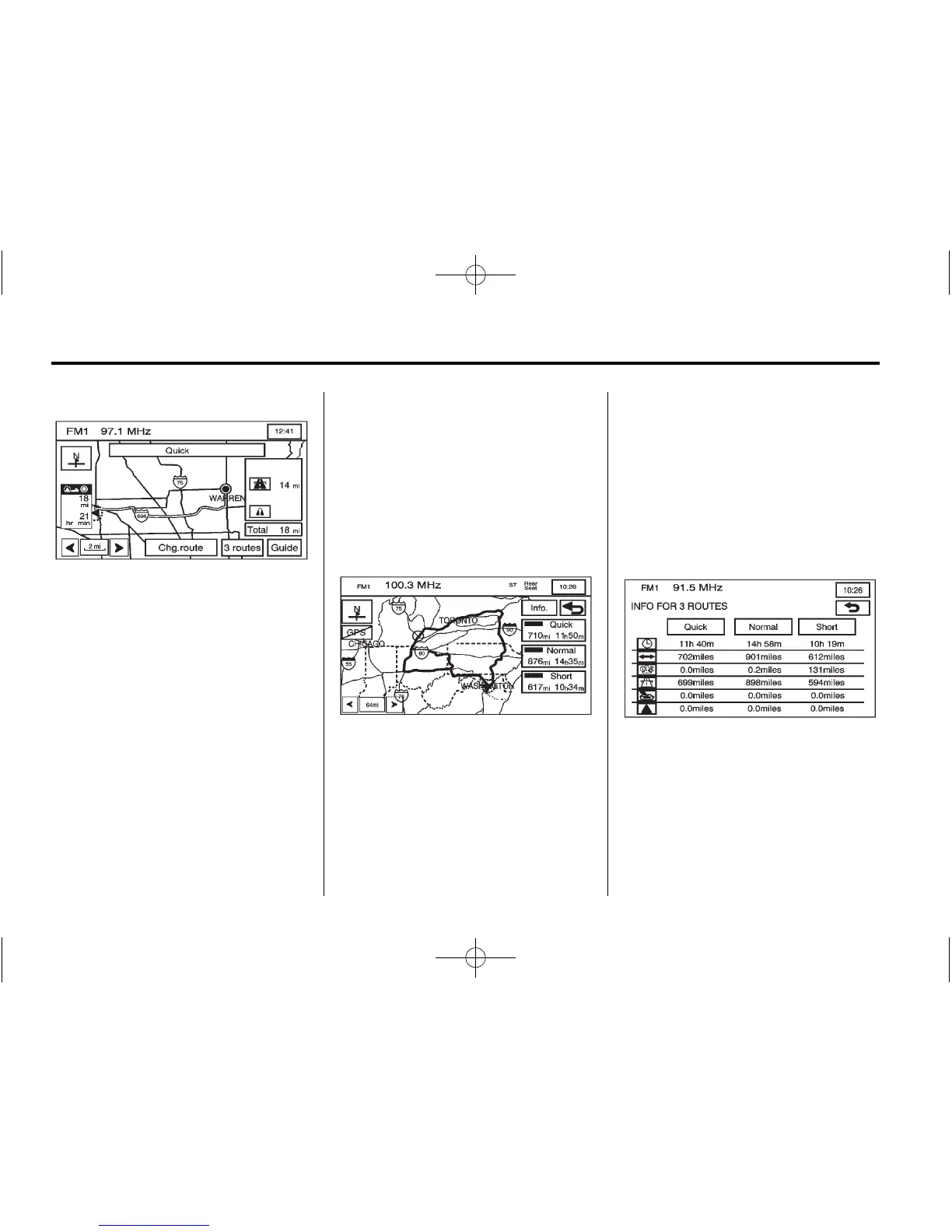
Chg. (Change) route: Press
to go to the Route Options menu.
See Route Options on page 67 for
more information.
Guide: Press to start route and
voice prompt guidance.
Three Routes:
This screen gives the option of
selecting three different routes
to get you to your destinations.
To use the 3 routes option:
1. Press the 3 routes button on the
map screen.
The system calculates up
to three different versions
of your current route in
three different choices:
Quick, Normal, and Short.
The routes are shown with
distance to destination and
estimated travel time, or select
the Info screen button to access
the INFO FOR 3 ROUTES
screen. From this screen,
you can view the following
information:
.
G (Estimated Travel
Time) — Shows the route's
estimated time of travel.









 To Next Page