Infotainment system 147
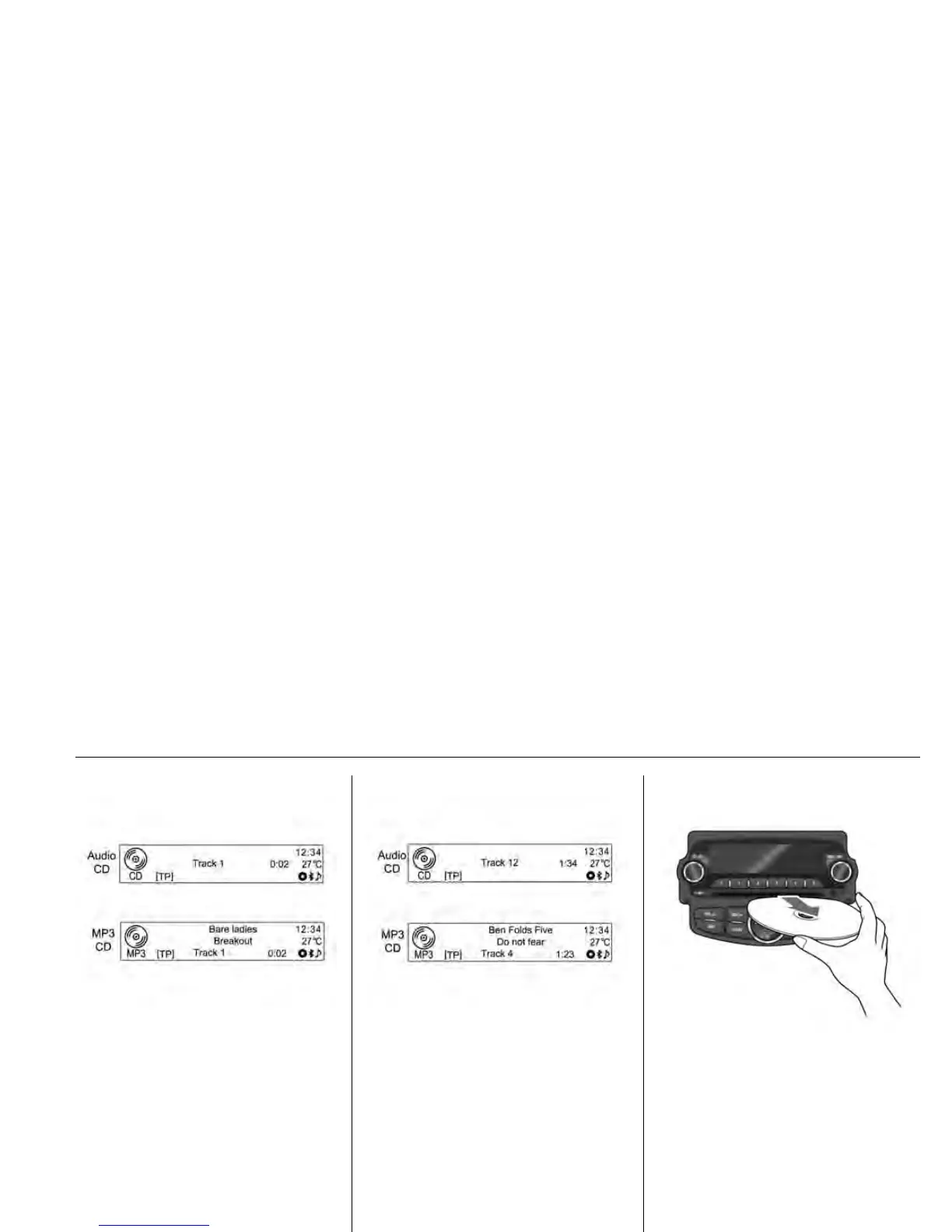
• Once the reading of disc
information is completed, it will
automatically play from track 1.
• When a non-readable disc is
inserted, he disc will
automatically be ejected with the
display of a disc error message,
and then the system will switch to
the previously used function or
the FM radio.
When a disc to be played is already
inserted, repeatedly press CD/AUX
button to select CD/MP3 play.
• If there is no disc to be played,
"No Disc Inserted" will be
displayed on the screen and the
function will not be selected.
• The track that was previously
played will automatically play.
Eject disc
To eject disc, press the EJECT
button to take out the disc.
• When the disc comes out, it
automatically switches to the
previously used function or the
FM radio.
• The disc will automatically be
inserted back again if it is not
taken out for some time.











 To Next Page