148 Infotainment system
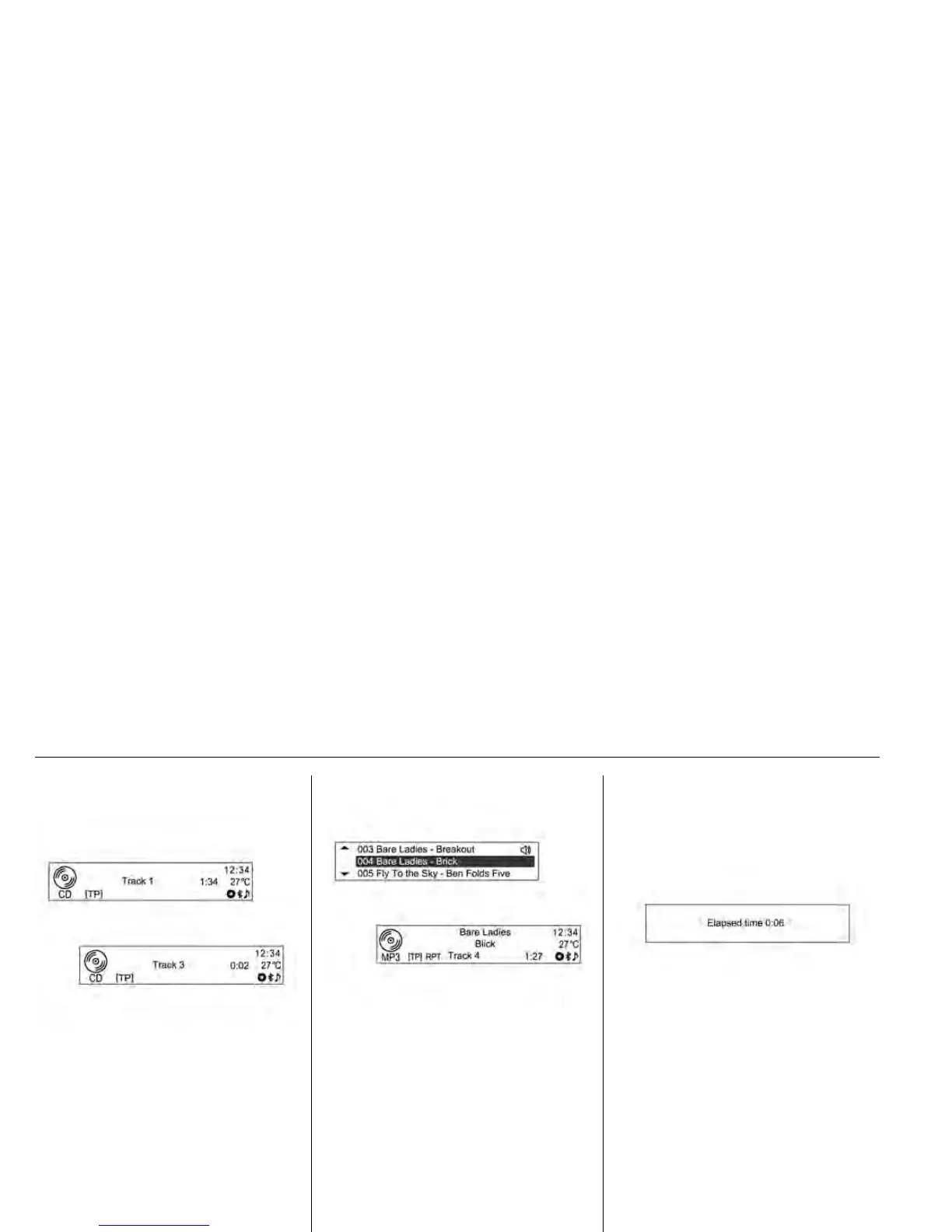
Changing playing track
Press the tSEEKu buttons in play
mode to play the previous or next
track.
• Using the steering wheel remote
control knob, tracks can be easily
changed by turning the Source
[_SRC^] control knob.
Or turn the MENU-TUNE control
knob to move to the play track list,
and then press MENU-TUNE button
to instantly change it.
Changing playing position
Hold down the tSEEKu buttons
during play mode to rewind or
fast-forward through the song.
Release the button to resume
playing the song at normal speed.
• The volume is slightly reduced
during rewinding and
fast-forwarding, and the playing
time will be displayed.














 To Next Page